EN-78 EXPLORER BALANCES
4.11.3 Peak Hold – Manual
For manual start and reset, choose Manual mode.
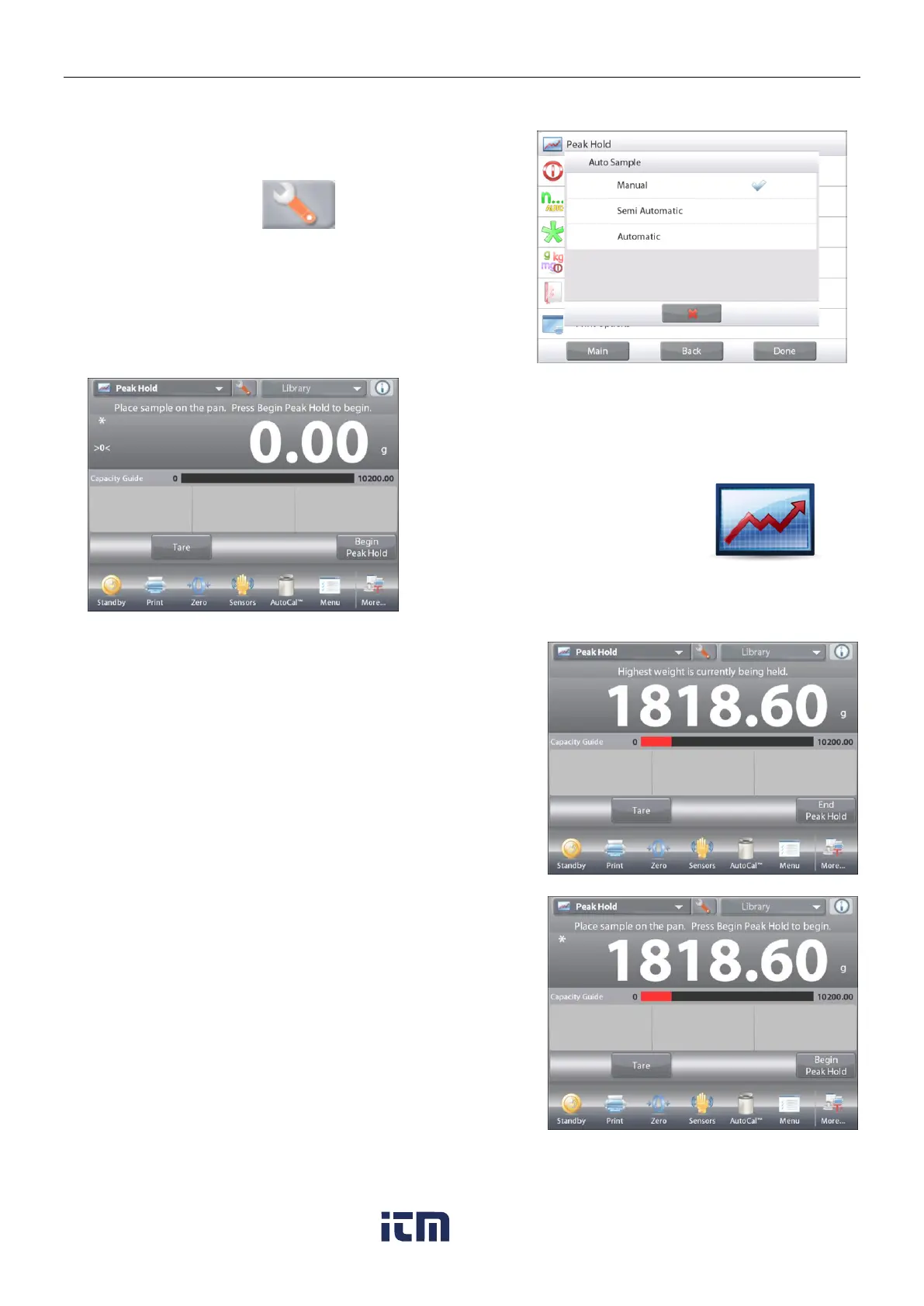
To enable this feature, enter the Peak Hold Setup menu:
Change the mode to Manual.
The PEAK HOLD – Manual Home screen
Main Display Line
Second Display Line
Reference Fields
Application Buttons
Functions Application Icon
Follow the screen instructions: Place item on the pan.
Press
Begin Peak Hold
to begin the capture process.
The following screen appears:
The highest stable weight reading is held indefinitely.
Press
End Peak Hold
then clear the pan to reset the display
and re-start the process.
w ww . . co m
information@itm.com1.800.561.8187













 To Next Page