EXPLORER BALANCES EN-79
4.11.4 Peak Hold – Automatic
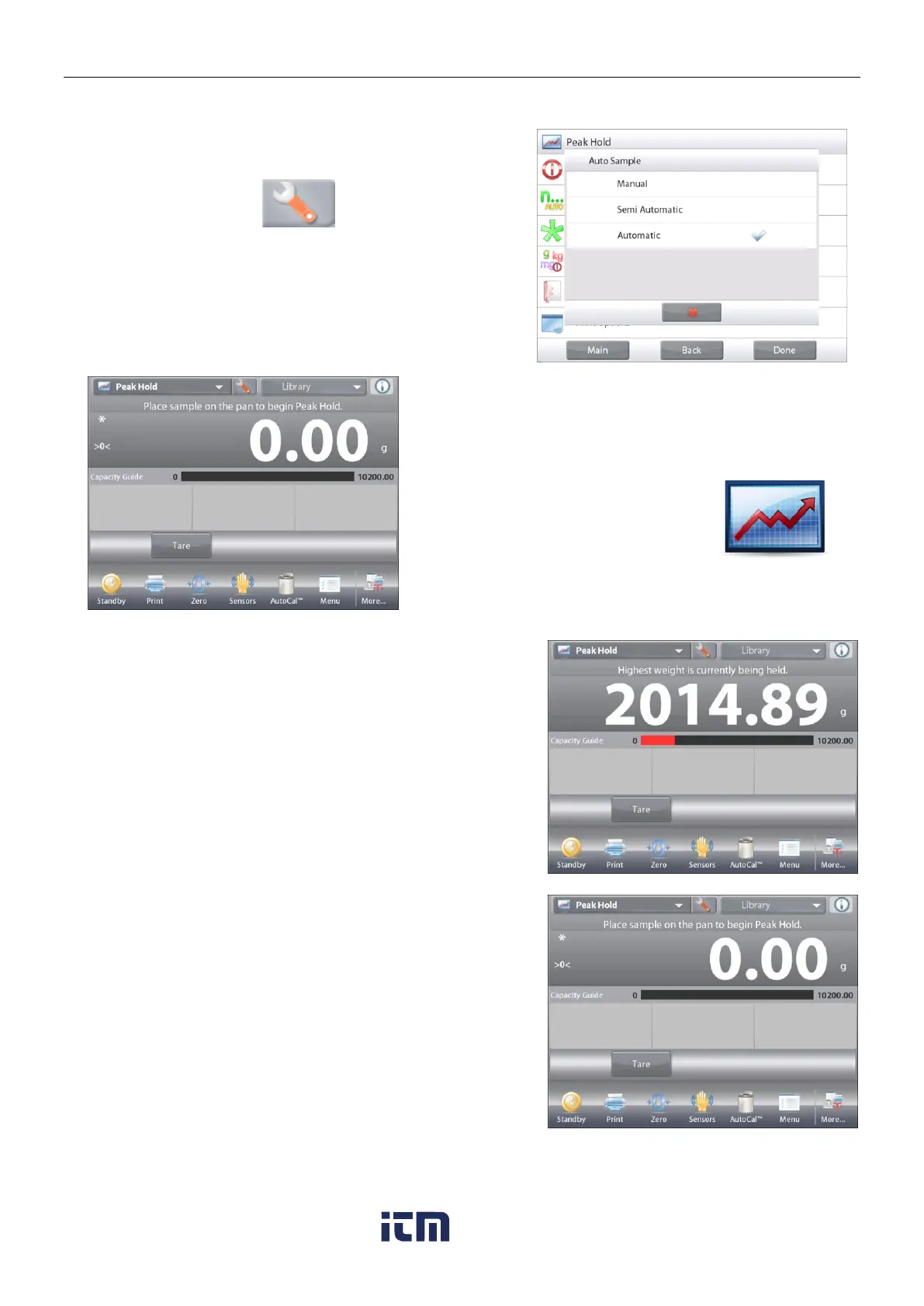
For automatic start and reset, choose Automatic mode.
To enable this feature, enter the Peak Hold Setup menu.
Change the mode to Automatic.
The HIGH POINT – Auto Home screen
Main Display Line
Second Display Line
Reference Fields
Application Buttons
Functions Application Icon
Place item on the pan. The capture process starts automatically.
The highest stable weight reading is held until the weight is
removed.
The process starts automatically once the weight is removed
from the pan (
after 10 second delay
).
w ww . . co m
information@itm.com1.800.561.8187













 To Next Page