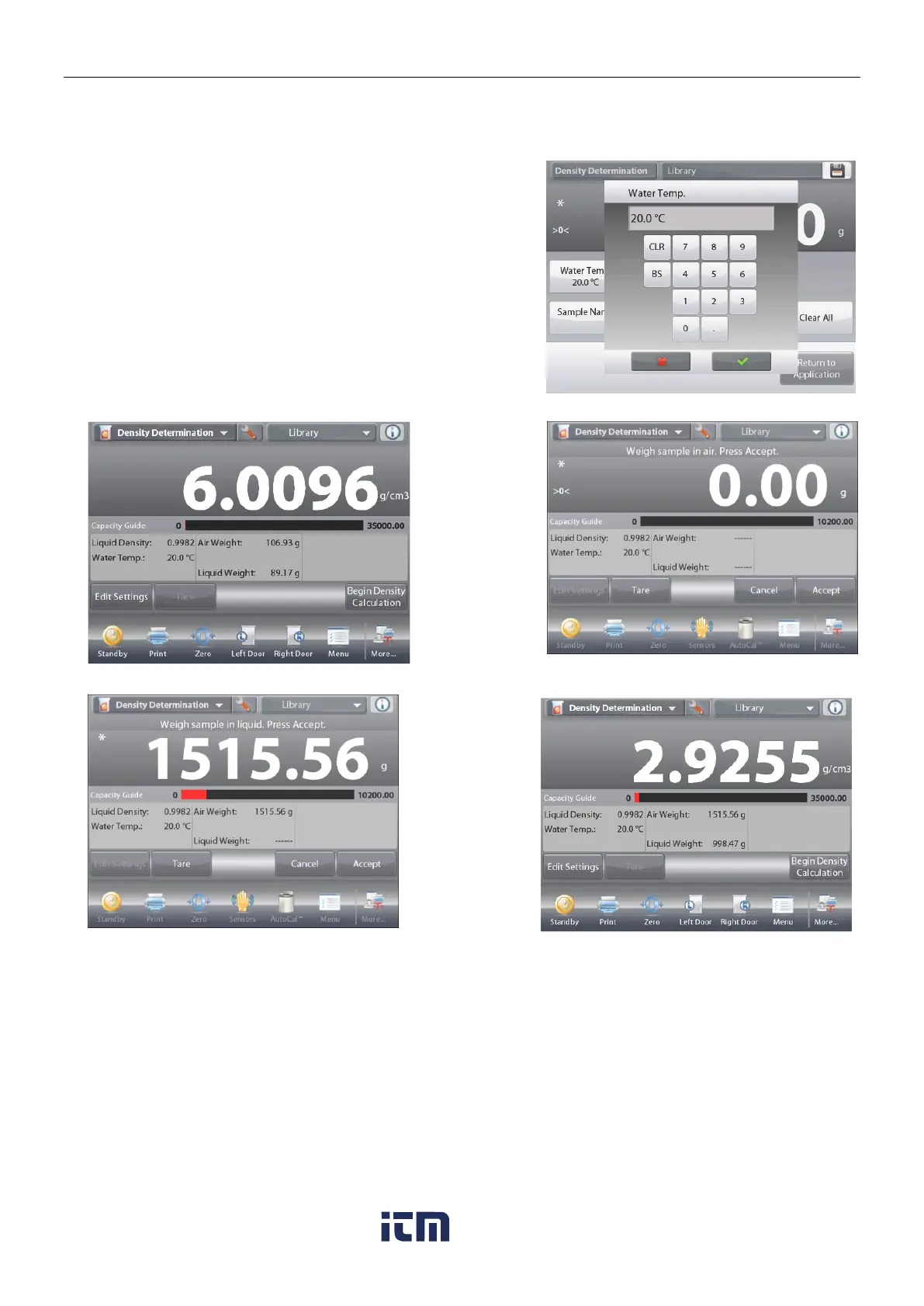
A numeric input window appears.
Enter the actual water temperature, then press Done.
The display returns to the previous screen with the new value
highlighted.
To return to the Density Determination home screen,
touch Return to Application.
To begin the Density Determination process,
press
Begin Density Determination
.
(See below.)
Once the necessary weights have been determined, the density of the sample is displayed in g/cm
3
(along with the weight in air, weight in water) on the Application screen.
Press
Begin Density Determination
to reset all the weight values and restart the process.













 To Next Page