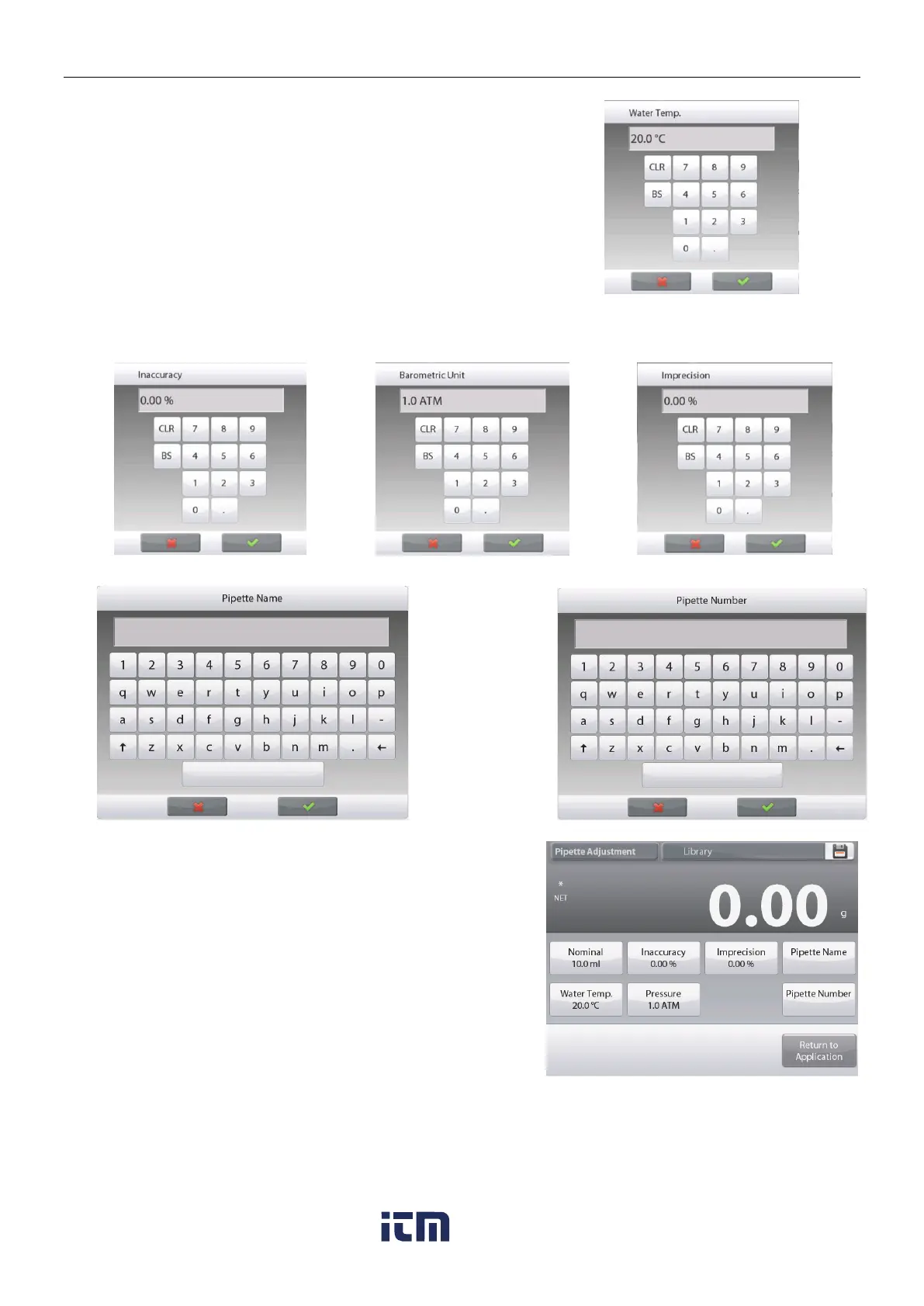
To adjust the water temperature, touch the Water Temp button.
The balance calculates water density based on the water
temperature value entered. Measure the actual water
temperature using a precision thermometer.
A numeric input window is displayed.
Key in the desired temperature, then press .
The display returns to the previous screen with the new value
highlighted.
Continue to enter the required information
following the above procedure:
Pipette Inaccuracy, via the Inaccuracy button
Barometric Pressure, via the Barometric Pressure button
Pipette Imprecision, via the Imprecision button
Pipette Name, via the Pipette Name button
Pipette Number
, via the
Pipette number
button
When finished, press Return to Application.
The Application home screen appears, and you can begin the
Pipette Adjustment process.
w ww . . co m
information@itm.com1.800.561.8187













 To Next Page