Connect+® Series Operator Guide
Connect+® 3000 Systems
1.
Lift the feed cover.
2.
Pull up on the top release lever.
3. Use the blue notch to pull on and open the moistener deck.
4.
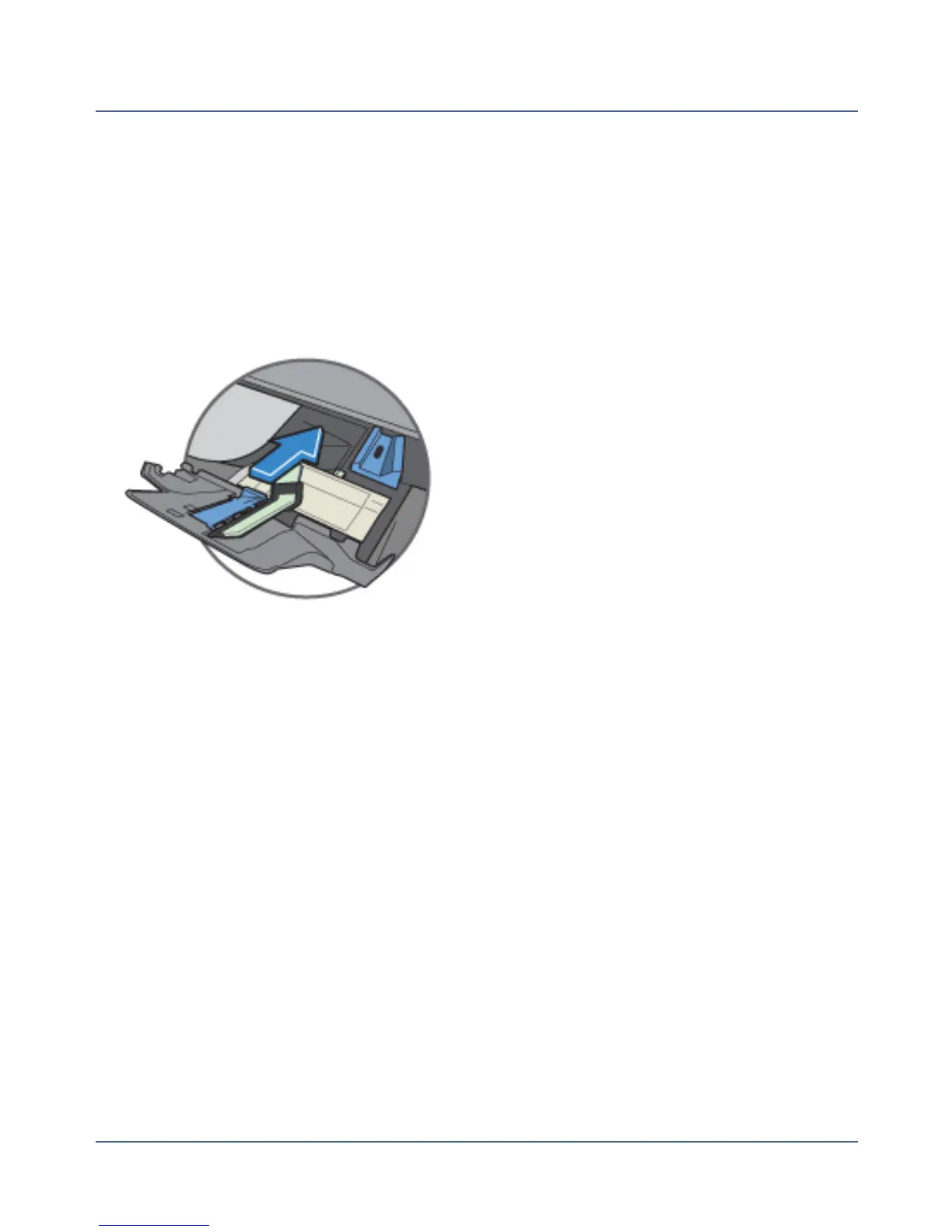
Grasp the moistener pad assembly and slide out and away from you.
5. Clean the moistening pad by running the pad under water.
6.
Replace the existing clean moistener pad assembly, or install a new one by sliding the
assembly back on its track until it snaps into position.
7. Push the moistener deck back into place.
8. Push down on the top release lever until it snaps into place.
9. Close the feed cover and select OK.
Adjusting the Wetness of the Sealer
You can adjust the wetness setting to increase or decrease the amount of sealant that is
applied to the envelope. When you adjust this setting via the Settings application, you are
setting the default for the system.
If adjust the wetness while changing the sealing method on the Run Mail screen, you are cus-
tomizing the wetness setting for a specific job.
186
SV62250 Rev. G











 To Next Page