Chapter 10
2.
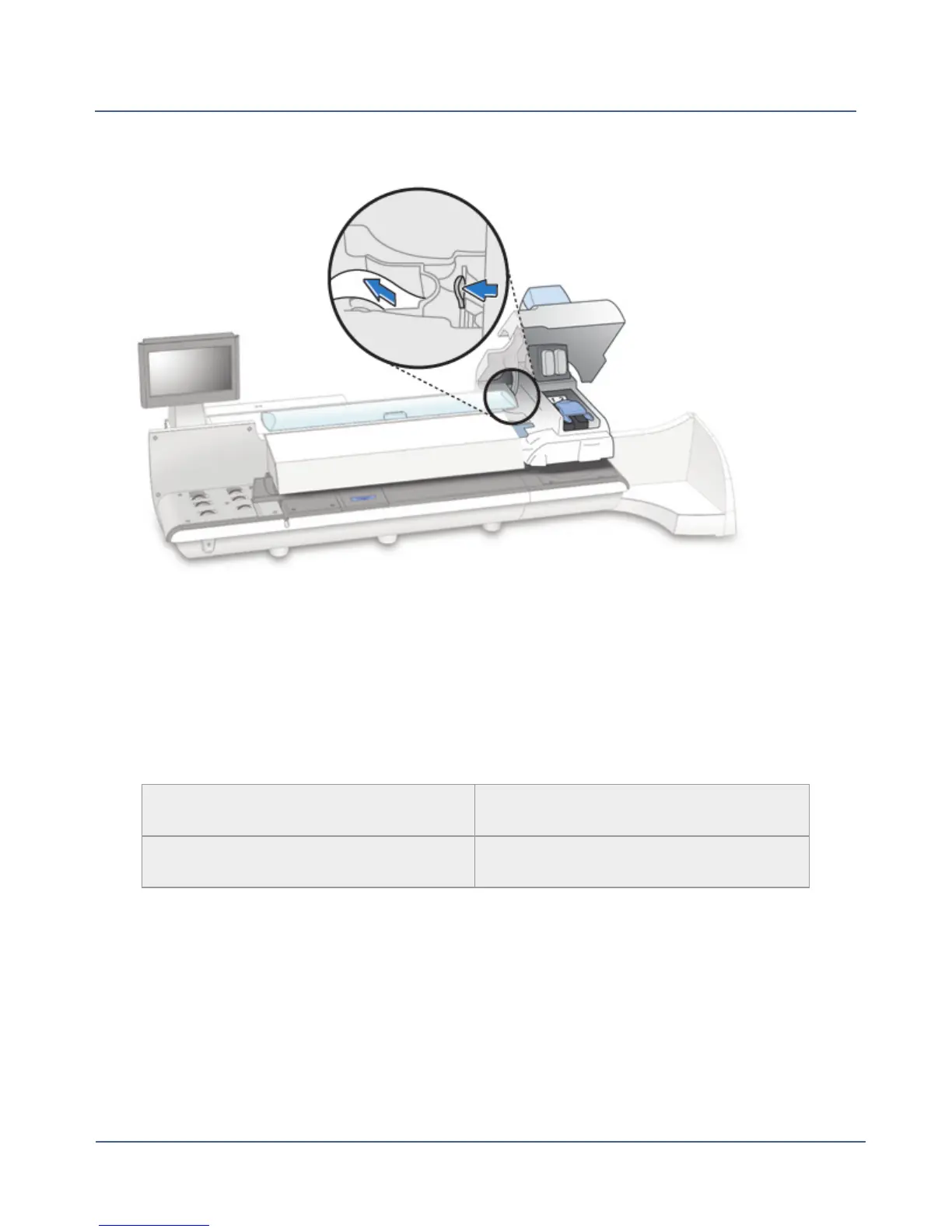
Press the blue tape lever to the left and remove the stopped tape.
3. Close the printer cover.
4. Select Resume printing to continue printing tapes.
Troubleshooting: Printing
Description: No postage is printing.
Possible Cause Solution
You are running a seal only job. Select a different job.
Description: Indicia is printing out of alignment (at an angle on the envelope).
220
SV62250 Rev. G











 To Next Page