Connect+® Series Operator Guide
Run Mail Screen Icons and Buttons
Button, Icon, or Link Touching or Selecting:
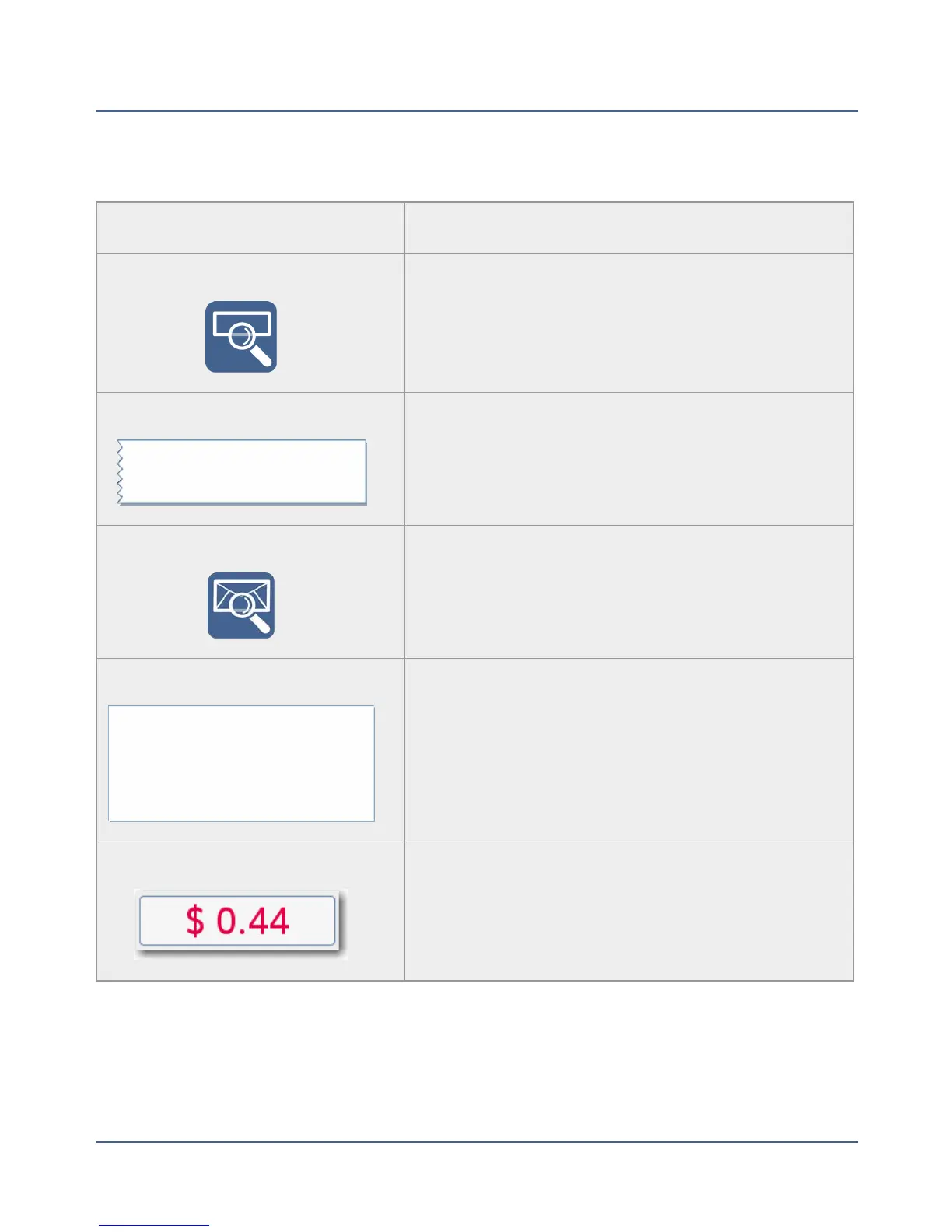
Tape Preview Icon Displays a preview of the tape to be printed.
Tape Preview Image Opens the Edit Envelope screen allowing you to
make changes to your envelope.
Envelope Preview Icon Displays a preview of the envelope to be printed.
Envelope Preview Image Opens the Edit Envelope screen allowing you to
make changes to your envelope.
Postage Amount Image Opens the Key in Postage dialog screen.
50
SV62250 Rev. G











 To Next Page