Connect+® Series Operator Guide
Possible Cause Solution
Tape moistener brush is dry due to
air block in tubing.
Remove the tape sealant bottle and
re-install. Repeat as necessary
until tape moistener brush
becomes wet.
Description: Tape button is not available on the Run Mail screen.
Possible Cause Solution
You have selected a mode (such
as WEIGH-ON-THE-WAY® (W-O-
W®)mode) that requires mail be
fed though the mailing system.
Change the weighing method.
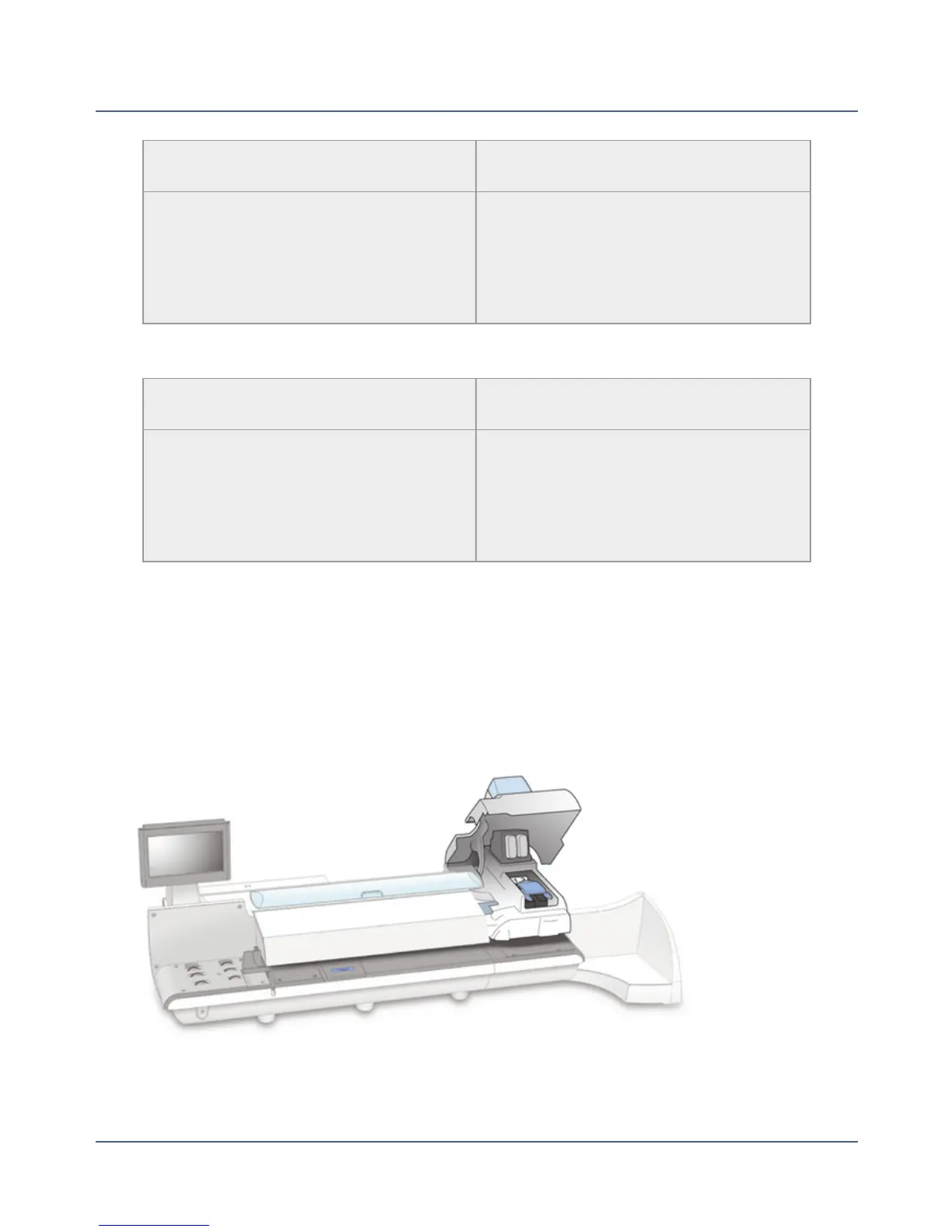
Clearing a Tape Stoppage
Tape stoppages can occur while the tape is feeding from the feeder area to the printer area
of your mailing system. When an tape stoppage occurs, an error message will display.
1.
Lift the printer cover.
219
SV62250 Rev. G











 To Next Page