Chapter 9
6.
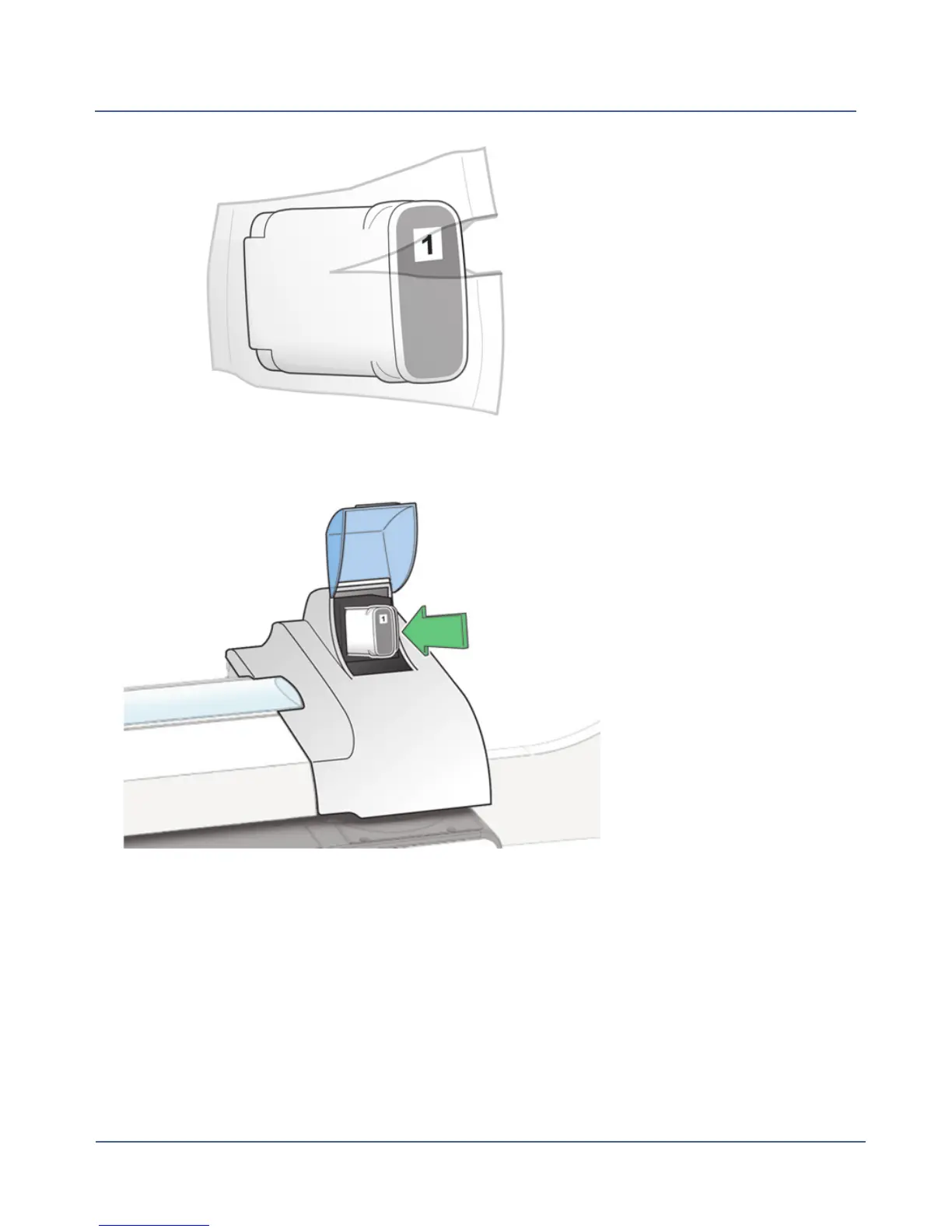
Hold the ink cartridge with the label facing upright and push into place.
7. Close the ink cartridge cover.
8. Select Print test sample to verify that you have installed the ink cartridge correctly.
9. Check the test sample. If the lines are solid and unbroken, the sample is acceptable.
Select Image is OK - Done.
193
SV62250 Rev. G











 To Next Page