Connect+® Series Operator Guide
NOTE: Depending on how badly the envelope is damaged, you may need to replace it.
3. Make sure the W-O-W® deck is clear and the release lever is down.
4. Close the feed cover.
5. Select Resume printing to continue processing mail.
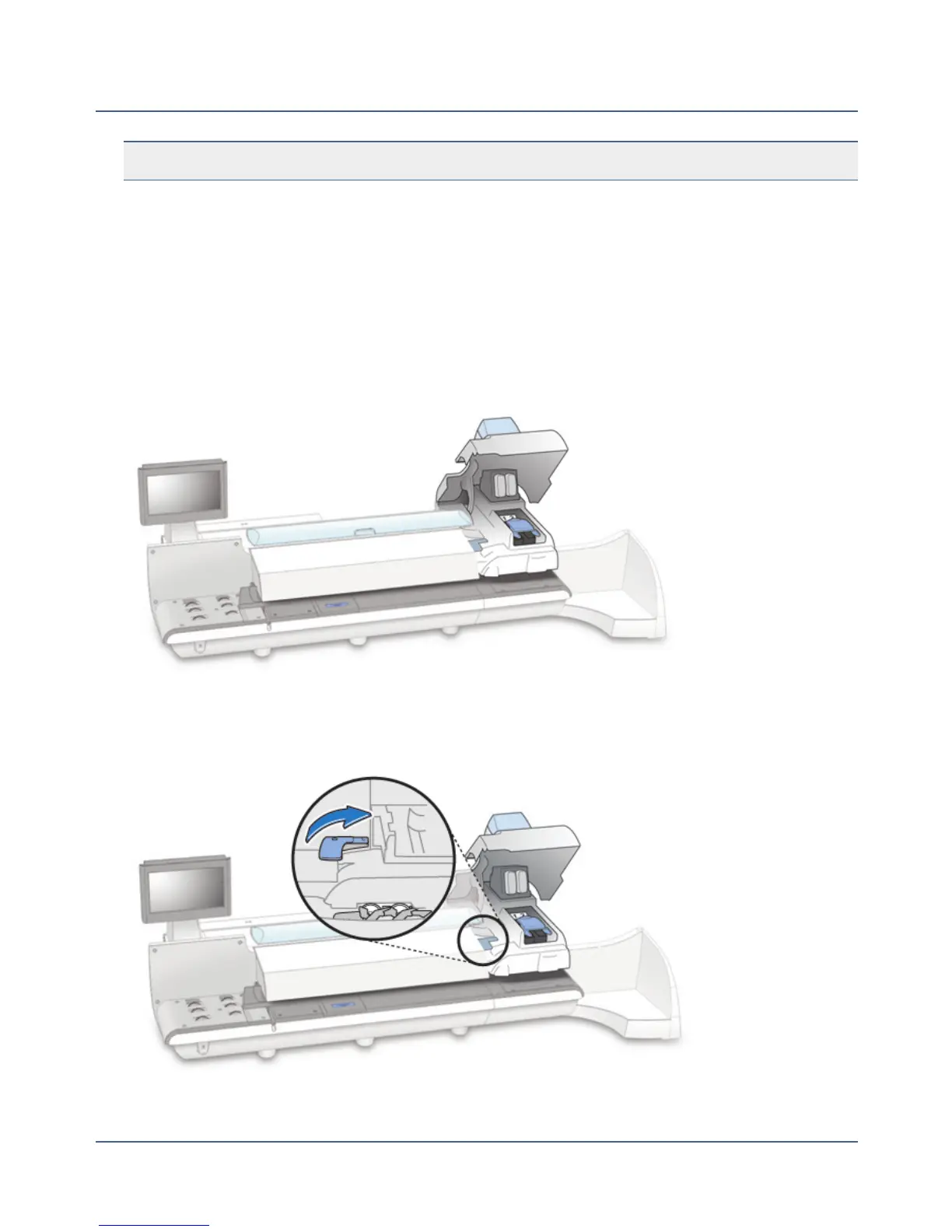
Clearing an Envelope Stoppage in the Printer Area
1.
Open the printer cover.
2.
Lift up on the printer transport release lever and remove the envelope.
215
SV62250 Rev. G











 To Next Page