Connect+® Series Operator Guide
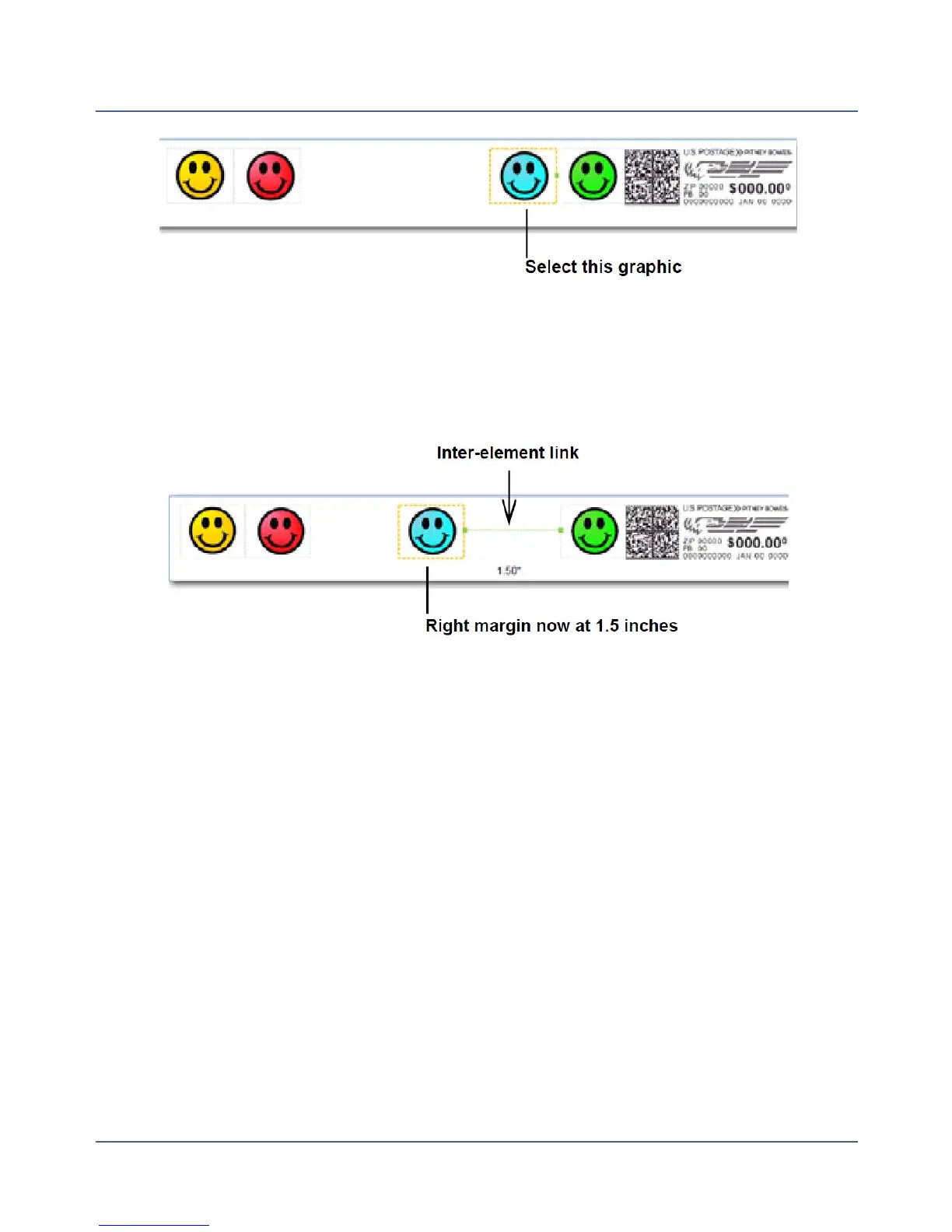
3. You can move the graphic to the left either by tapping the Margin button and entering the
the distance, or by tapping the left position button - a single tap moves the image 0.1 inch.
Press and hold for more than 2 seconds and the distance increments 0.5 inch every addi-
tional second. If you exceed the allowable distance, the green inter-element link turns
from green to red.
4. The graphics within a group (right-justified or left-justified) are connected to one another
so that moving one also affects the other. In the example below, moving the right justified
green graphic also moves the blue graphic since they are both right justified (note that
this has no affect on the left justified yellow and red graphics).
74
SV62250 Rev. G











 To Next Page