Incorrect IP Address Chapter 4
WinLink 1000 User Manual Release 1.9.40 4-7
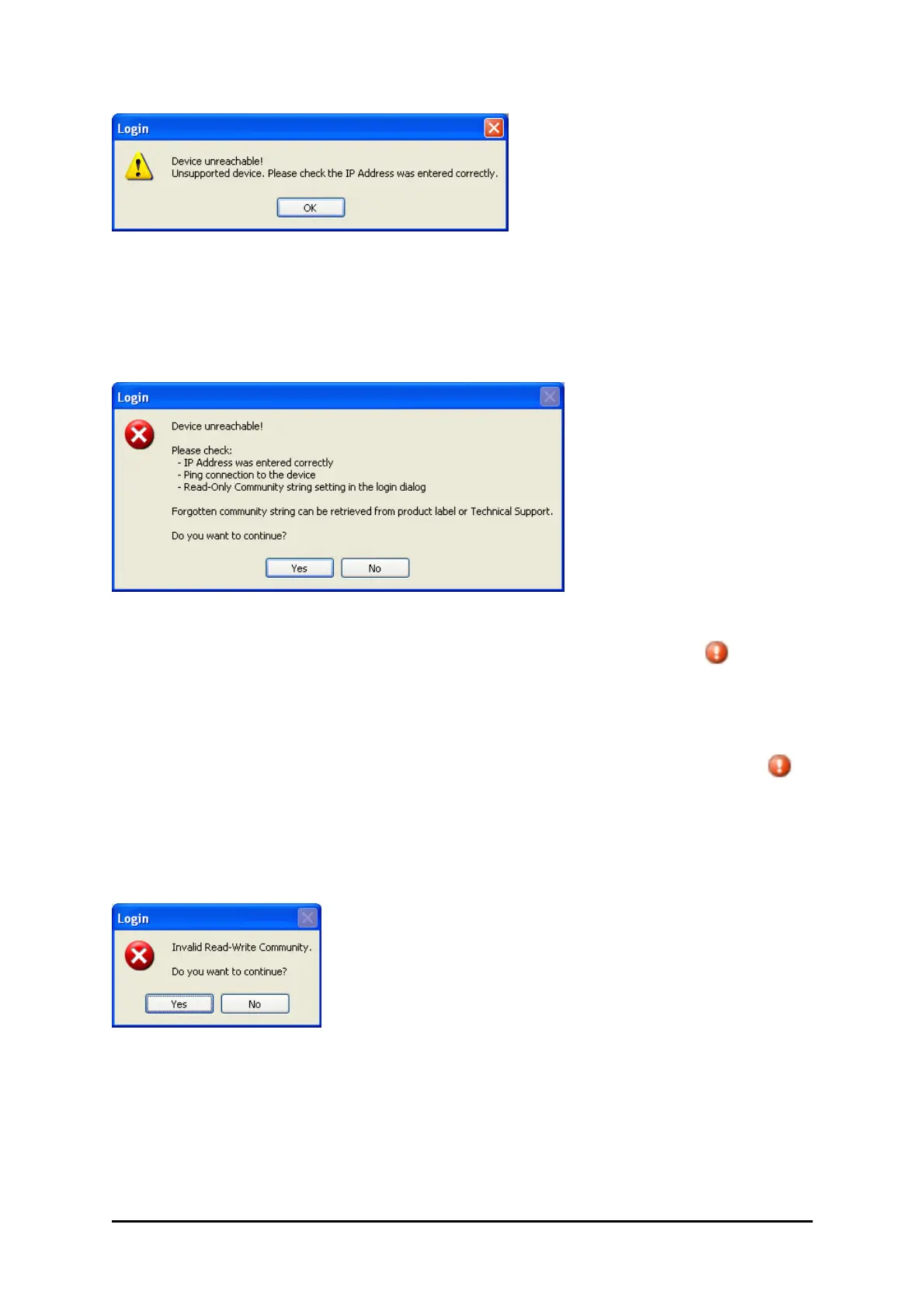
Figure 4-6: Unsupported device message
Incorrect IP Address
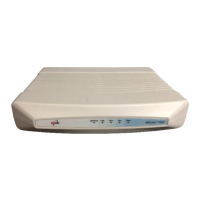
If the IP address chosen is invalid or the link is unreachable, the following error message will
be displayed:
Figure 4-7: Unreachable device message
In both of the above situations, if you click No, you will see a warning graphic alongside
the IP Address field.
Incorrect Password
If you type an incorrect password in the Login window, you will see a warning graphic
alongside the password field.
Invalid Read/Write Community String
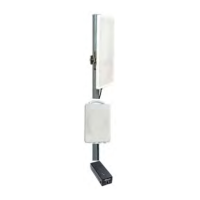
This will result in the following message:
Figure 4-8: Invalid Community String message
Logging in to the Over-the-Air Site
You can log on to the over-the-air site of an established link (Site B in our example). However,
you will be first offered the following caution:


 To Next Page