Documenting Results
R&S
®
RTC1000
95User Manual 1335.7352.02 ─ 02
can be helpful to refer to the configuration settings of a particular measurement when
analyzing the results. Therefore, you can easily save the complete measurement con-
figuration.
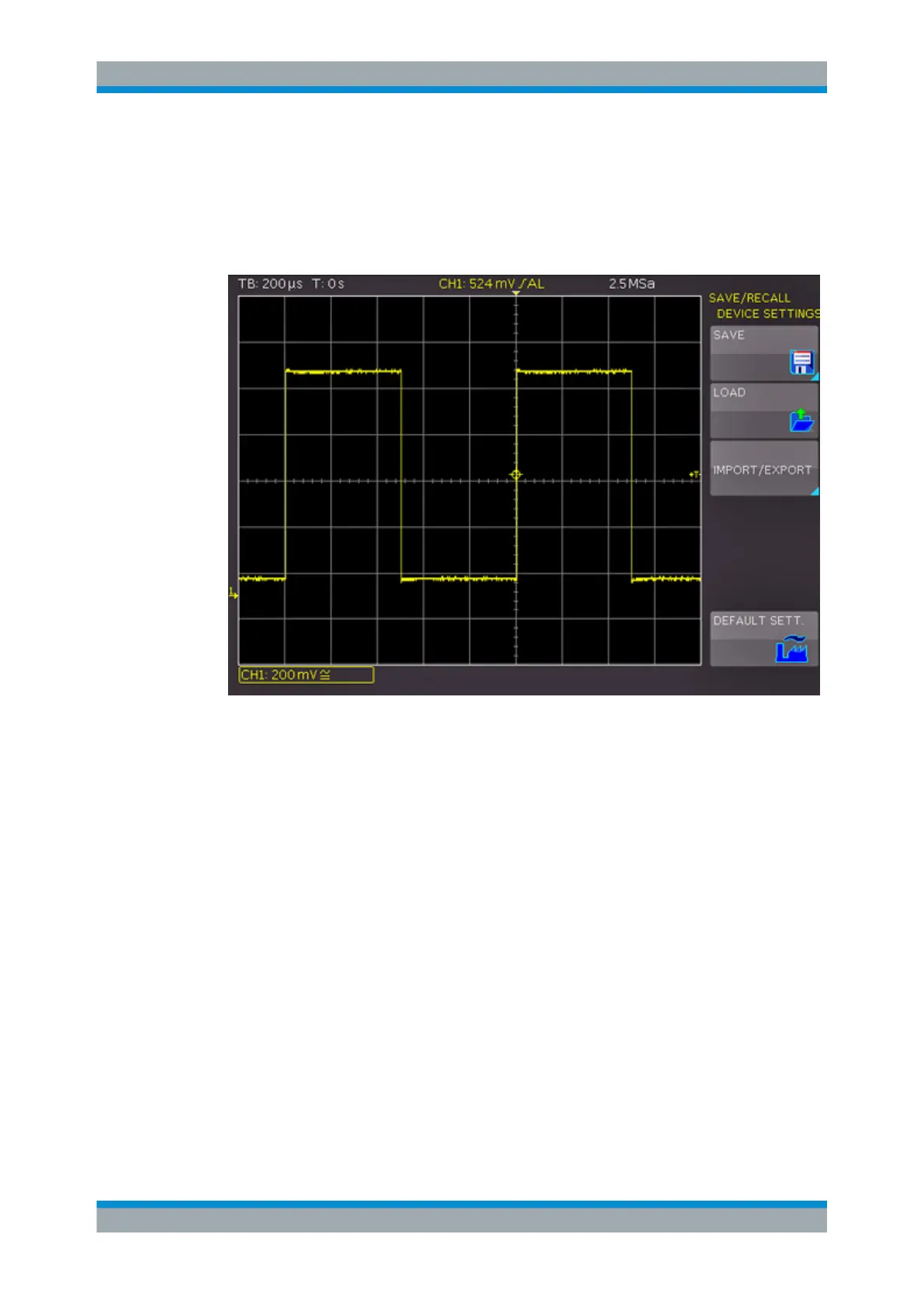
The softkey "DEVICE SETTINGS" allows you to save current instrument settings, load
saved settings and import or export instrument settings to USB flash drive.
Figure 8-1: SAVE/RECALL menu for instrument settings
To save current instrument settings
1. In the "SAVE/RECALL" > "DEVICE SETTINGS" menu, press the softkey "SAVE" to
open the "Save" menu.
Saving and Loading Instrument Settings



 To Next Page