Measurements
R&S
®
RTC1000
83User Manual 1335.7352.02 ─ 02
7 Measurements
There are several methods to measure on signals: quick view, cursor measurements
and automatic measurements. All measurements are stored in a buffer memory that is
larger than the display memory.
7.1 Quick View
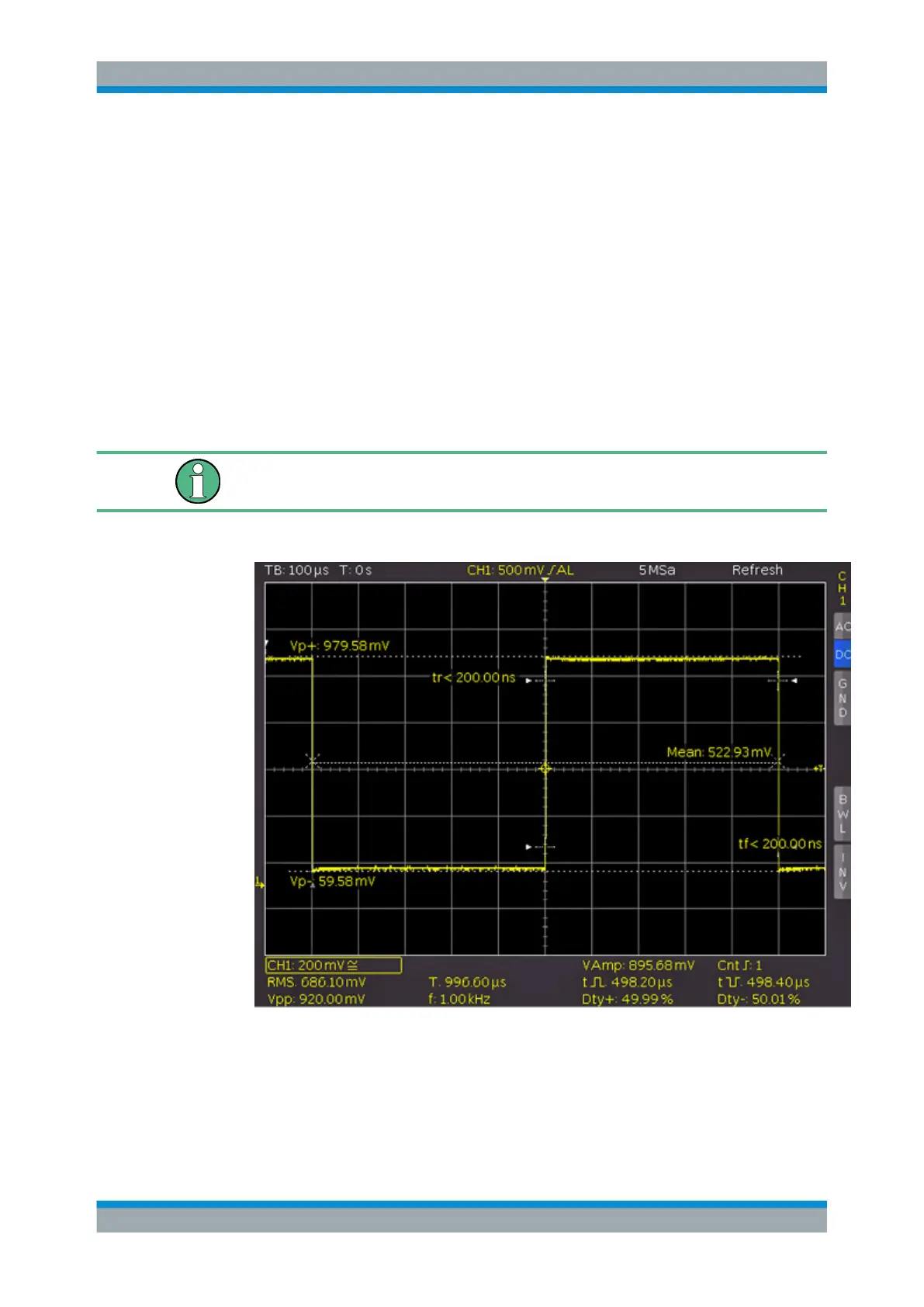
The quick view function provides a quick overview of the typical signal characteristics.
Measurement results are displayed at the bottom of the screen and with a cursor on
the signal.
Only one channel can be active in the Quick View mode. All measurements are per-
formed on the active channel.
1. Press the QUICK VIEW key in the Analysis section.
2. The following measurement values are displayed directly in the signal:
● Maximum voltage (V
p+
)
● Mean voltage (Mean)
● Minimum voltage (V
p-
)
● Rise time (t
r
)
Quick View



 To Next Page