SYNAX200 Set-Up SYNAX200 Ring 8-9
DOK-SYNAX*-SY*-07VRS**-PR01-EN-P
The causes could be:
• incorrectly set drive addresses
• incorrectly parametrized parameters C-0-0002 or C-0-0086
• incorrectly set transmission rates
• incorrectly set output power
• defective fibre-optics cable.
Use of Distortion Display
A distortion display (see Fig. 8-12: "H2", Fig. 8-13: "H3 ERR" or Fig. 8-14:
"H20") lights up in the following cases:
• incorrectly set transmission rate
• incorrectly set output power
• defective fibre-optics cable
If a distortion display does light up, then check:
The transmission rate must be checked at the PPC and the respective
drive (see Fig. 8-16, Fig. 8-17).
Output power must be checked at the PPC and the physical predecessors
of the relevant drive (see Fig. 8-16, Fig. 8-17).
Check the fibre-optics cable from the physical predecessor to the relevant
drive.
Setting the Transmission Rate
The transmission rate is set to 2 MBit/s. This is set at the time of delivery
for both PPC and the drives so that generally speaking nothing has to be
set here.
The transmission rate is set on the PPC in parameter "SERCOS interface
- configuration" (C-0-0038). The contents of this parameter must equal
’0000000000000000’.
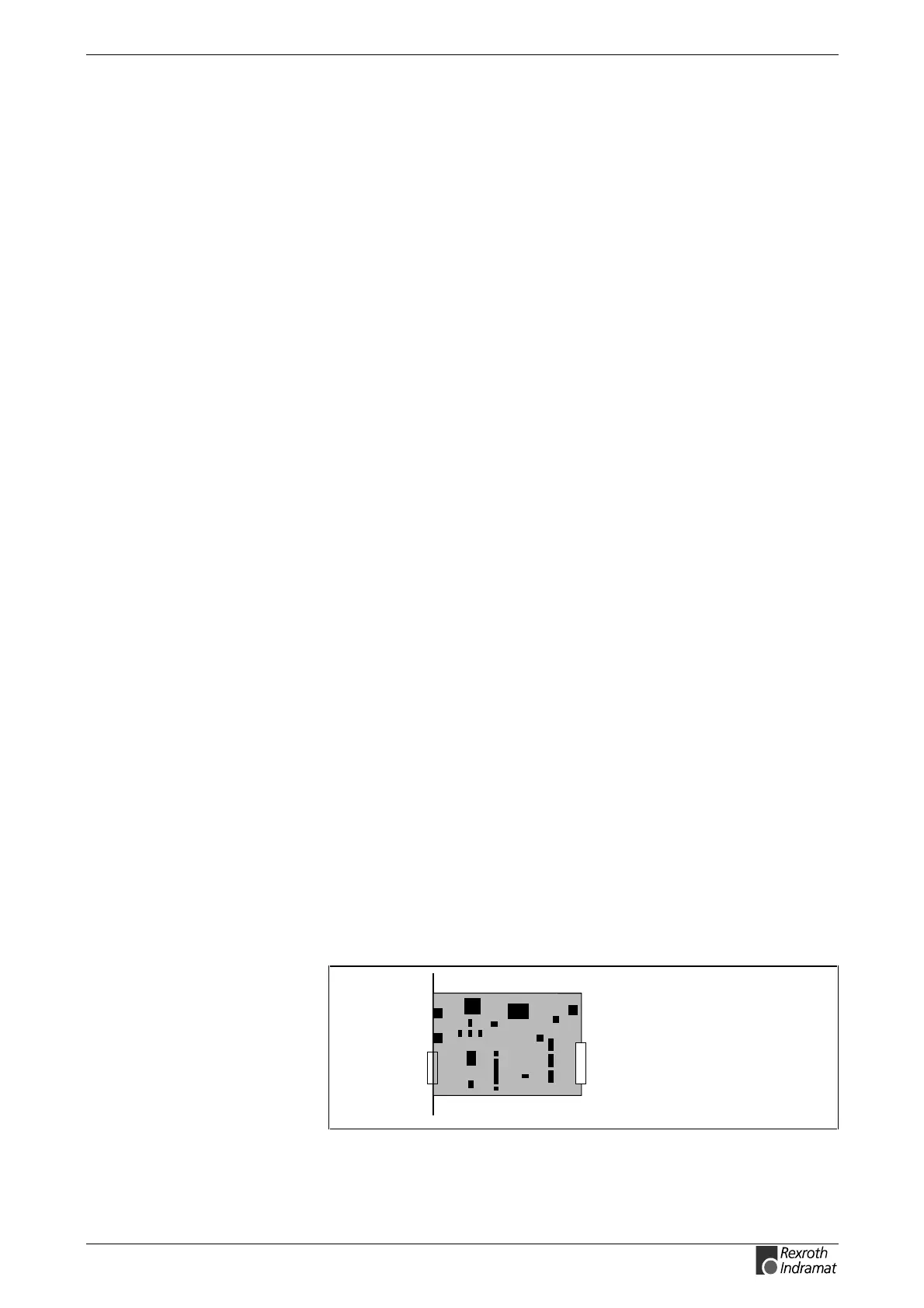
The transmission rate is set with help of switch S4 on the communications
board DSS 2.1. For a transmission rate of 2 MBit/s the switch must be set
to ’OFF’.
SY6PR031.FH7
S5
S4
DSS2.1
Fig. 8-16: DIP switch of the DSS 2.1 (DIAX03, DIAX04)
Checking the transmisison rate
Checking output power
Checking the fiber optic cable
PPC
DIAX03, DIAX04 (DSS 2.1)



 To Next Page