Reference Manual
00809-0100-4026, Rev FA
July 2009
Rosemount 5400 Series
7-14
ANALOG OUTPUT
CALIBRATION
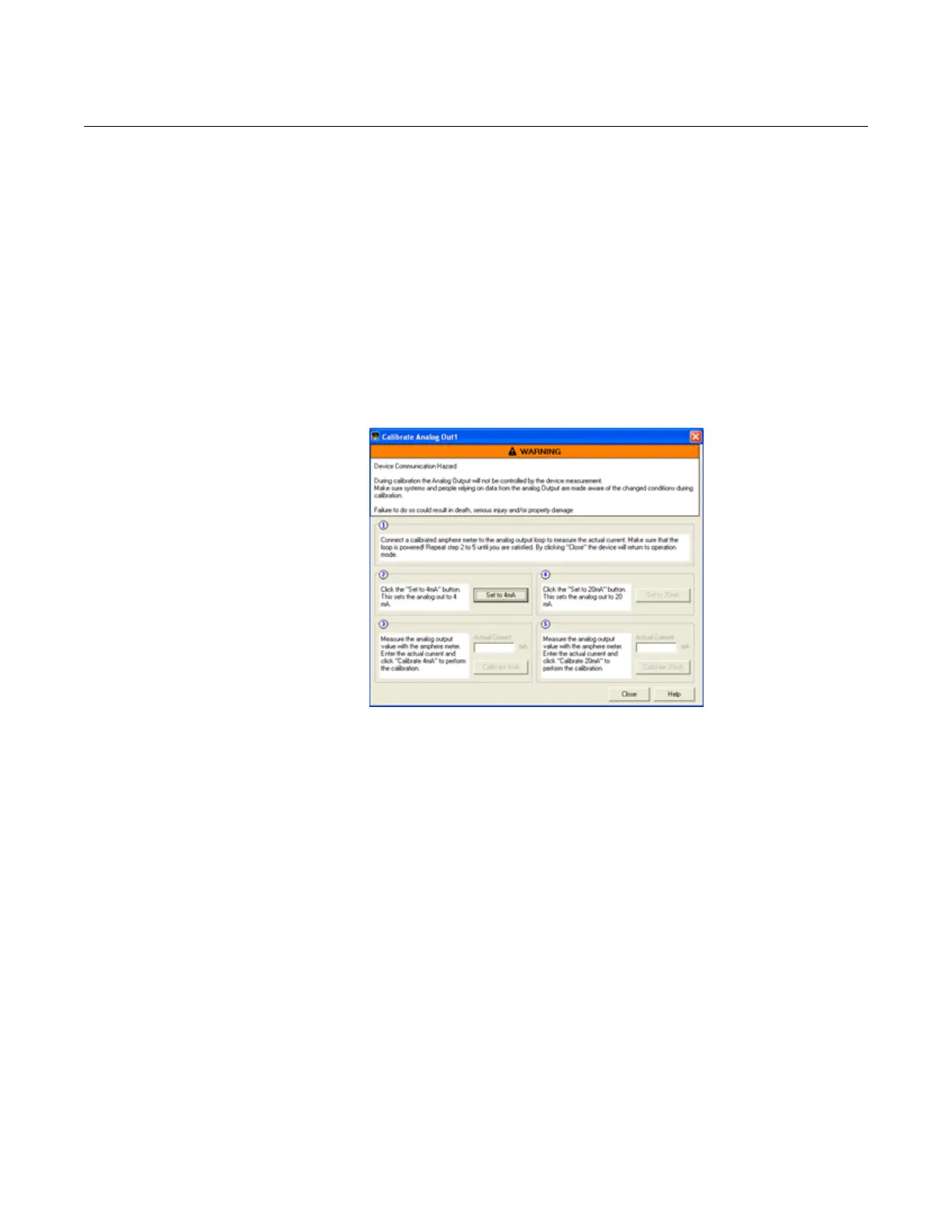
This function calibrates the Analog Output by comparing the actual output
current with the nominal 4 mA and 20 mA currents. Calibration is done at the
factory and normally the transmitter does not need to be recalibrated.
The Analog Output Calibration function is available via the
HART command [2, 7, 1].
In RRM, this function is available via Setup > Output.
To calibrate the Analog Output current:
1. Start RRM and make sure that the transmitter communicates with the PC.
2. Click the Output icon in the Device Config/Setup toolbar.
3. Select the Analog Out tab in the Output window.
4. Click the Calibrate DAC button.
5. Follow the instructions to calibrate the 4 mA and the 20 mA outputs.
LOGGING
MEASUREMENT DATA
By using the Log Device Registers function in the RRM software, Input and
Holding registers are logged over time. It is possible to choose from different
pre-defined sets of registers. This function is useful for verifying that the
transmitter is working properly.
To log device registers, choose the Tools > Log Device Registers option to
open the Log Registers window:















 To Next Page