Reference Manual
00809-0100-4026, Rev FA
July 2009
Rosemount 5400 Series
6-6
Viewing Measurement
Data in RRM
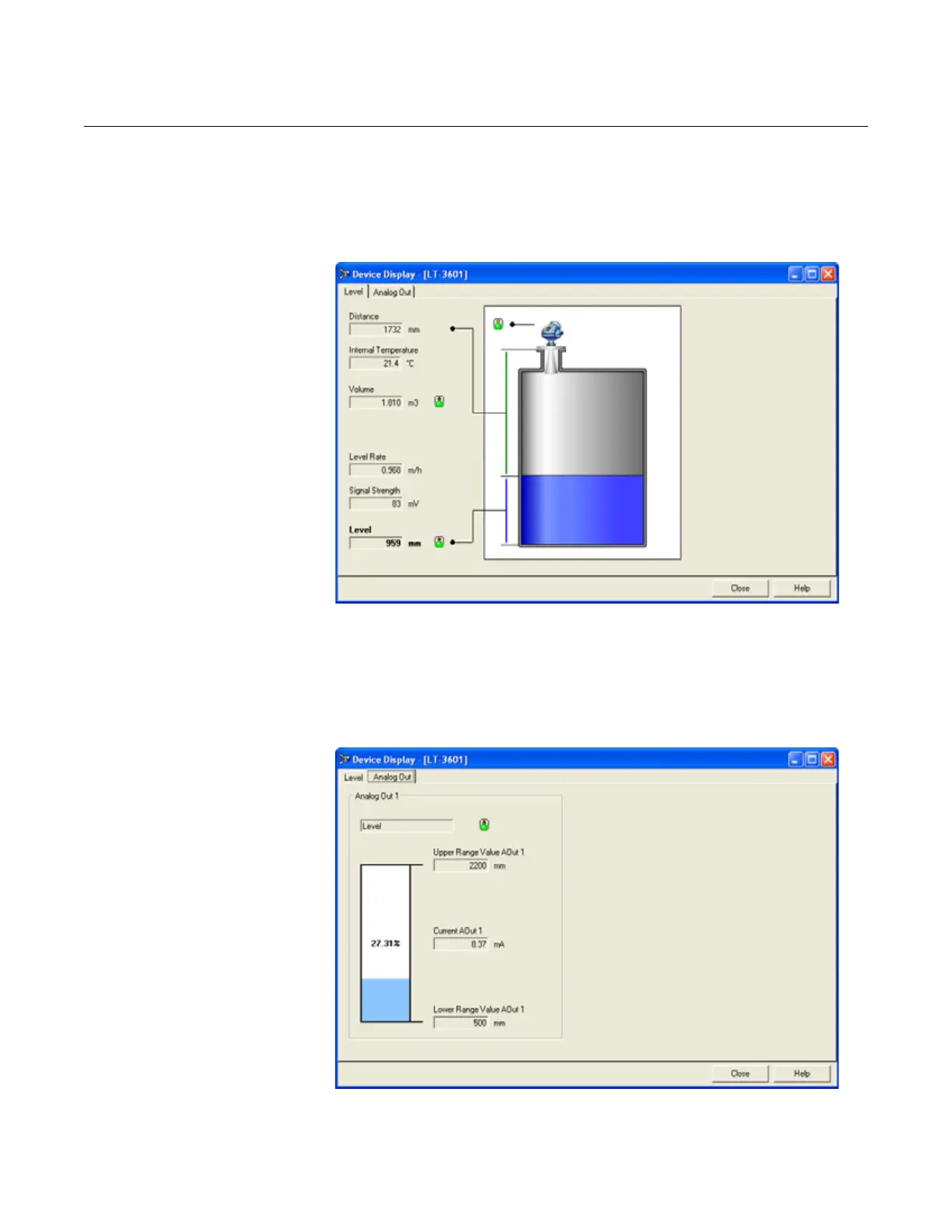
To view measurements such as Level, Signal Strength, etc. in Rosemount
Radar Master, choose the Tools > Device Display option and select the Level
tab:
Figure 6-4. Presentation of
measurement data in RRM.
To view Analog Output signal, choose the Tools > Device Display option and
select the Analog Out tab:
Figure 6-5. Presentation of
Analog Output value in RRM.















 To Next Page