Reference Manual
00809-0100-4026, Rev FA
July 2009
6-9
Rosemount 5400 Series
LED ERROR MESSAGES For Rosemount 5400 transmitters without a display, a flashing Light Emitting
Diode (LED) is used to present error messages.
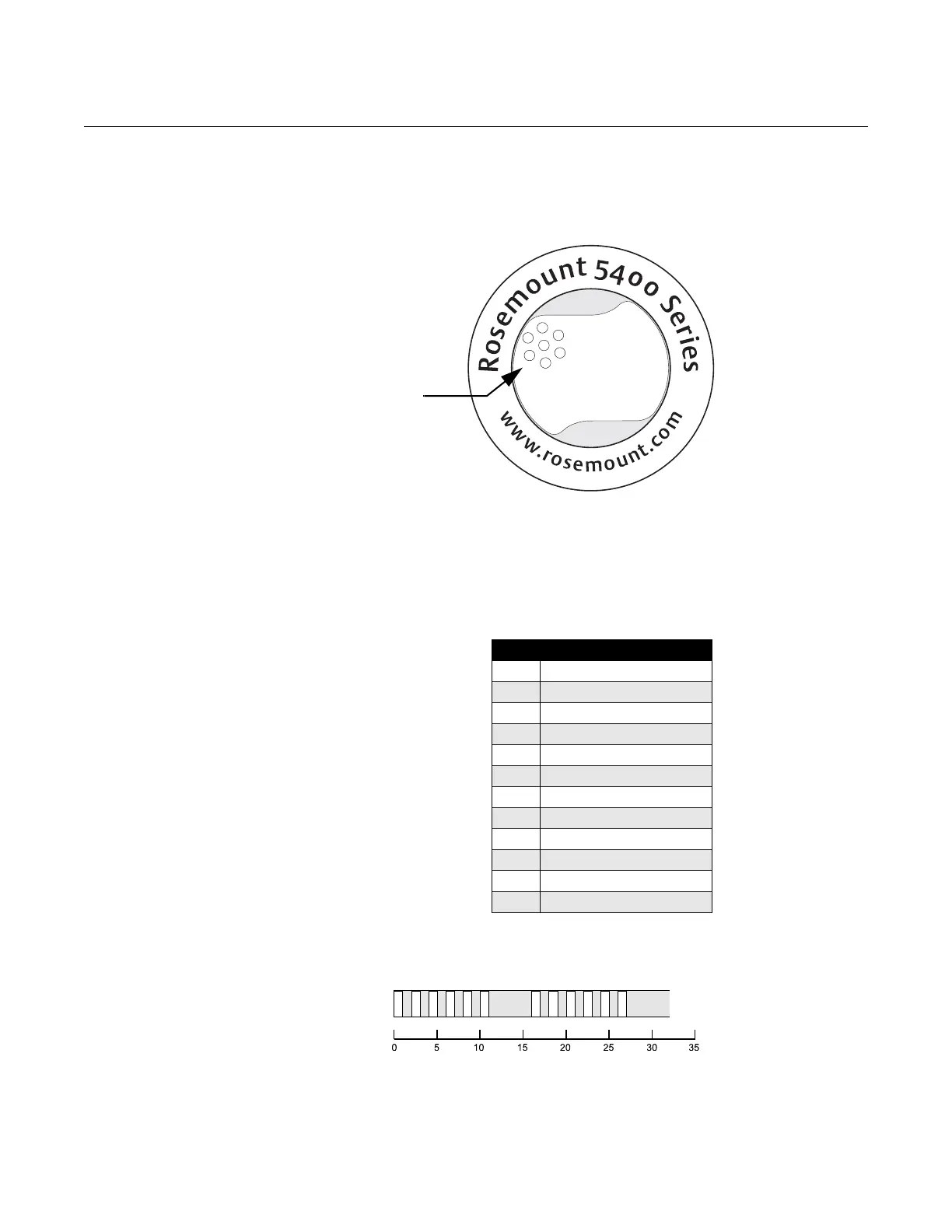
Figure 6-8. Rosemount 5400
transmitters without display use
a LED for presentation of error
messages.
In normal operation, the LED flashes orange once every other second. When
an error occurs, the LED flashes a sequence that corresponds to the Code
number followed by a five second pause, and this sequence is continuously
repeated.
The following errors can be displayed:
Table 6-3. LED error codes.
Example
Modem error (code 6) is displayed as the following flash sequence:
Code Error
0 Ram Failure
1 FPROM
2 HREG
4 Microwave Module
5 Display
6 Modem
7 Analog Out
8 Internal Temperature
11 Hardware
12 Measurement
14 Configuration
15 Software















 To Next Page