Reference Manual
00809-0100-4026, Rev FA
July 2009
Rosemount 5400 Series
7-18
CONFIGURATION
REPORT
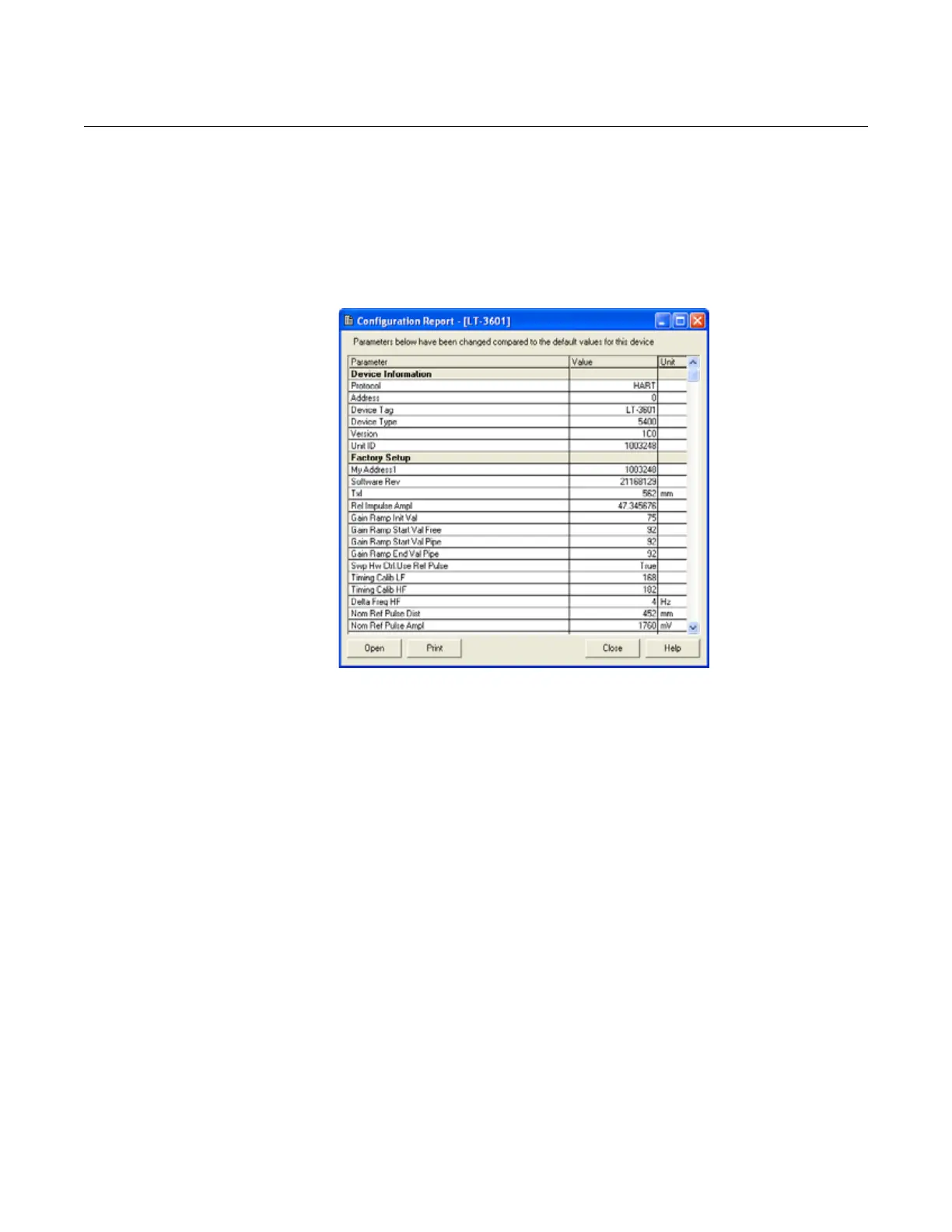
This Rosemount Radar Master (RRM) function shows the configuration
changes made to the transmitter compared to the factory configuration. The
report compares a specified backup file with the default transmitter
configuration.
To open the Configuration Report, choose the Tools > Configuration Report
menu option:
Figure 7-15. The Configuration
Report window in Rosemount
Radar Master.
Information is presented on antenna type, software versions, software and
hardware configuration and unit code.
VIEWING INPUT AND
HOLDING REGISTERS
Measured data is continuously stored in the Input Registers and by viewing
the contents, advanced users can check if the transmitter is working properly.
The Holding Registers store various transmitter parameters, such as
configuration data, used to control the measurement performance.
By using the RRM program, most Holding Registers can be edited by typing a
new value in the appropriate Value input field. Some Holding Registers can be
edited in a separate window and the individual data bits can be changed.
To view the Input/Holding registers in RRM, the Service Mode must be
activated:
1. Choose the Enter Service Mode option from the Service menu.
2. Type the password (default password is “admin”).
3. The View Input / Holding Registers option is now available.
4. Choose the View Input / Holding Registers option from the Service
menu.
5. Click the Read button. To change a Holding register value, type a new
value in the corresponding Value field. Click the Store button to save the
new value.















 To Next Page