Reference Manual
00809-0100-4026, Rev FA
July 2009
7-17
Rosemount 5400 Series
DIAGNOSTICS The following information about the device can be retrieved:
• “Device Status” on page 7-21
• “Errors” on page 7-22
• “Warnings” on page 7-23
• “Measurement Status” on page 7-24
• “Volume Calculation Status” on page 7-25
• “Analog Output Status” on page 7-26
Rosemount Radar Master
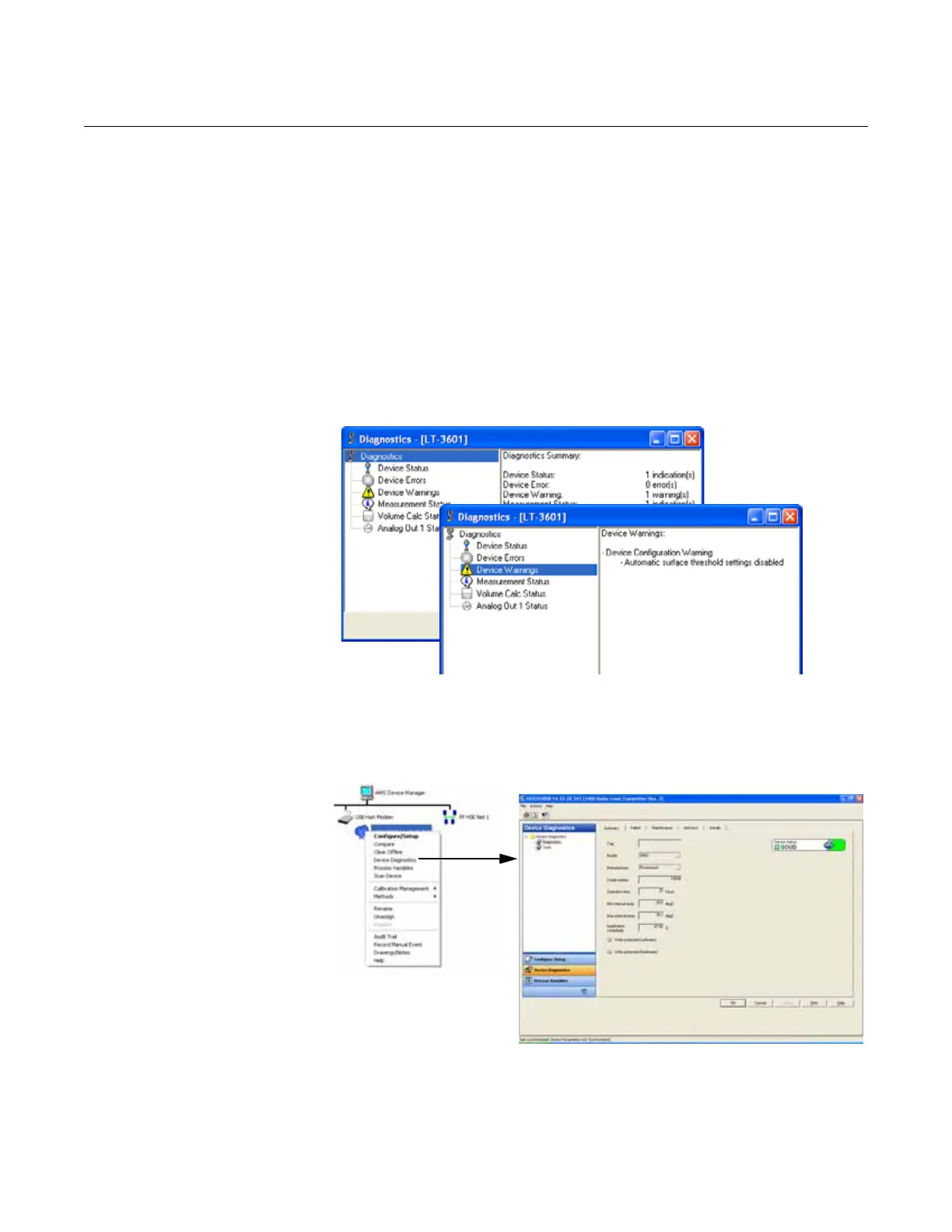
To open the Diagnostics window in RRM, choose the Diagnostics option
from the Tools menu.
Figure 7-13. The Diagnostics
window in Rosemount Radar
Master.
AMS
To view the Diagnostics window in AMS Suite, click the right mouse button on
the desired transmitter and choose the Device Diagnostics option:
Figure 7-14. Diagnostics window
in AMS Suite.
HART command
For a 275/375 Handheld Communicator, the corresponding HART command
for the Diagnostics option is [3, 1].















 To Next Page