Reference Manual
00809-0100-4026, Rev FA
July 2009
Rosemount 5400 Series
6-4
Using AMS
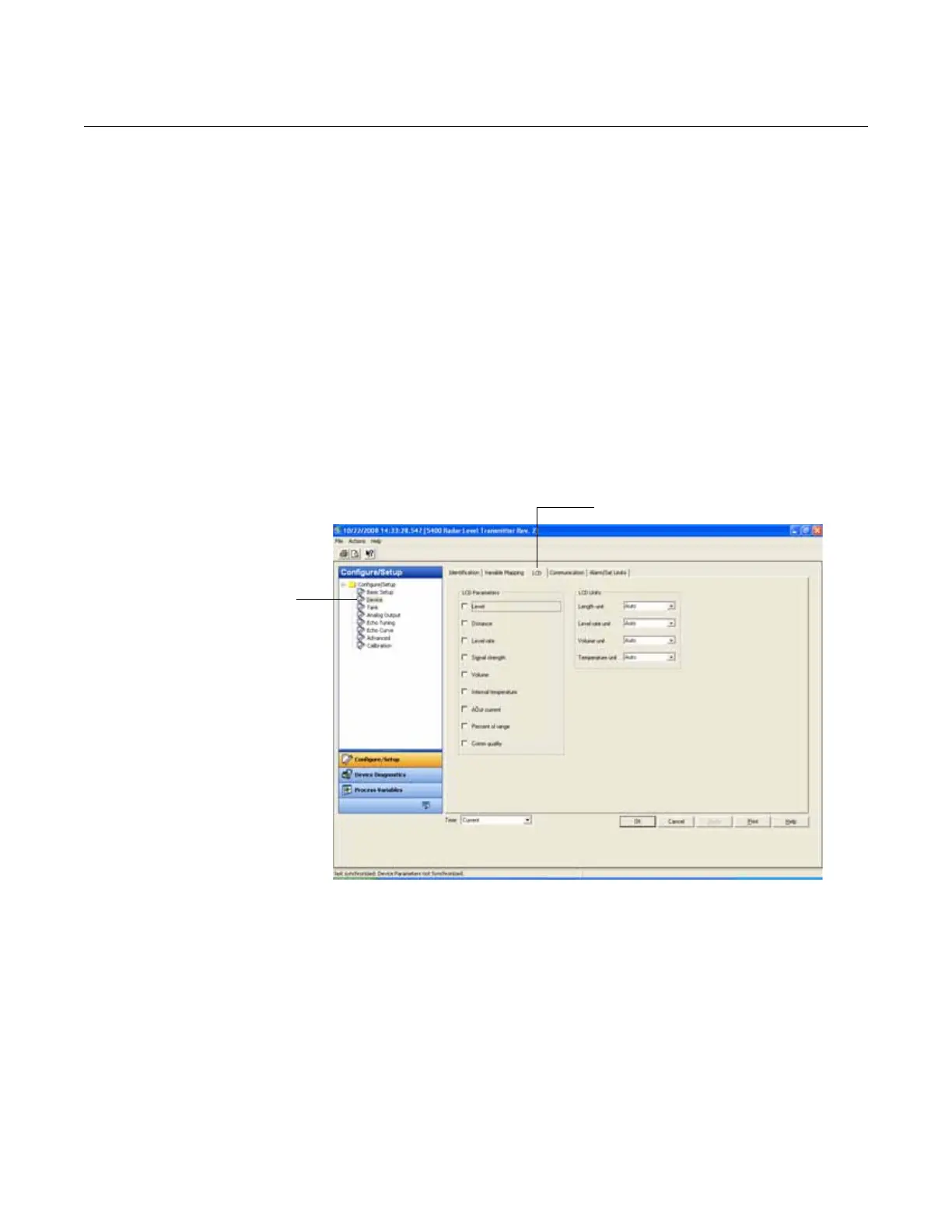
The LCD tab in the Configure/Setup window specifies which variables will be
shown on the Display Panel screen:
1. Select the transmitter icon in the AMS Suite Device Connection View
window.
2. Click the right mouse button and choose the Configure/Setup/Device
option.
3. Select the LCD tab and choose the desired LCD parameters and LCD
measurement units. The available LCD parameters are listed in Table
6-1 on page 6-5.
4. Click the OK button to save the configuration.
5. Close the window.
Figure 6-3. Configure
parameters to be presented on
the Display Panel.















 To Next Page