Reference Manual
00809-0100-4026, Rev FA
July 2009
Rosemount 5400 Series
7-16
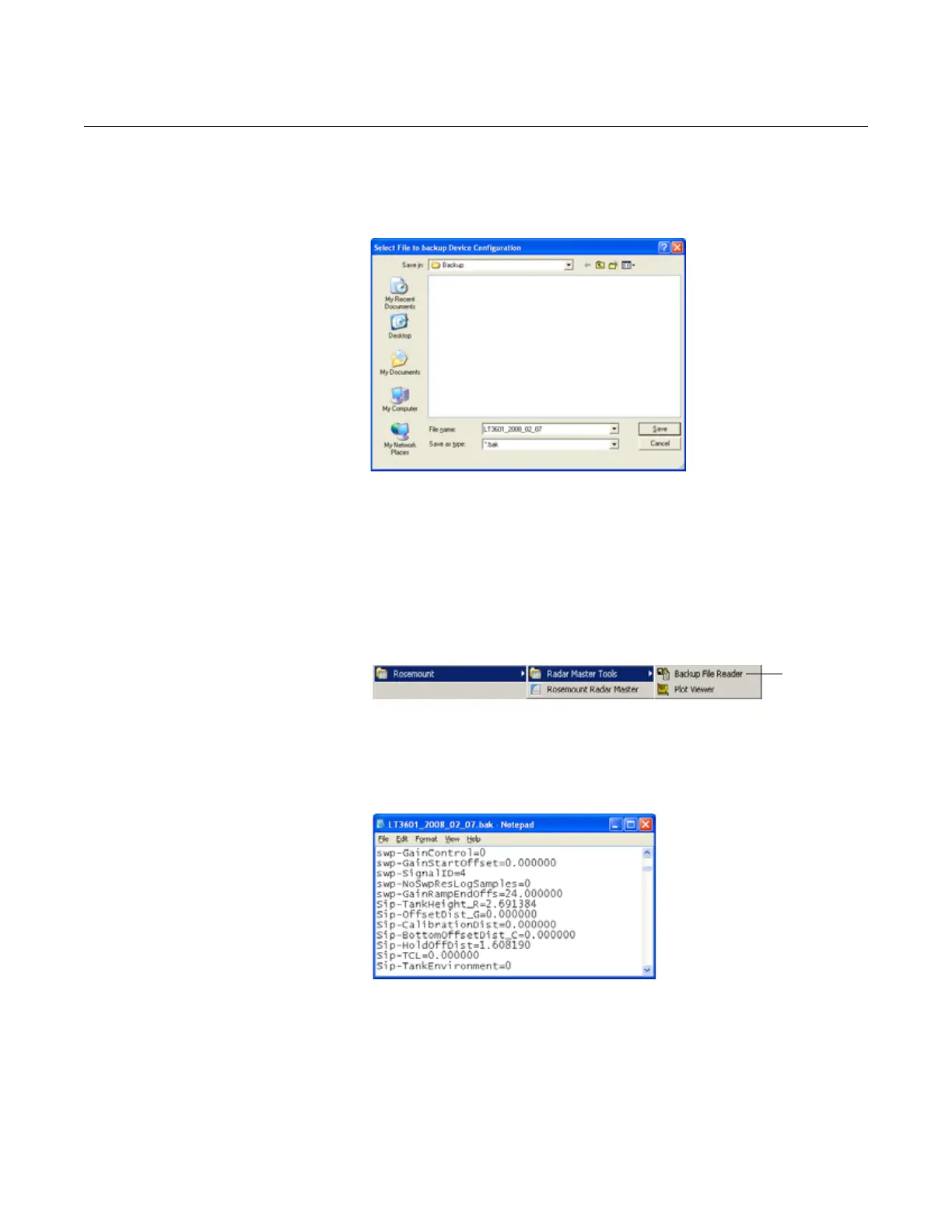
To make a backup copy of the configuration parameters:
1. From the Device menu, choose the Backup Config to File option.
2. Browse to the desired directory.
Figure 7-11. It is recommended
that the transmitter configuration
is stored in a backup file.
3. Type in a name for the backup file and click the Save button, so the
transmitter configuration is stored. The backup file can be used at a later
stage to restore an accidentally changed configuration. The backup file
can also be used to quickly configure transmitters installed on similar
tanks. To upload a backup configuration, choose the Upload Config to
Device option from the Device menu.
The backup file can be viewed using the Backup File Reader installed
with the Rosemount Radar Master software:
4. The backup file can also be viewed as a text file in a word processing
program such as Notepad:
Figure 7-12. The configuration
backup file can be viewed in a
word processor program.
See “Configuration Report” on page 7-18 for further information on viewing
backup files.















 To Next Page