IIT-2000/2010/5000/5010 Instruction Manual/English
05/08/2015 Version No. 001 105
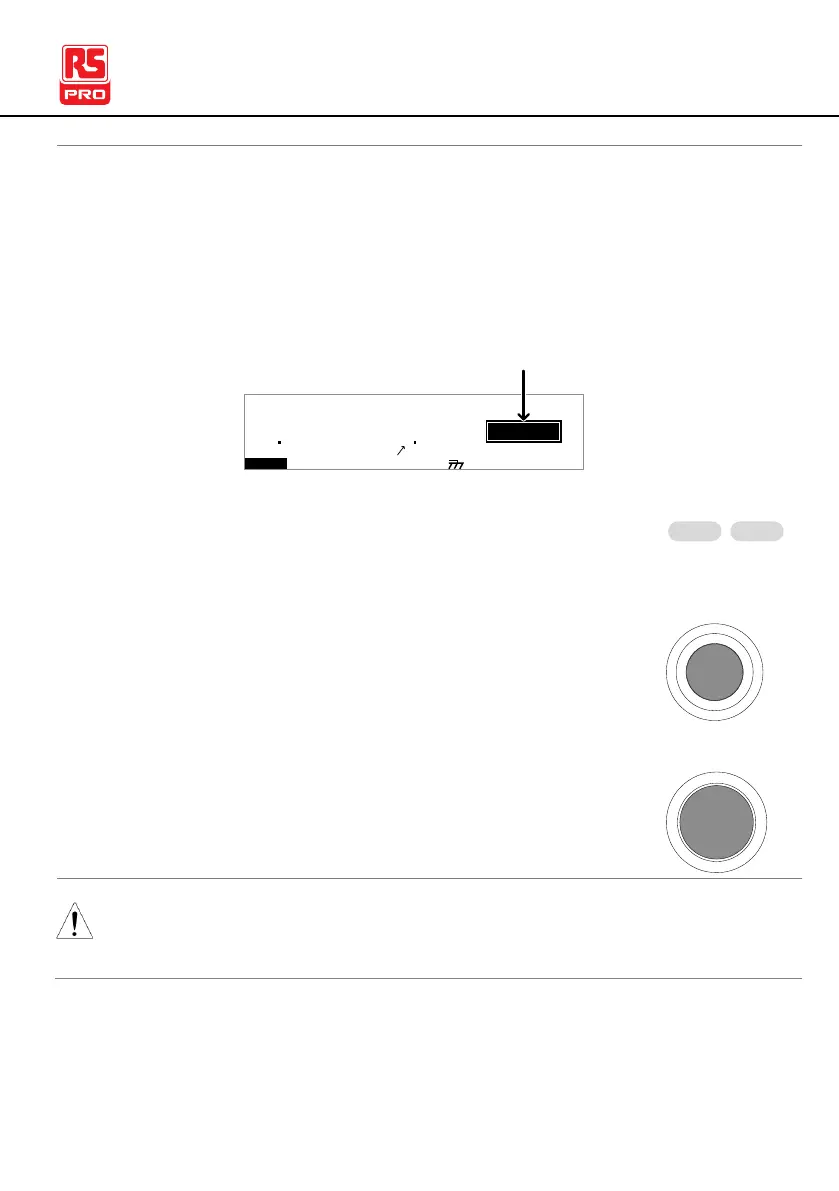
1. If Pass Hold is set to ON or Fail Mode is set to HOLD for a
manual test, then the tester will “hold” the testing after a
Pass/Fail result for that particular test. See page 61, 63 for
details.
I R G B A CW D C W
F R E Q = 0 H z 6
0
100
k V
LOH
MT I E = 0 0 3 . 2 SR
0 0 m AER F =# 0 .0
1 . 0 0 m AIH ES = 0T
0 0 . 1 S0A M P =R
D
00 37
m A
E MA U OT N A_ 1A U T O = 0 0 1 - 0 0
HOLD status
2. The PASS or FAIL indicator will also be lit. The
buzzer will NOT sound.
3. To continue to the next test after HOLD is
displayed on-screen, press the START button.
4. To stop the test when HOLD is displayed on-
screen, press the STOP button.
When in HOLD status, only the START and STOP buttons can
be pressed, all other keys are disabled.



 To Next Page