IIT-2000/2010/5000/5010 Instruction Manual/English
116 05/08/2015 Version No. 001
I R G B
E
A CW D CW
F R E Q = 0 H z 6
0
100
k V
EIV
MT I E = 0 0 1 . 0 SR
0 0 m AER F =# 0 .0
1 . 0 0 m AIH ES = 0T
0 0 . 1 S0A M P =R
W
MM A UN N A_0M A N U = * * * - 0 0
m A
VIEW status
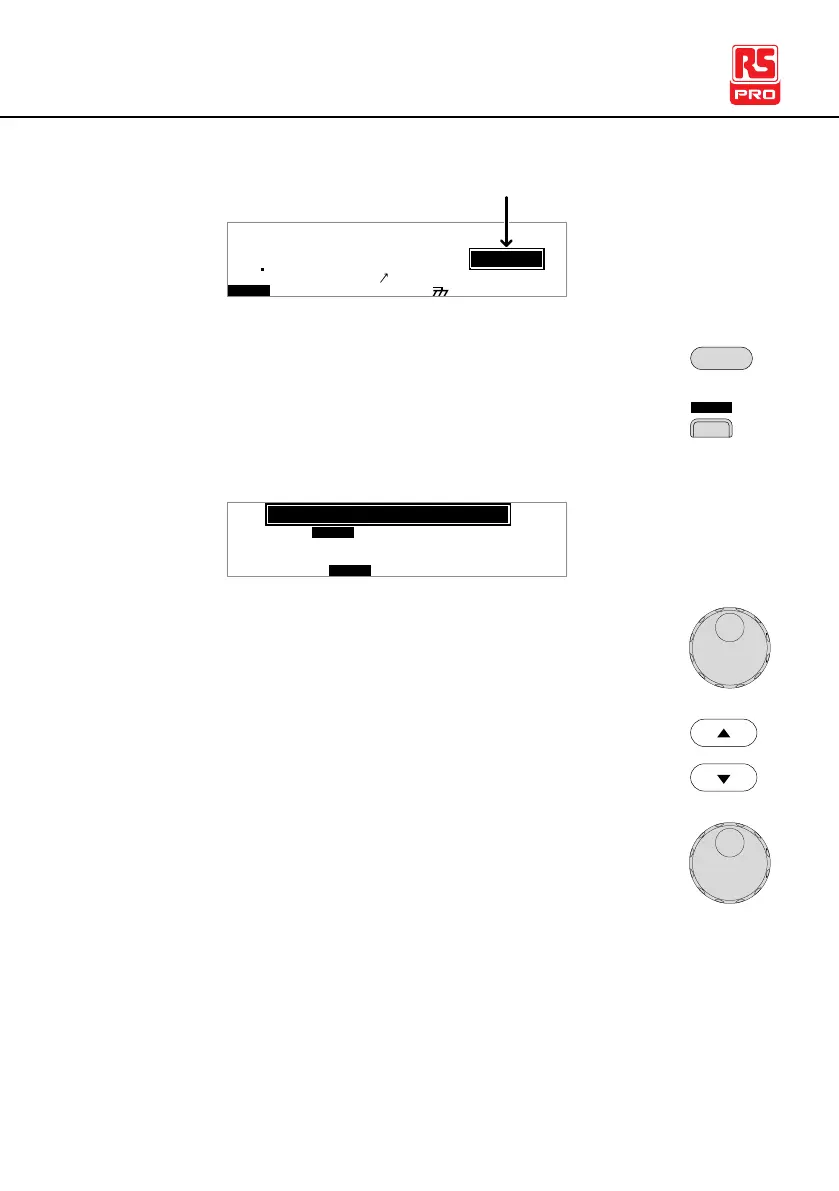
2. Press the UTILITY key.
3. Press the INTER soft-key to bring up the Interface
Common Utility menu.
I n t
L C D B U Z Z N T EI R C T R L
MOC MO
U N T I L I T Y
B u d :a 1 1 5 2 0 0
R S 2 3 2f a c :e
e r
4. Use the scroll wheel to select USB, RS232 or
GPIB.
5. For RS232 or GPIB, use the UP/DOWN arrow keys
to choose Baud or Address.
6. Use the scroll wheel to select the baud rate or
GPIB address.
9600, 19200, 38400, 57600, 115200
0~30



 To Next Page