IIT-2000/2010/5000/5010 Instruction Manual/English
18 05/08/2015 Version No. 001
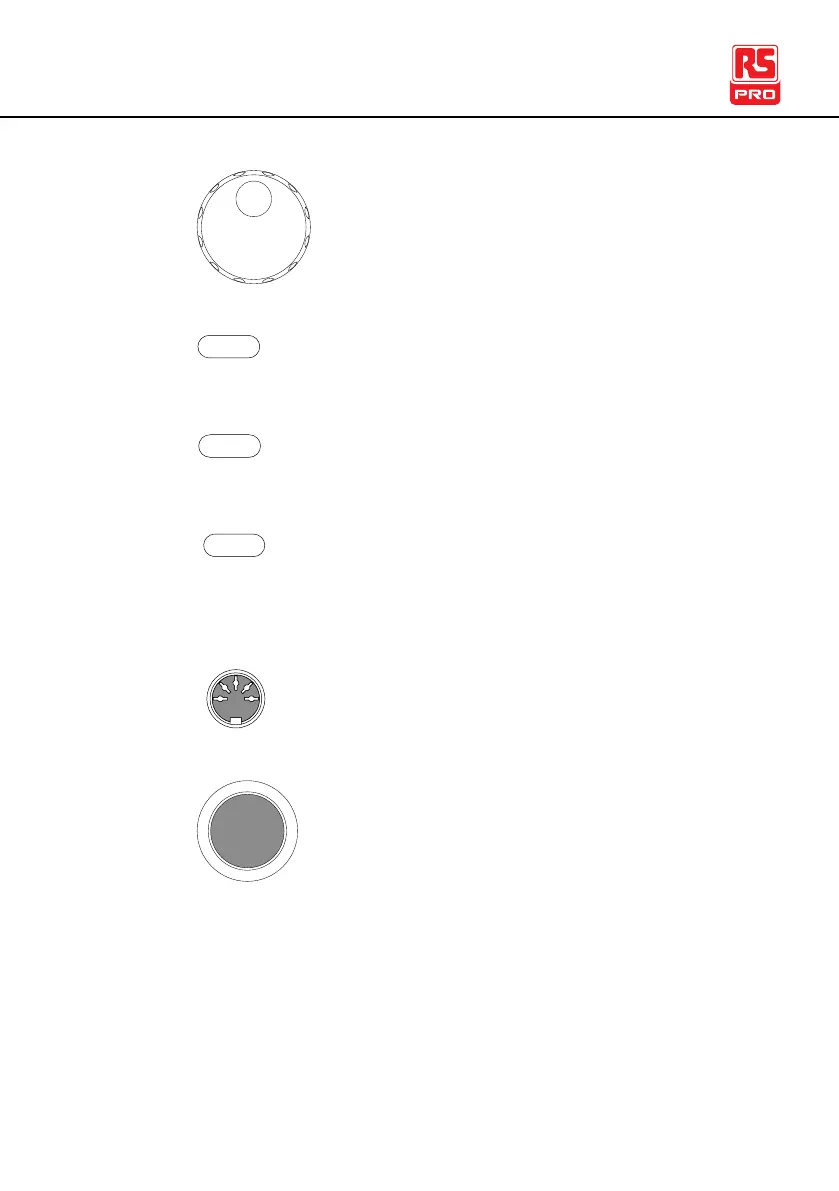
The scroll wheel is used to edit parameter values.
Used to enter the MANU Utility or Common Utility
menu.
Used to start editing MANU/AUTO tests as well
as save settings and parameters.
The MANU/AUTO key is used to select manual
tests (MANU) or automatic tests (AUTO).
The REMOTE terminal is used to connect to a
remote controller.
The STOP button is used to stop/cancel tests.
The STOP button will also put the safety tester in
the READY status to begin testing.



 To Next Page