IIT-2000/2010/5000/5010 Instruction Manual/English
36 05/08/2015 Version No. 001
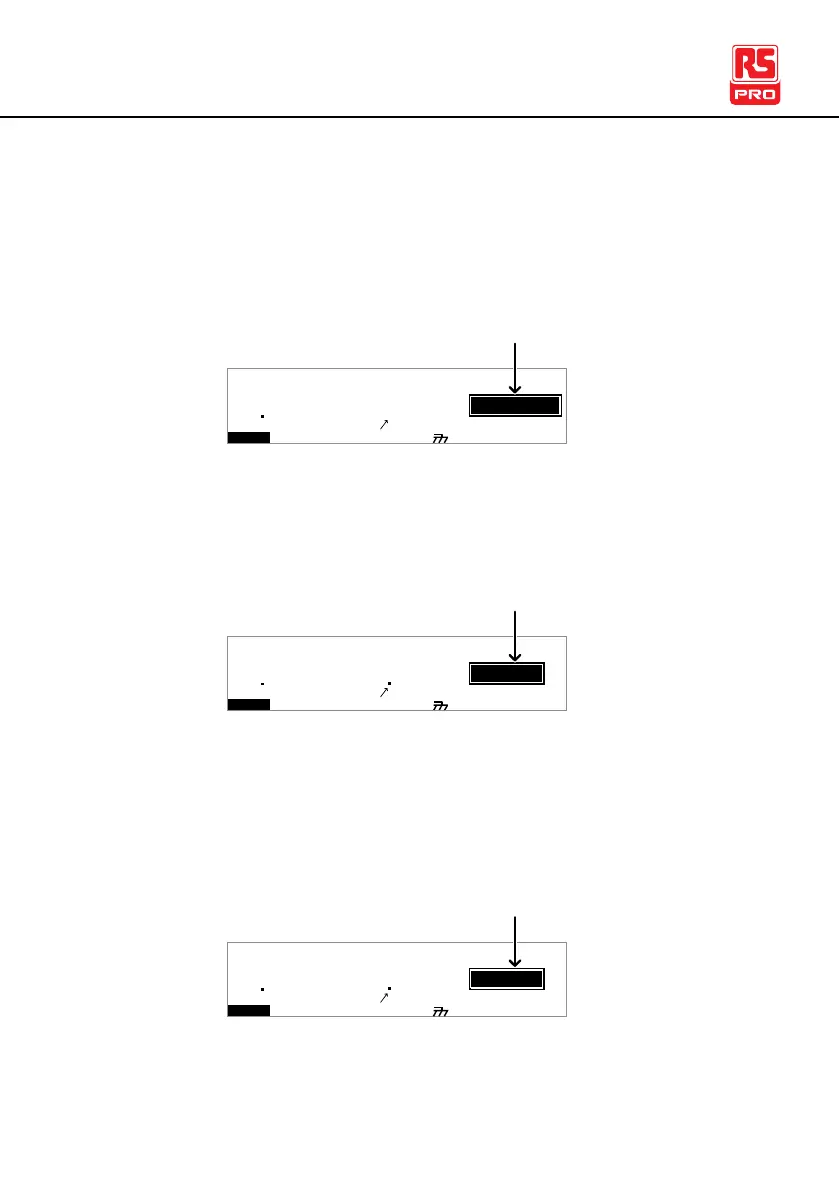
When the tester is in READY status, it is ready to begin
testing. Pressing the START button will begin testing and put
the tester into TEST status. Pressing the MANU/AUTO key will
return the tester to VIEW status.
I R G B A CW D CW
E
F R E Q = 0 H z 6
0
100
k V
AER
MT I E = 0 0 1 . 0 SR
0 0 m AER F =# 0 .0
1 . 0 0 m AIH ES = 0T
0 0 . 1 S0A M P =R
D
MM A UN N A_2M A N U = * * * - 0 0
READY status
Y
m A
TEST status is active when a MANU test or AUTO test is
running. Pressing STOP will cancel the MANU test or the
remaining steps in an AUTO test.
I R G B A CW D CW
E
F R E Q = 0 H z 6
0
100
k V
SET
MT I E = 0 0 1 . 0 SR
0 0 m AER F =# 0 .0
1 . 0 0 m AIH ES = 0T
0 0 . 1 S0A M P =R
MM A UN N A_2M A N U = * * * - 0 0
TEST status
T
m A
00 33
STOP status is shown when a manual test or automatic test
did not finish running and has been stopped by the operator.
Pressing STOP will return the tester to READY status.
I R G B A CW D CW
E
F R E Q = 0 H z 6
0
100
k V
OTS
MT I E = 0 0 1 . 0 SR
0 0 m AER F =# 0 .0
1 . 0 0 m AIH ES = 0T
0 0 . 1 S0A M P =R
MM A UN N A_2M A N U = * * * - 0 0
STOP status
P
m A
00 33



 To Next Page