IIT-2000/2010/5000/5010 Instruction Manual/English
05/08/2015 Version No. 001 37
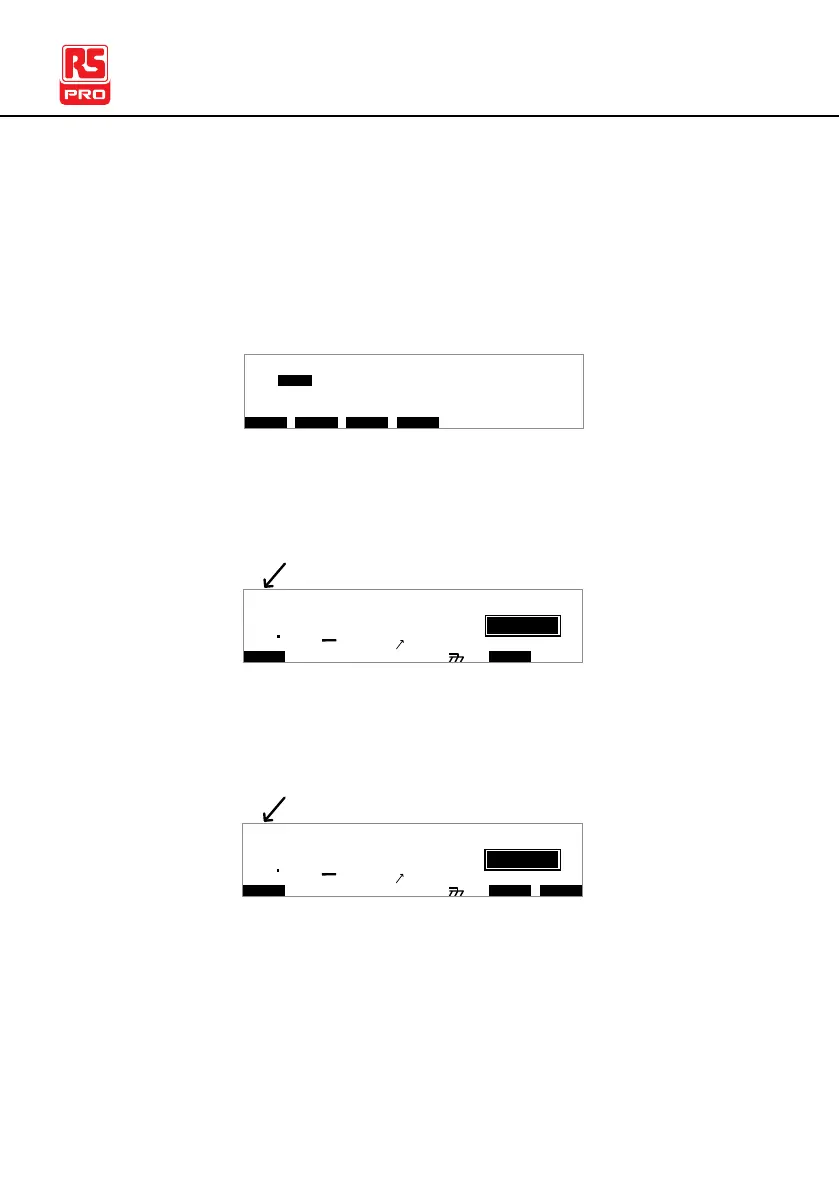
Up to 16 tests can be used to create an automatic test. Page
View is used to see which manual tests (steps) an automatic
test is composed of. The steps can be re-arranged and
deleted in Page View.
O V EM W A PS K I PS D E L
E MA U OT N A_ 0A U T O = 0 0 1 - 0 1
M A N U _ N M E A VA CW = 0 . 0 0 k1
# 0 1 : 0 1 0 # 0 2 : 0 0 1 # 0 3 : 0 0 3 # 0 4 : 0 0 4
# 0 5 : 0 0 7 # 0 6 : 0 0 3 # 0 7 : 0 3 8 # 0 8 : 0 0 5
# 0 9 : # 1 0 : # 1 1 : # 1 2 :
# 1 3 : # 1 4 : # 1 5 : # 1 6 :
*
1 . 0 0 m AH I ES = 0T_
AUTO indicates that the tester is in AUTO mode. AUTO mode
is for creating/running a sequence of up to 16 MANU tests.
I R G B A CW D C W A D D
E
F R E Q = 0 H z 6
0
100
k V
IDE
MT I E = 0 0 1 . 0 SR
0 0 m AER F =# 0 .0MA U OT N A_
1 . 0 0 m AIH ES = 0T
0 0 . 1 S0A M P =R
T
2A U T O = 0 0 3 - 0 0
AUTO mode
m A
MANU mode is used to create and/or execute a single test.
MANU indicates that the manual test mode is active.
I R G B A CW D C W I / LH O I M ET R
E
F R E Q = 0 H z 6
0
100
k V
IDE
MT I E = 0 0 1 . 0 SR
0 0 m AER F =# 0 .0MM A UN N A_
1 . 0 0 m AIH ES = 0T
0 0 . 1 S0A M P =R
T
2M A N U = * * * - 0 0
MANU mode
m A



 To Next Page