IIT-2000/2010/5000/5010 Instruction Manual/English
05/08/2015 Version No. 001 91
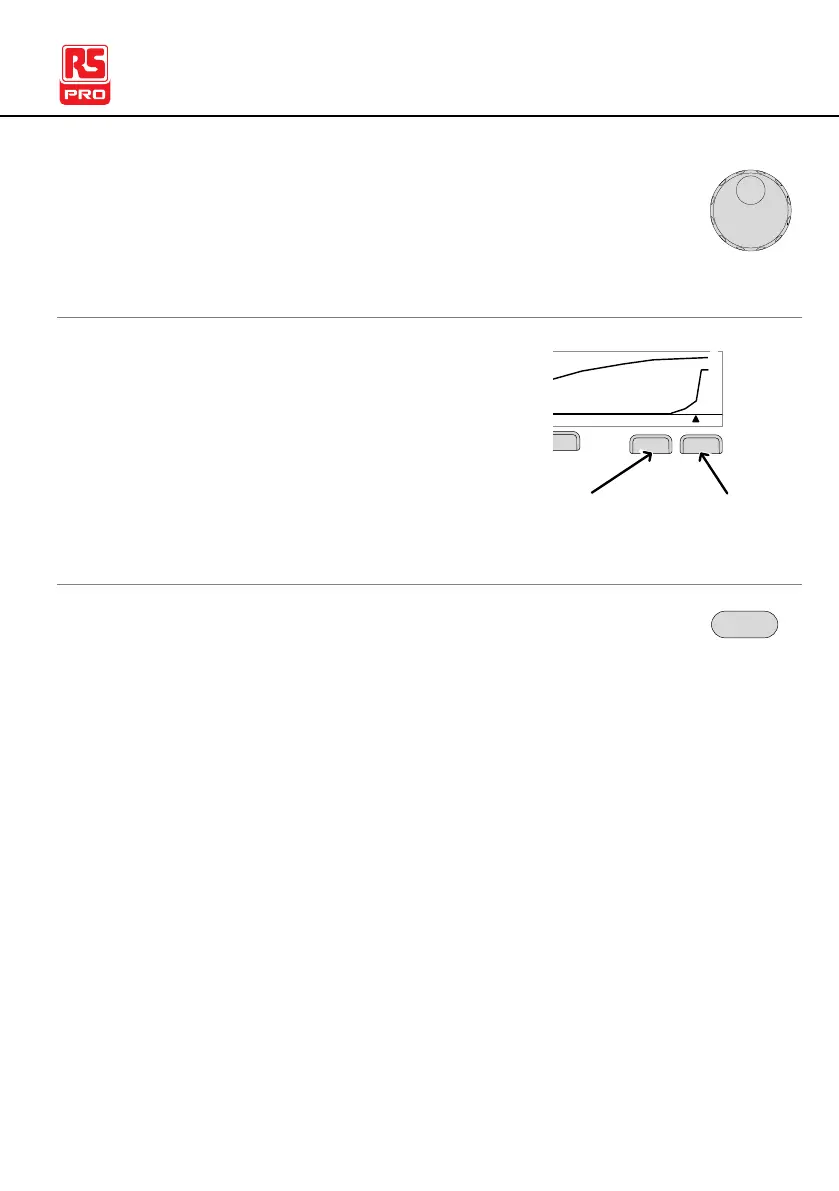
2. Use the scroll wheel to move the cursor on the time
axis (x-axis). The measured values for the primary
and secondary items at that particular point in time
are shown on the left-hand side.
Remove Lines
from the Graph
1. Pressing the F5 key will toggle the
primary test item on/off.
2. Pressing the F6 key will toggle the
secondary test item on/off.
D CW
Test Voltage
I ( m A ) :
V ( k V ) :
0 . 2 0 0
0 0 . 5 1
T ( S ) :
0 0 0 4 . 5
V
I
Test Time
Toggle
voltage line
Toggle
current line
To exit the graph, press the ESC key. You will be
returned back to MANU mode/VIEW status.



 To Next Page