Software v3.0.11065
© Satmap Systems Ltd 2017
21
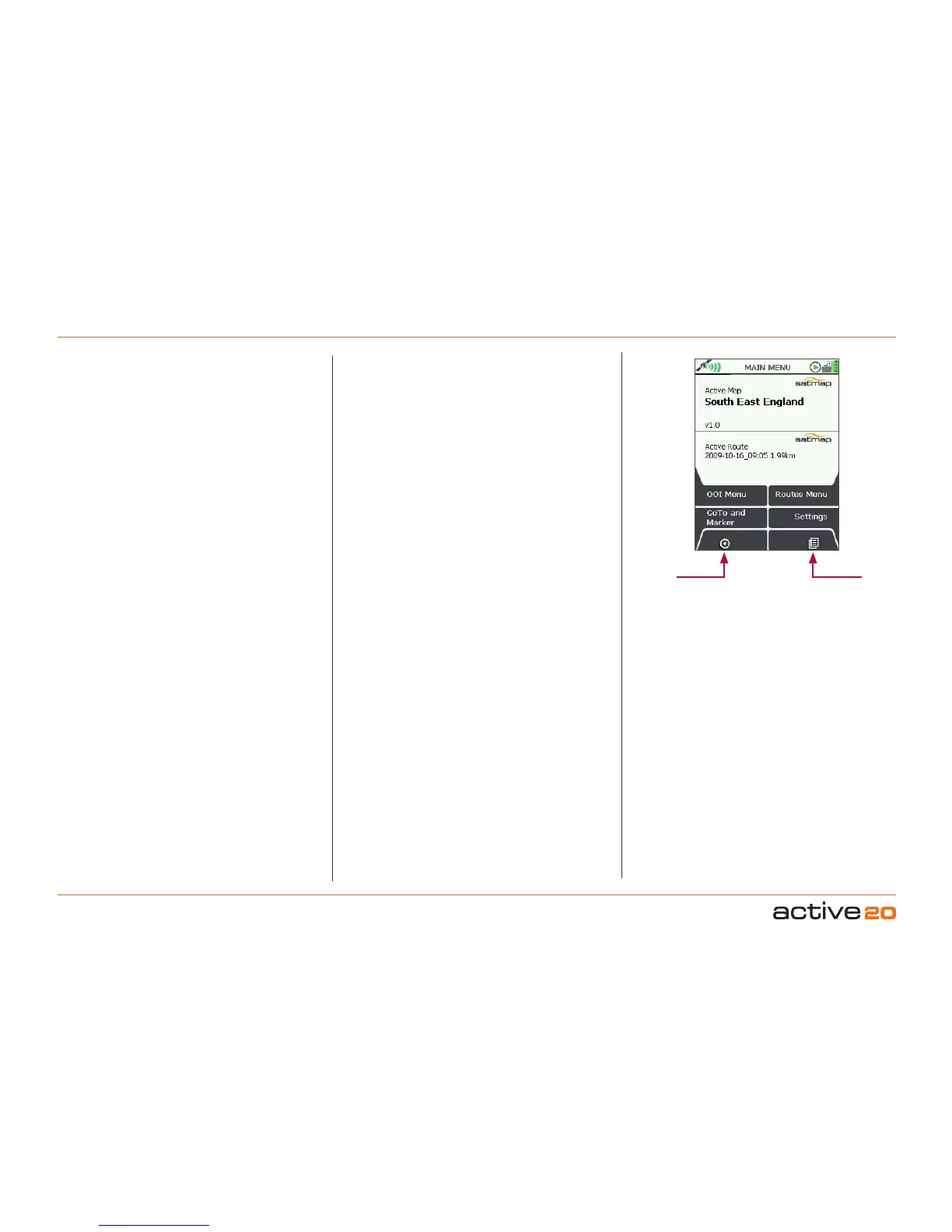
ToaccessMAINMENUscreen
(GPS MAP → POSITION INFO → TRIP LOG →
MAIN MENU)
The MAINMENU screen gives access to some of
the Active 20’s main functions and settings.
The upper half of the MAINMENU screen shows
the title of the ActiveMap, ie. the loaded MapPack
on theMapCard. The lower half of the MAINMENU
screen shows the name of the ActiveRoute. Only
one at once Route can be Active.
Buttons:
OOIMenu.Go to OOIMenu. These are Objects of
Interest, and include Points of Interest (POIs), Areas
(AOIs) and Lines (LOIs).
GoToandMarker.Set GoTo point / Marker either
by coordinates (or postcode: GB only).
A GoTo point is a single leg route with a single
waypoint.
A Markerallows the measurement of distance and
bearing between any two points.
MapScreens.Return to GPSMAP/PLANNING
map screens
4.5 Screen5:MAINMENU
MAIN MENU
Map
Screens
Primary
Screens
RoutesMenu.Go to ROUTESMENU. Create
routes, View routes, Activate, Edit and Delete
routes functionaliy.
Settings.Go toSETTINGSMENU.More detail
later in the user guide
PrimaryScreens(PageForward).Press to
scroll through the primary screens. This can also
be achieved by using the Left-Right action on the
rocker pad.



 To Next Page