Software v3.0.11065
© Satmap Systems Ltd 2017
80
12.4 AOIDetailsScreen
(GPS MAP → MAIN MENU → OOI Menu → OOI
Folders → select AOI → Show Details)
Alternative access:
(GPS MAP/PLANNING → click on AOI → Choose
Information Type → select AOI via centre press → AOI
details)
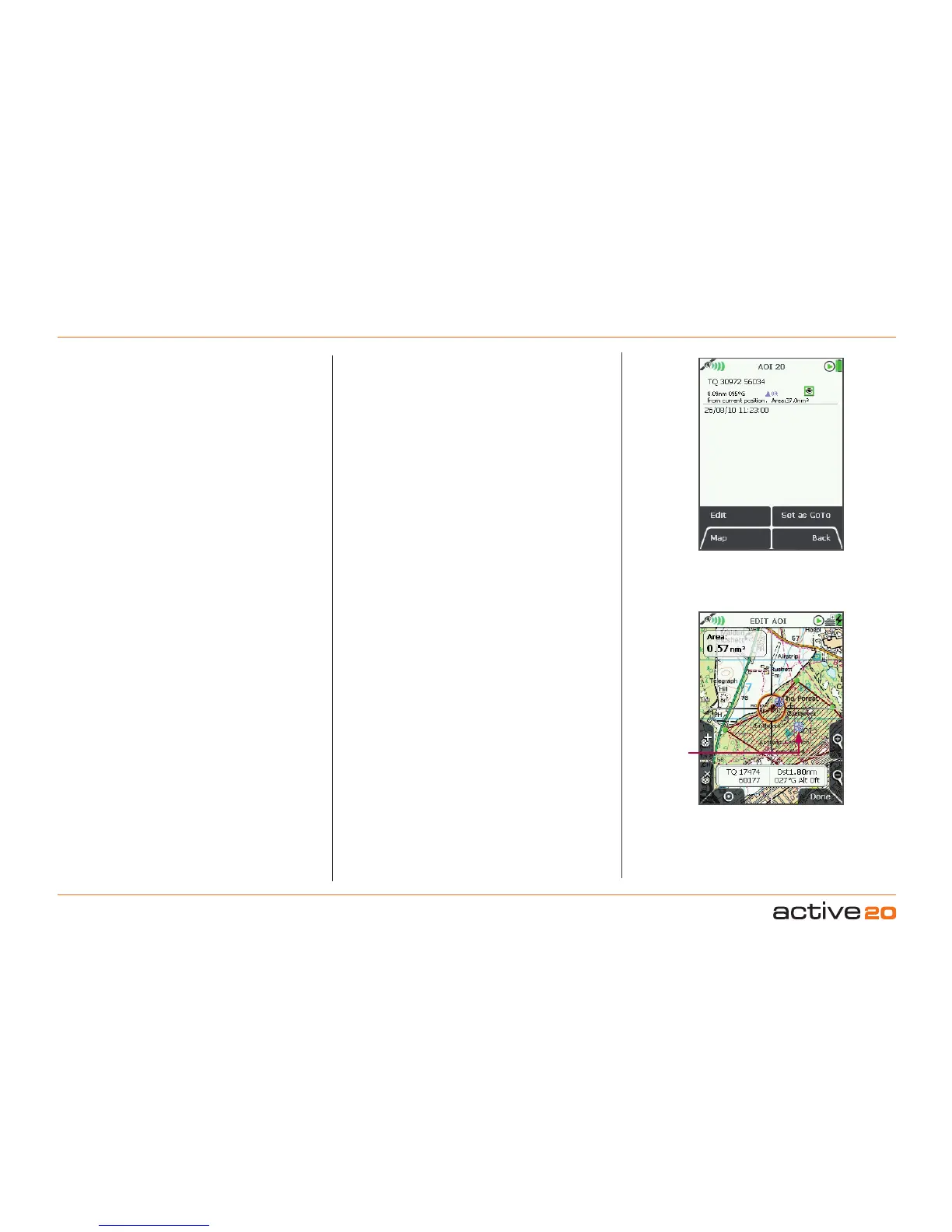
This screen summarises details of the AOI and is
titled by the current AOI name. AOIs are date and
time ‘stamped’, and the following information is
given:
• Name of the AOI
• Grid reference*
• Distance and bearing from current location*
• Elevation*
• Area of AOI
• Description of AOI
Refers to the arbitrary reference point in an AOI
(usually close to the centre).
The highlighted green 'eye' icon indicates the AOI is
visible on the map. When invisible, the 'eye' icon is
highlighted in red with a red line through it.
Basic AOI
detail
12. AOIs(AreasofInterest)(...cont)
*
AOI
referencepoint
(default icon and AOI
name)
AOIreferencepoint
(Used for grid reference, elevation, and distance
and bearing from current location on AOI details
screen).
This is the arbitrary reference point in an AOI
indicated by a default icon (visible when editing the
AOI on the map) and AOI name. (Icon cannot be
changed, but the name is editable). It is also used as
a reference point in the following instances:
• As a GoTo point
• As a ‘POI’ in data boxes
• When using the Pointer
• When using the CentreonMap button
This reference point can be moved to any new
location by using theEditLocationbyMapoption.
AOI reference
point



 To Next Page