Software v3.0.11065
© Satmap Systems Ltd 2017
77
11. POIs(PointsofInterest)(...cont)
11.8 RenamePOI
(GPS MAP → MAIN MENU → OOI Menu → OOI
Folders → Select POI → Edit → Rename)
When a POI is created it is called 'POI 1' by default
(or similar, depending on the number of existing
OOIs).To rename it, highlight the POI in the OOI
Folders, press Edit, then Rename
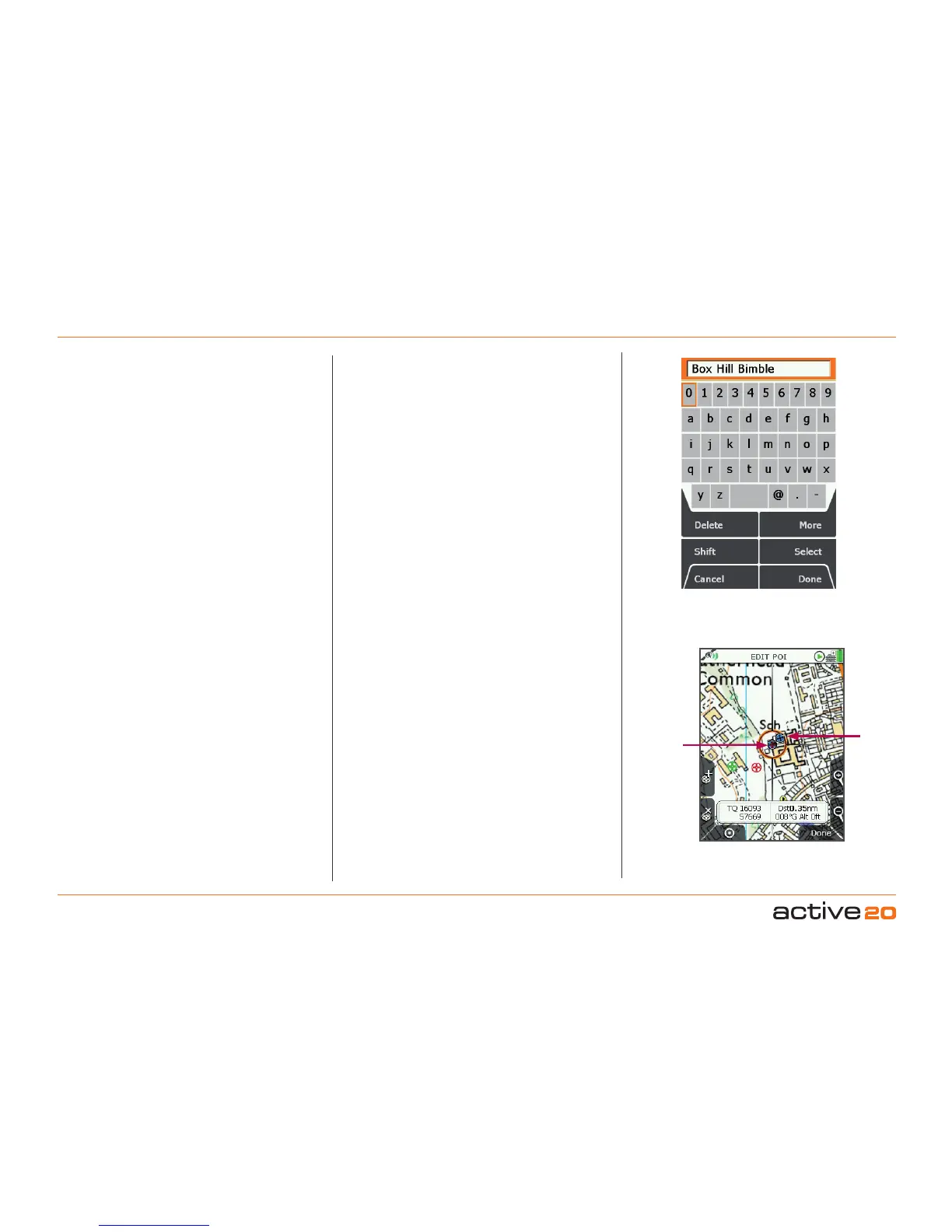
. The keypad
appears. Use the rocker pad to rename the POI
(section 9.00).
11.9 EditDescription
(GPS MAP → MAIN MENU → OOI Menu → OOI
Folders → Select POI → Edit → Edit Description)
Highlight Edit Description, then either press the
Edit button or centre press the rocker pad to access
the keypad
(section 9.00).
Operate the keypad to input comments describing
the POI and press Done when finished. The screen
will return to the EDITPOI menu.
The description can be viewed on the POI details
screen.
Note: The 'Edit Description' option is only available if
the existing description has 128 characters or less (e.g.
externally imported descriptions from geocaches etc.
with more than 128 characters cannot be edited).
11.10EditLocationbyMap
(GPS MAP → MAIN MENU → OOI Menu → OOI
Folders → Select POI → Edit → Edit Location by Map)
You are in edit mode when a red cross appears
inside the orange locator circle. A copy of the POI
icon appears just inside the locator circle. Drag the
POI to a new location and centre press the rocker
pad to confirm the placement.
Note: This mode only allows you to edit the specific
POI selected. Nothing else on the map is editable,
(i.e. the remove POI button 'x' does not have a
function on this screen).
Press the GPSMap button to return to the last map
screen.
11.11 EditLocationbyGrid
(GPS MAP → MAIN MENU → OOI Menu → OOI
Folders → Select POI → Edit → Edit Location by Map)
Highlight Edit Location by Grid in the EDIT POI
menu if you want to edit the POI by changing the
grid reference values. This will take you to the
SETTING screen where you can use the rocker pad
to move left/right to toggle between boxes. Move
the rocker pad up/down to change the box entries.
Pressing Next will move between rows (except with
OSGB). Select Done when complete to go back to
the EDITPOI menu.
Edit POI
location by map
POI
Locator circle
displays a
copy of the
POI icon
being edited



 To Next Page