Software v3.0.11065
© Satmap Systems Ltd 2017
70
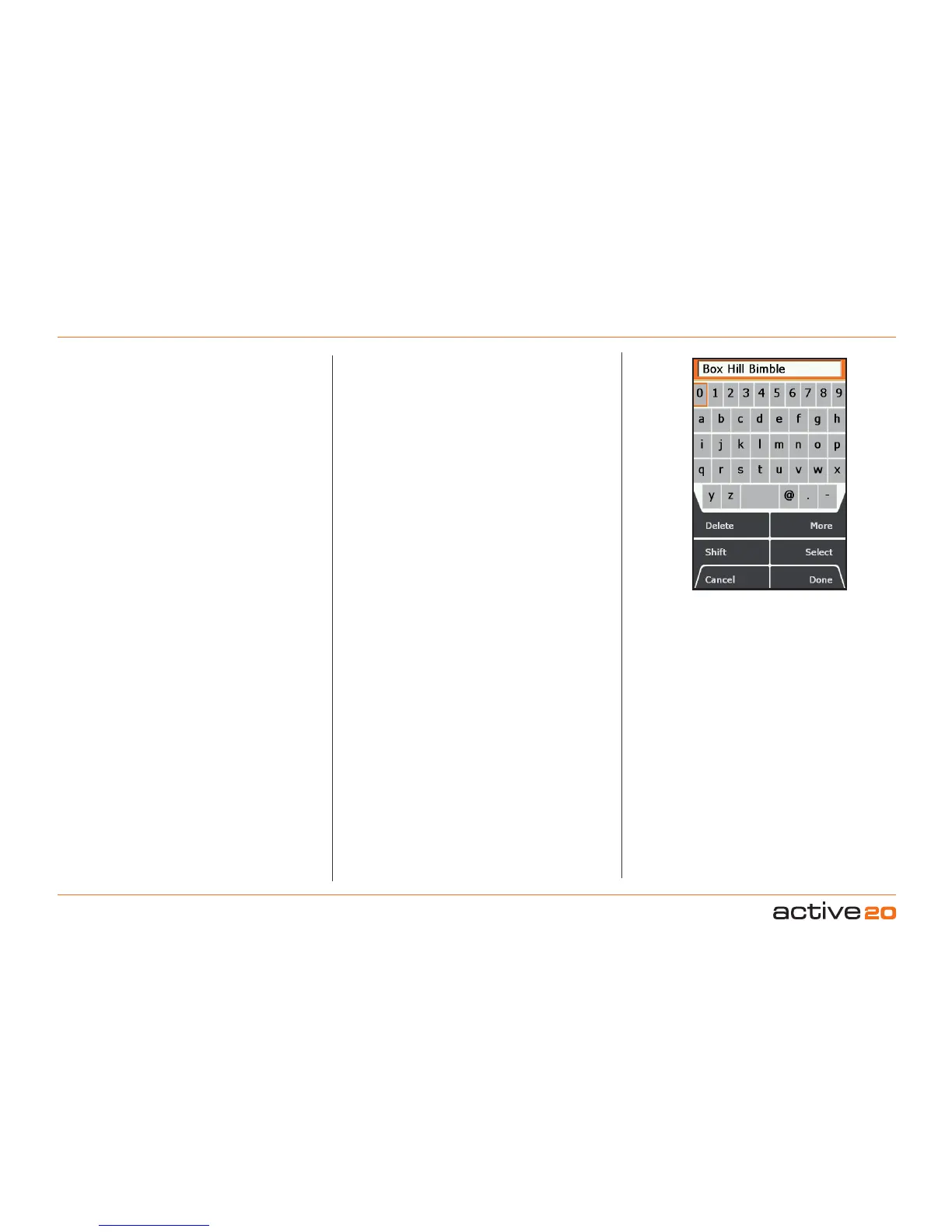
There are several instances when the
keypad is used. One example is:
GPSMAP→MAINMENU→OOIMenu→
(OOI folders)→POI1→Edit→Rename
Other instances include:
• Naming an OOI
• Adding comments to an OOI
• Naming a waypoint
• Adding comments to a waypoint
• Naming a route
• Adding comments to a route
Use the rocker pad to navigate around the keypad
(including going off the ‘edge’ left/right and up/
down). Press Select or centre press the rocker pad
for character selections. Use Shift to access upper
case and More for more characters. Press Done
when finished and then Back to return to the OOI
Folders.
Buttons:
Delete
Delete characters in the display
Shift/ShiftLocl
Access upper case letters, and Shift-Lock
Cancel
Option depends on the context
More
Access more characters
Select
Character selection
Done
Option depends on the context
8. Keypad



 To Next Page