Software v3.0.11065
© Satmap Systems Ltd 2017
58
6. MAINMENU:SettingsMenu(...cont)
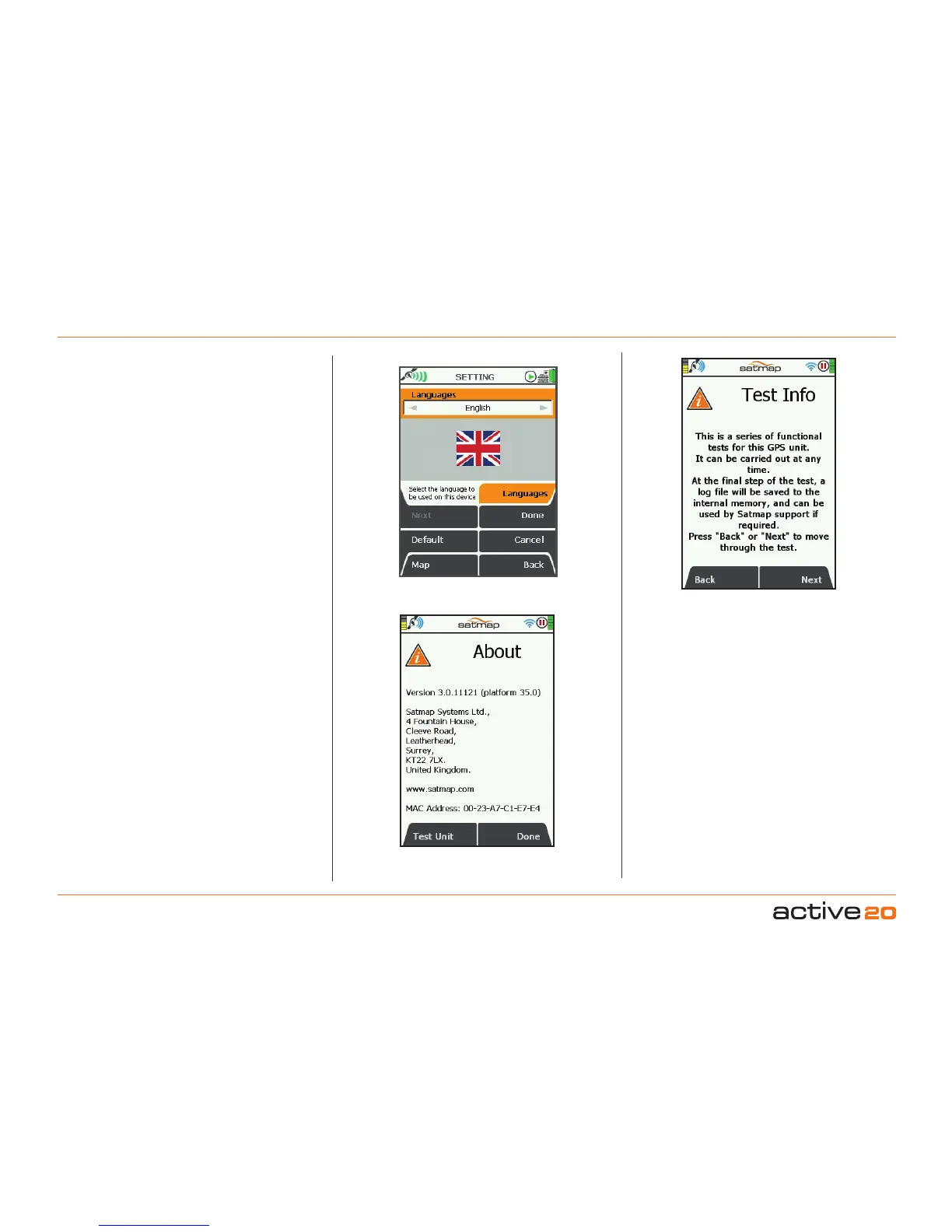
6.31 Languages
(GPS MAP → MAIN MENU → Settings → Languages)
Select your preferred language:
• Use the rocker pad, moving left/right to select
the operating language from English to English
(US), Nederlands (Dutch), Norsk (Norwegian),
Svenska (Swedish), Français (French), Deutsch
(German), Italiano (Italian), Español (Spanish),
Català (Catalan).
• Press Done or centre press the rocker pad to
return to SETTINGSMENU.
6.32 About
(GPS MAP → MAIN MENU → Settings → About)
This screen gives details of the software version
installed on your unit and Satmap contact details.
Press Done to return to the SETTINGSMENU
.
To check for the latest software updates, please:
1. Either use the Wi-Fi NETWORKS screen or
download the
SatSYNC application from the
Satmap website.
2. For usingg SatSYNC, please connect your Active
20 to your PC/Mac, and SatSYNC will automatically
check if software updates are available. You will be
asked if you wish to update your device.
Alternatively, if you do not use Wi-Fi or a PC/Mac,
please contact Satmap support and an Upgrader
SD card will be mailed to you.
Please Note: The 1st relase sofware for the Active
20 was Version 3.0.11065, but fresh updates are
released regularly
All Active 20 GPS have "Platform29
", or higher.



 To Next Page