Software v3.0.11065
© Satmap Systems Ltd 2017
30
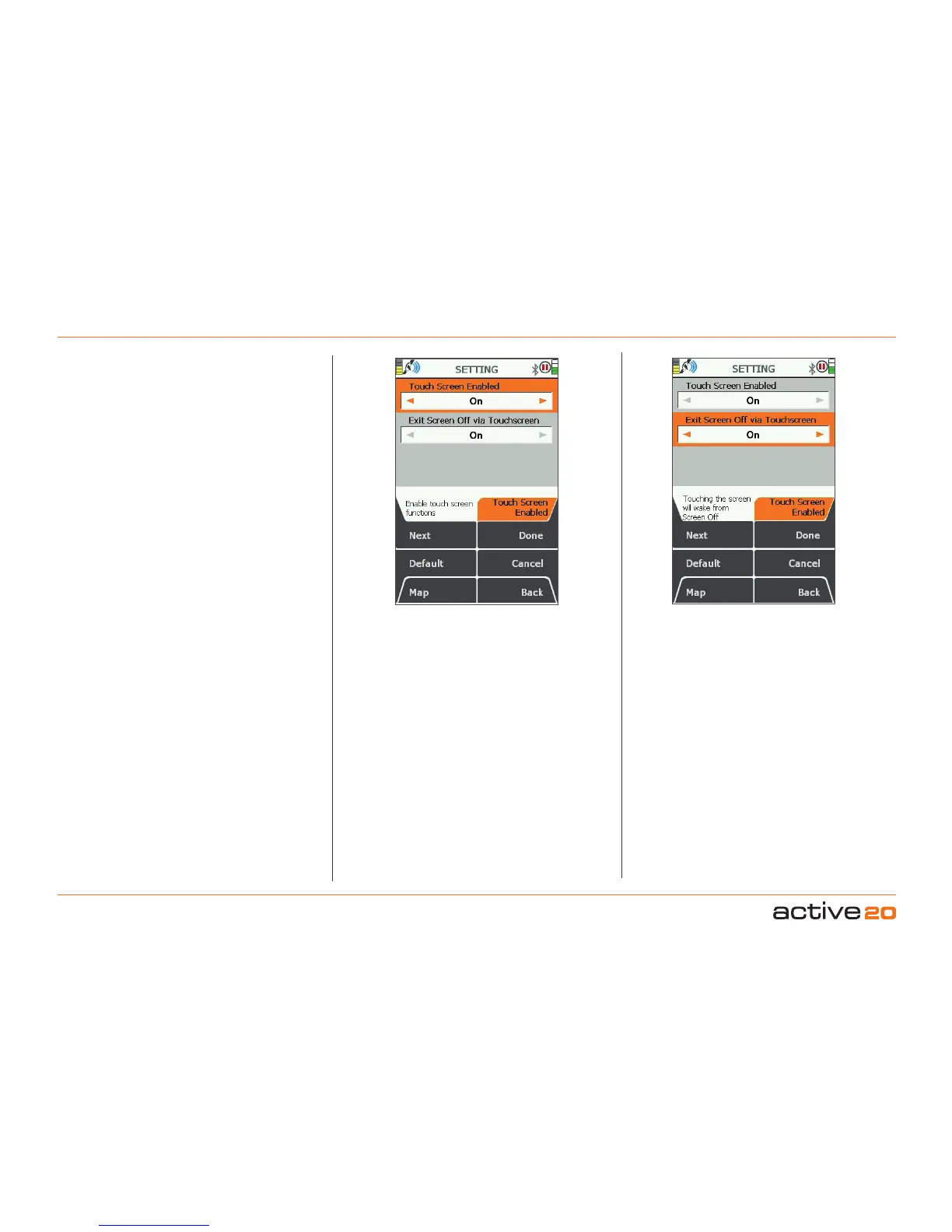
6.1 TouchScreenSettings
(GPS MAP → MAIN MENU → Settings)
TouchScreenEnabled
This setting allows DualControl (TouchScreen and
Buttons) On) or Button Control only : Off
ExitScreenOff
This controls the exit from screen-off mode.
On: Allows the screen to wake by simply touching it
OFF : Requires a button press to turn the screen
back on.
6. MAINMENU:SettingsMenu(...cont)



 To Next Page