100
Formulation
8
APPLICATION FUNCTION MODE
Outputting the Gross Weight
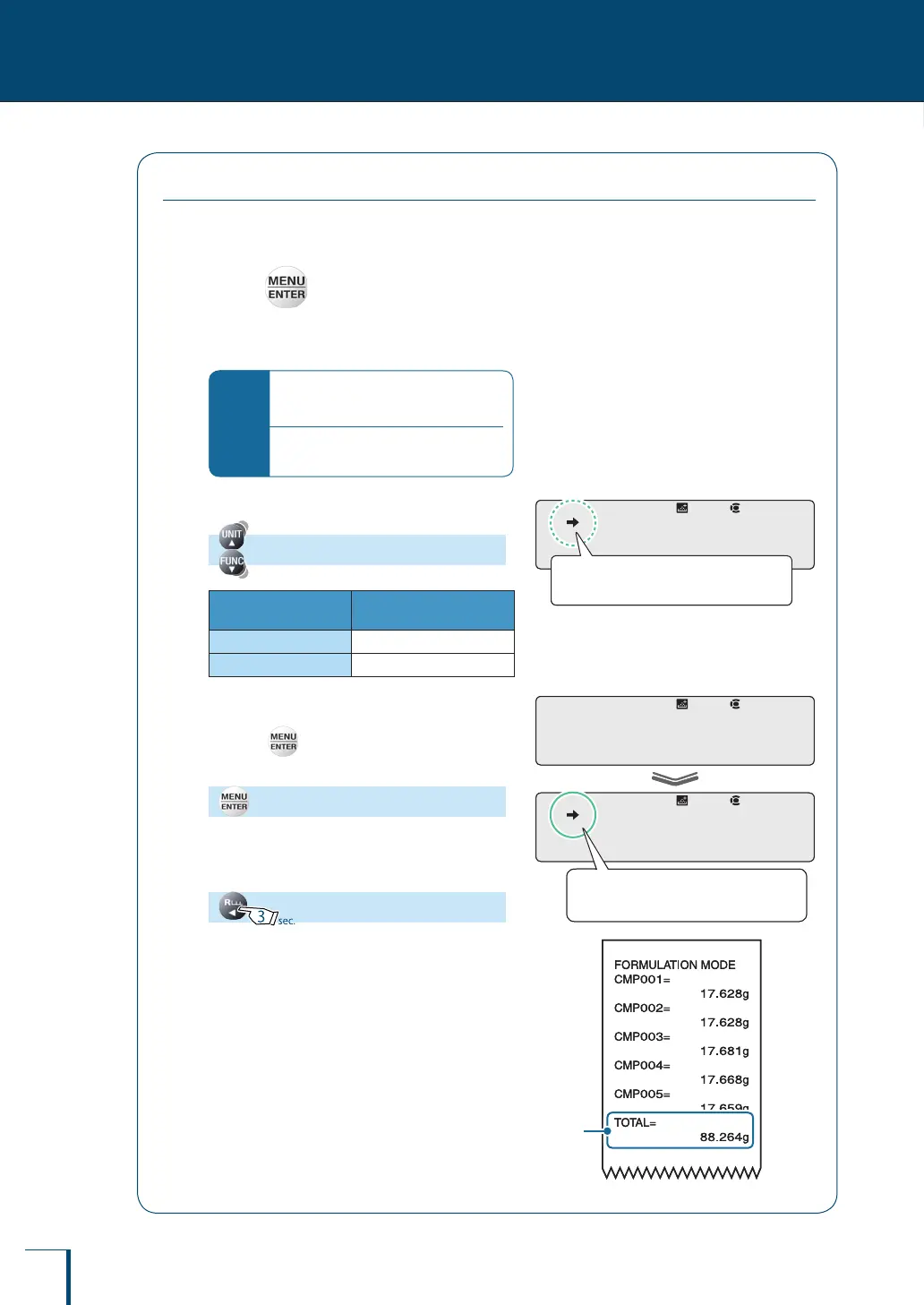
The gross weight for a formulation weighing operation is output at the same time it is displayed.
The gross weight is output together with the printed indication: "TOTAL =".
1
Press in ready to weigh status
while in the formulation mode.
This opens the main menu.
*
If the ready to weigh status is not
established…
Perform steps
1
and
2
of formulation
(^ page 96)
.
2
Select gross weight output setting.
[TOTAL]
Stability Mark
Outputting the Gross
Weight
Lit
ON
Unlit
OFF
3
Change the output setting.
Pressing alternately sets ON and OFF for
the output setting.
[SET]
4
Return to ready to weigh status.
! !T!O!T!A!L
Check the presence or absence of the
stability mark.
! !T!O!T!A!L
Check the presence or absence of the
stability mark.
! !S!E!T!
! !T!O!T!A!L
When ON is set the stability mark is
lit.
! !S!E!T!
! !T!O!T!A!L
When ON is set the stability mark is
lit.
Gross
weight
Gross
weight



 To Next Page