126
Communication Settings
10
CONNECTION AND COMMUNICATION WITH PERIPHERAL DEVICES
Standard Settings (MODE)
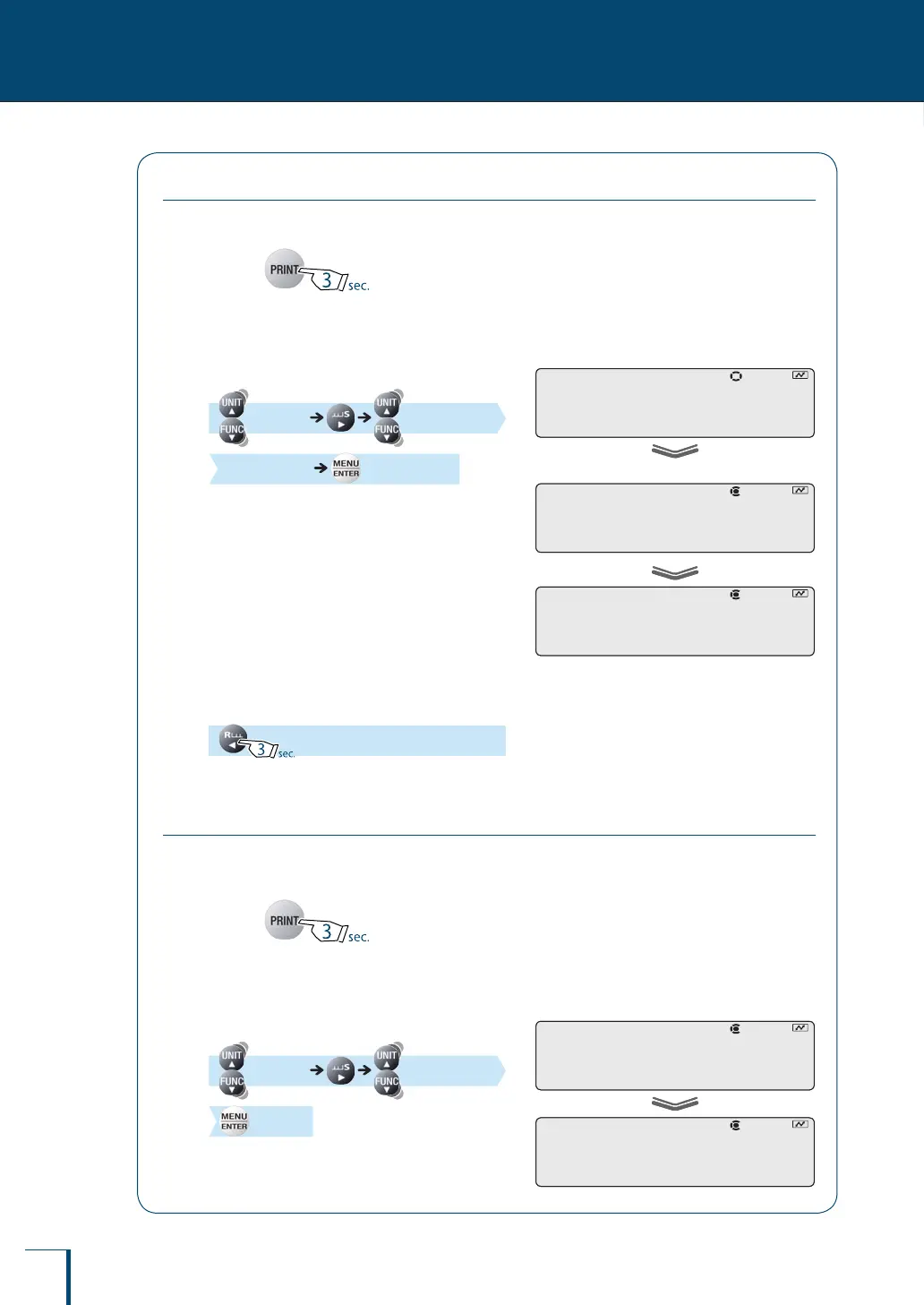
Make a selection from the setting combinations "MODE1" to "MODE4".
1
Press for about
3 seconds in the weighing mode.
This opens the output menu.
2
Select communication setting.
[COMM.SET]
(Select the mode.) [SET]
3
Return to the weighing mode.
User-Specied Settings
In this setting each of the communication settings can be set according to the user's
requirements.
1
Press for about
3 seconds in the weighing mode.
This opens the output menu.
2
Select user-specied setting.
[COMM.SET] [MODE.U]
[SET]
C!O!M!M.S!E!T
When "MODE2" is selected
! !M!O!D!E.2
•
! !S!E!T!
C!O!M!M.S!E!T
When "MODE2" is selected
! !M!O!D!E.2
•
! !S!E!T!
! !M!O!D!E.U
! !S!E!T!
! !M!O!D!E.U
! !S!E!T!



 To Next Page