BEFORE
WEIGHING
USING MORE CONVENIENTLY MAINTENANCE
TROUBLESHOOTING
FOR YOUR
INFORMATION
USING THE
BALANCE
43
Continued on next page
Turning the Power OFF
1
Establish the weighing mode.
^
"Weighing", page 38
2
Press
If the status described below is not established, press again.
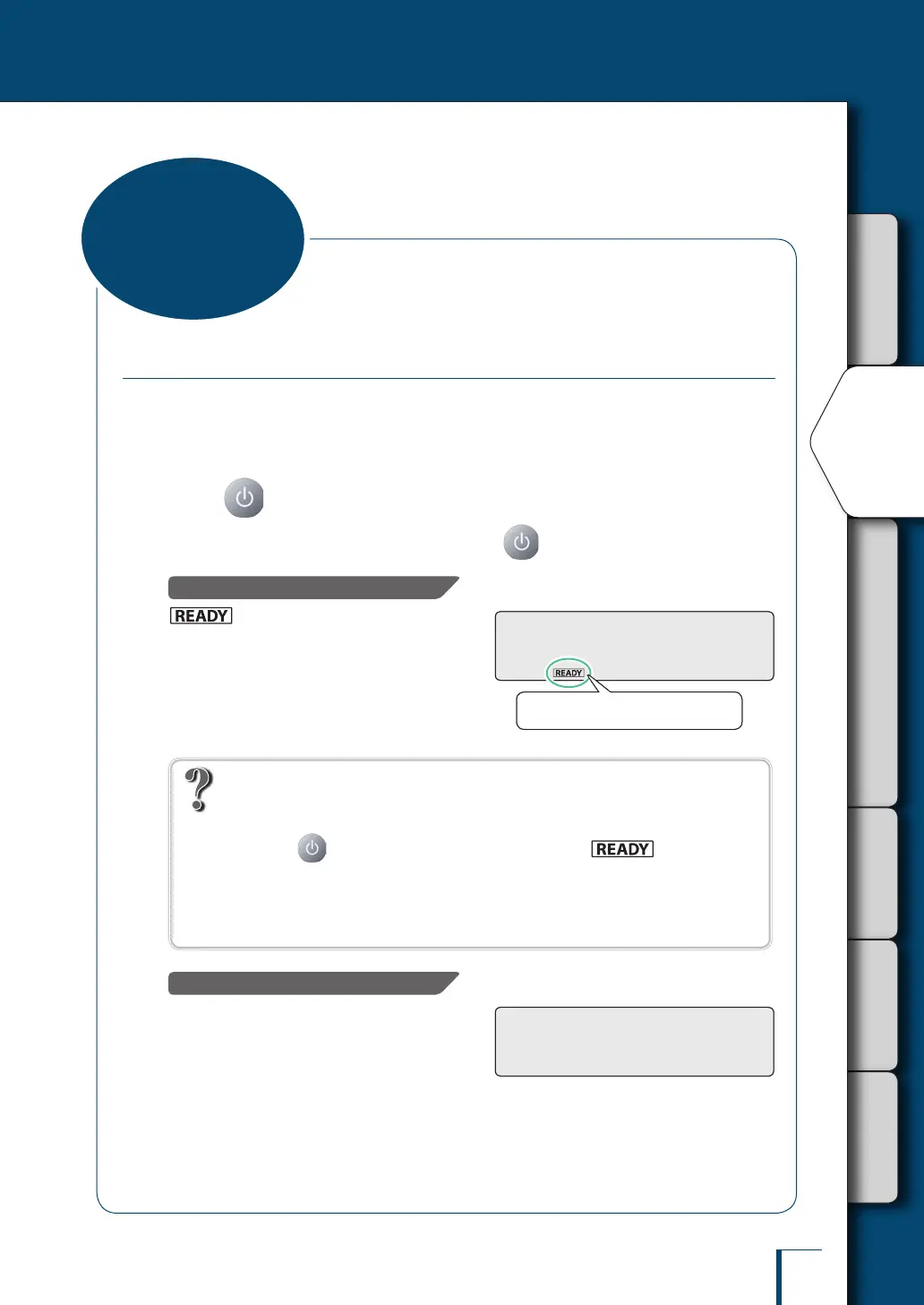
With the TW/TX Series…
(the ready symbol) will light and the
standby mode will be established.
Normally, leave the balance on standby in this
state until the next weighing.
To shut the power off completely, disconnect the
AC adapter.
What is the standby mode?
This is the status in which the balance stands by, saving electricity although it can still be used
right away.
On pressing in the weighing mode the display is turned off, (the ready
symbol) is lit and the power saving status (standby mode) is established.
During the standby mode, the interior of the balance is powered and in the warming-up status,
ready for immediate use.
(* The standby mode is a function featured with the TW/TX Series only.)
With the TXB Series…
The power is shut off. The standby mode is not
established.
Normally, leave the balance in this state until
the next weighing.
If batteries are installed in the balance and it is
not going to be used for a long time, remove the
batteries.
The ready symbol lights up.The ready symbol lights up.
Ending Weighing



 To Next Page