BEFORE
WEIGHING
USING THE
BALANCE
USING MORE CONVENIENTLY MAINTENANCE
TROUBLESHOOTING
FOR YOUR
INFORMATION
141
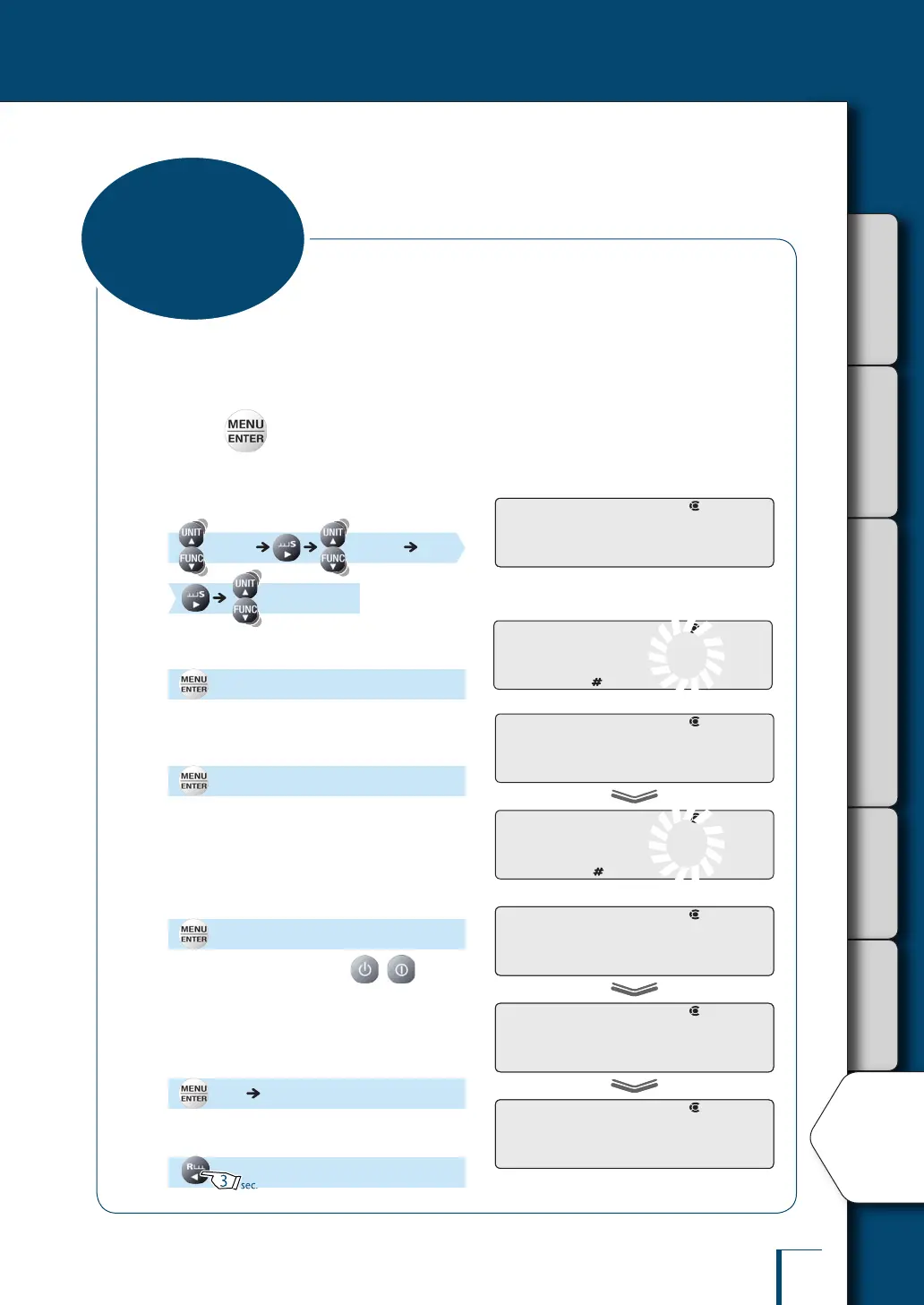
To execute menu reset (^ page 51), to set or cancel menu lock (^ page 52), or to execute
calibration of the internal weight (^ page 64), you have to input a password.
"9999" is set as the default password, but this can be changed by following the procedure below.
1
Press in the weighing mode.
This opens the main menu.
2
Select the password.
[TOOLS] [SYSTEM]
[PASS.WRD]
3
Enter the current password.
(Enter the current password.)
4
Enter the new password.
[OK] (Enter the current password.)
^
"Entering Numerical Values", page 49
5
Conrm.
[OK?]
To cancel at this point, press ( with
the TXB series). The balance will return to the
status after step 2, without setting the value
entered in step 3.
To conrm the password, proceed as follows.
[SET] [PASS.WRD]
6
Return to the weighing mode.
P!A!S!S.W!R!DP!A!S!S.W!R!D
! ! !O!K!?
! !S!E!T! !
P!A!S!S.W!R!D
! ! !O!K!?
! !S!E!T! !
P!A!S!S.W!R!D
Changing the
Password
P!-! !9!9!9!9
/
/
/
/
/
/
/
/
/
/
/
/
/
/
! ! !O!K! !
P!-! !1!2!3!4
/
/
/
/
/
/
/
/
/
/
/
/
/
/



 To Next Page