120
Connecting to a PC (RS-232C)
10
CONNECTION AND COMMUNICATION WITH PERIPHERAL DEVICES
Command Codes
Commands whose nal character is a numeral, a letter of the alphabet, or a symbol
other than "="
Each command code is sent to the balance with a delimiter appended at the end
Example 1:
P R I N T (C / R)
This is the same as pressing
Commands whose nal character is "="
Each command code is sent to the balance followed by numerals (sometimes including a decimal
point) and with a delimiter appended at the end.
Example 2:
ID = 1 2 3 4 (C / R) This sets "1234" as the balance ID.
Example 3:
UW1 = 1 . 2 3 (C / R)
(Example for models with two places
after the decimal point)
This sets 1.23 g as the unit weight for piece counting 1.
Example 4:
UW1 = 0 . 0 0 (C / R)
(Example for models with two places
after the decimal point)
This clears the unit weight for piece counting 1.
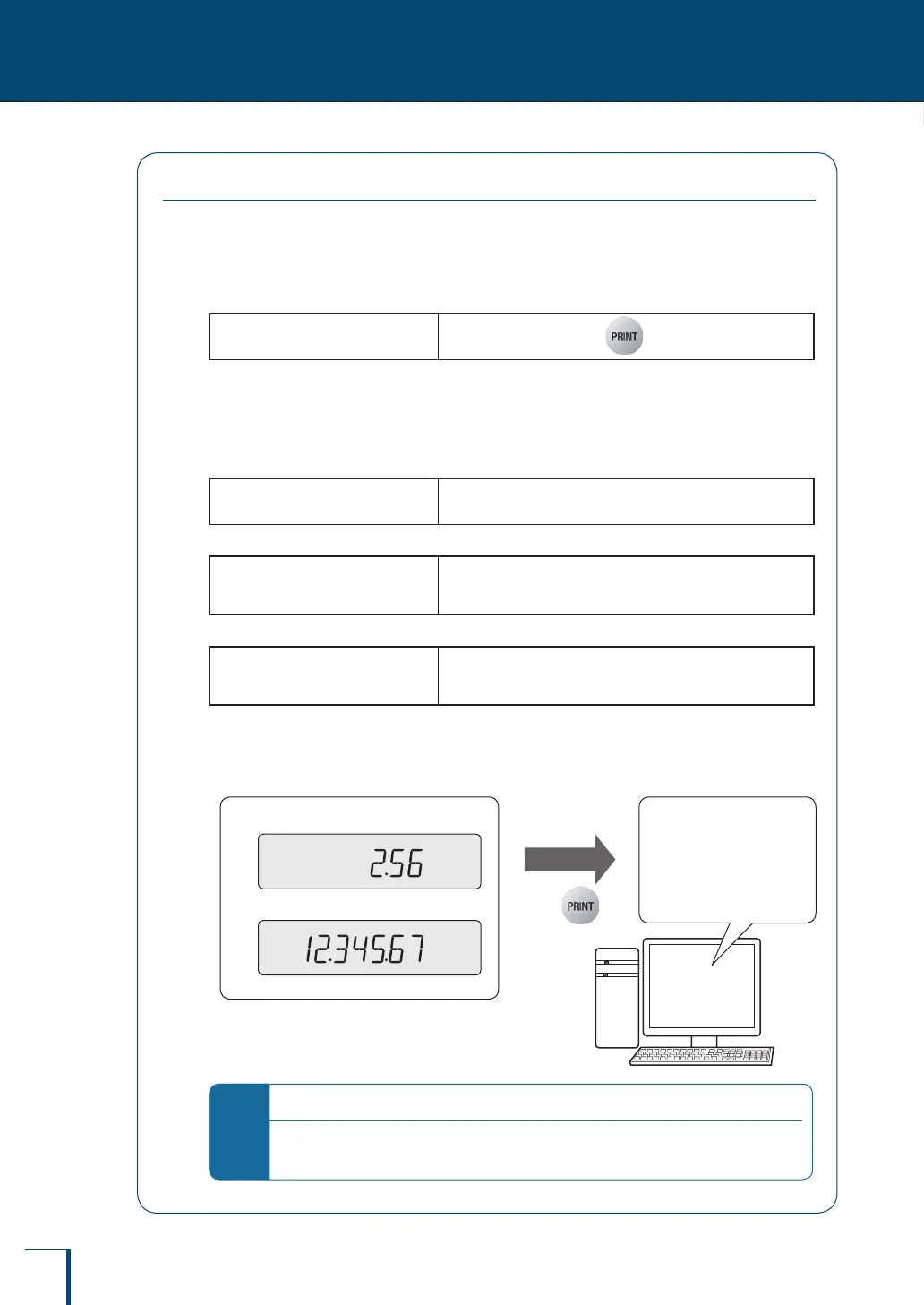
Working from the PC connected to the balance, it is possible to instruct a weighing operation or
to display a numerical value of your choice at the balance.
"# = 2 . 5 6"•
"# = 1 2 . 3 4 5 . 6 7"•
Output to the PC
Press
"2 - 5 6 (C / R)"
"1 2 - 3 4 5 - 6 7 (C / R)"
Display panel of the balance PC
*
Output to the PC
In order to distinguish between instruction information from the PC and the balance's weight
display data, "." is converted to "-" before output.



 To Next Page