42
Selecting the Display
2
USING THE BALANCE
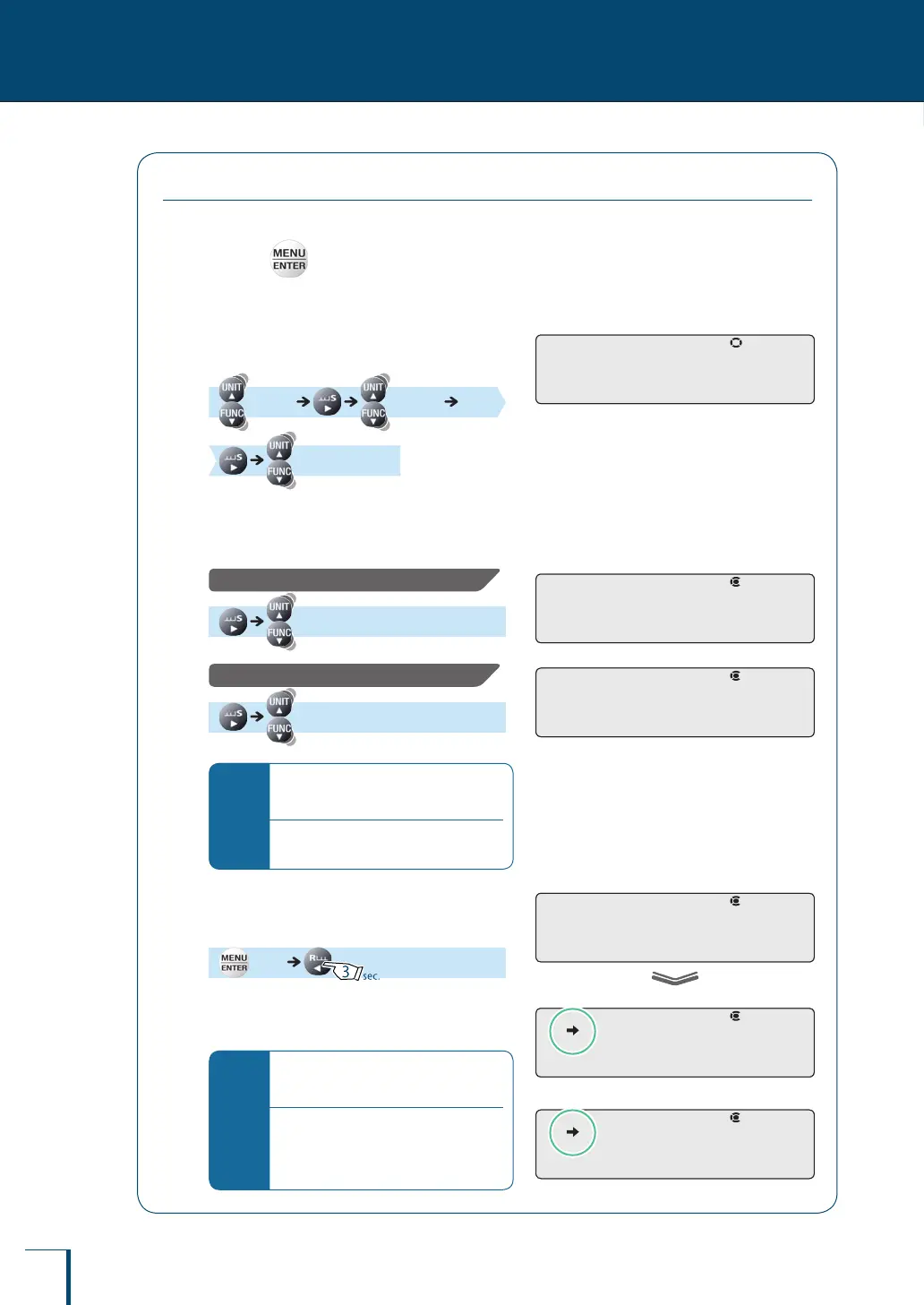
Selecting the Decimal Point Display Symbol
The decimal point can be displayed as either "." (a period) or "," (a comma).
1
Press in the weighing mode.
This opens the main menu.
2
Select decimal point display
setting.
[TOOLS] [SYSTEM]
[POINT]
3
Select the decimal point display
symbol.
To select "." (period):
[PERIOD]
To select "," (comma):
[COMMA]
*
When outputting to the ER-50/EP-
60A electronic printer (old type)…
Do not select "," (comma). The printer
may not print it correctly.
4
Conrm and return to the weighing
mode.
[SET]
The way the decimal is displayed has now
changed.
*
Selecting the decimal point display
symbol
When the decimal point display is
changed, the decimal point changes
accordingly in data output to external
devices such as printers.
! !P!O!I!NT ! !P!O!I!NT
!P!E!R!I!O!D !P!E!R!I!O!D
! !C!O!M!M!A ! !C!O!M!M!A
! !S!E!T!
To select the period
!P!E!R!I!O!D
•
To select the comma
! !C!O!M!M!A
•
! !S!E!T!
To select the period
!P!E!R!I!O!D
•
To select the comma
! !C!O!M!M!A
•



 To Next Page