150
13
FOR YOUR INFORMATION
The menu map represents the organization of the menu options graphically to make it easy to understand.
It is useful for quickly accessing the menu option you want to use.
For details on the organization of the menu settings and the method of operation of the menu, see
"3. MENU SETTINGS" (^ page 46).
Reading the Menu Map
Conventions Used in
the Menu Map
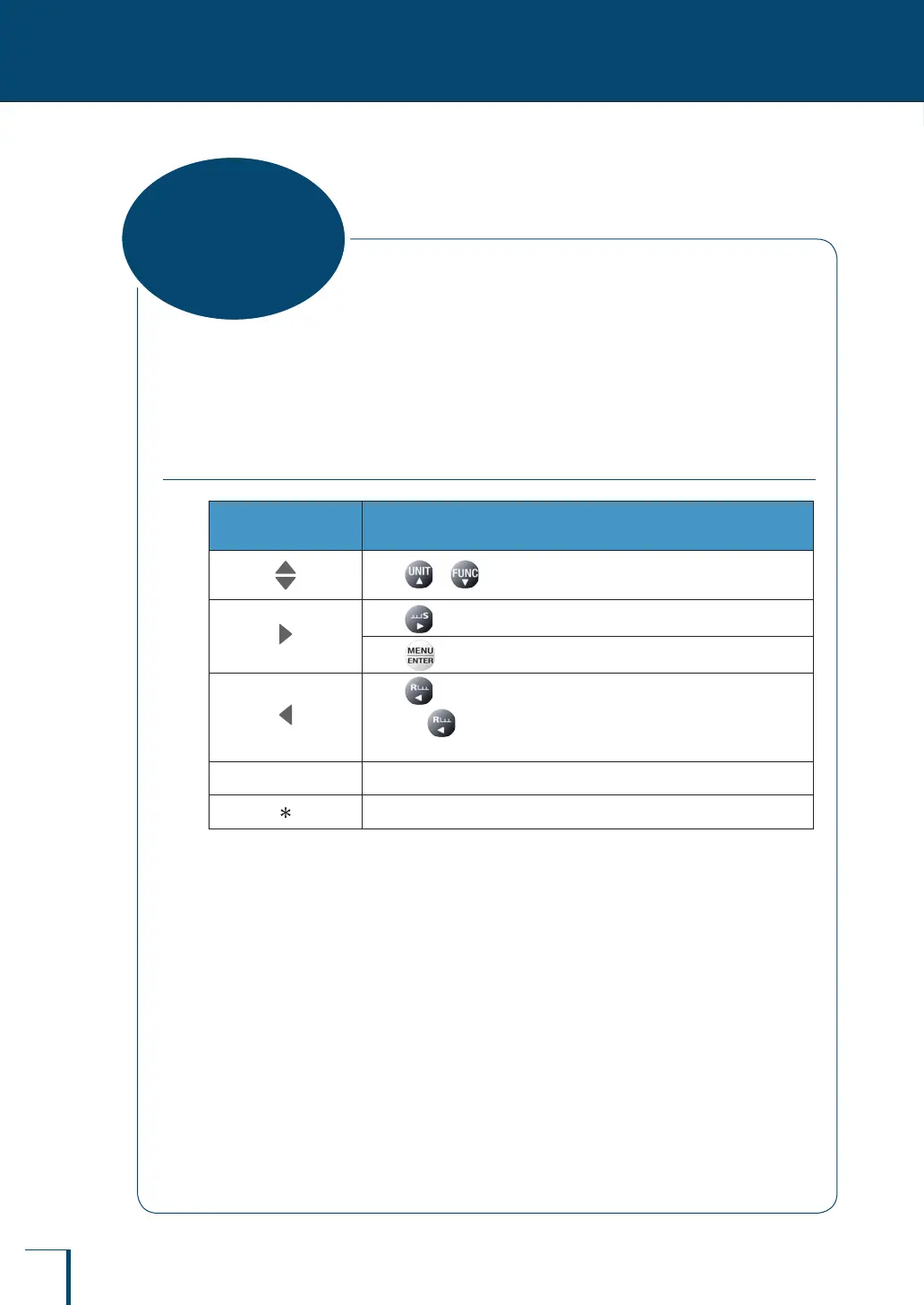
Explanation of Operation
Press or to search for the menu option.
Press to proceed to the next menu option.
Press to conrm.
Press to return to the previous menu option.
(Pressing for around 3 seconds during menu operation returns you to
the weighing mode.)
^
Refers to a page in the instruction manual.
The default settings (settings when the menu is reset)
Menu Map



 To Next Page