BEFORE
WEIGHING
MAINTENANCE
TROUBLESHOOTING
FOR YOUR
INFORMATION
USING THE
BALANCE
USING MORE CONVENIENTLY
77
TW/TX/TXB series balances have the following two types of weighing mode.
Set the right mode in advance depending on the environment of use and the weighing application.
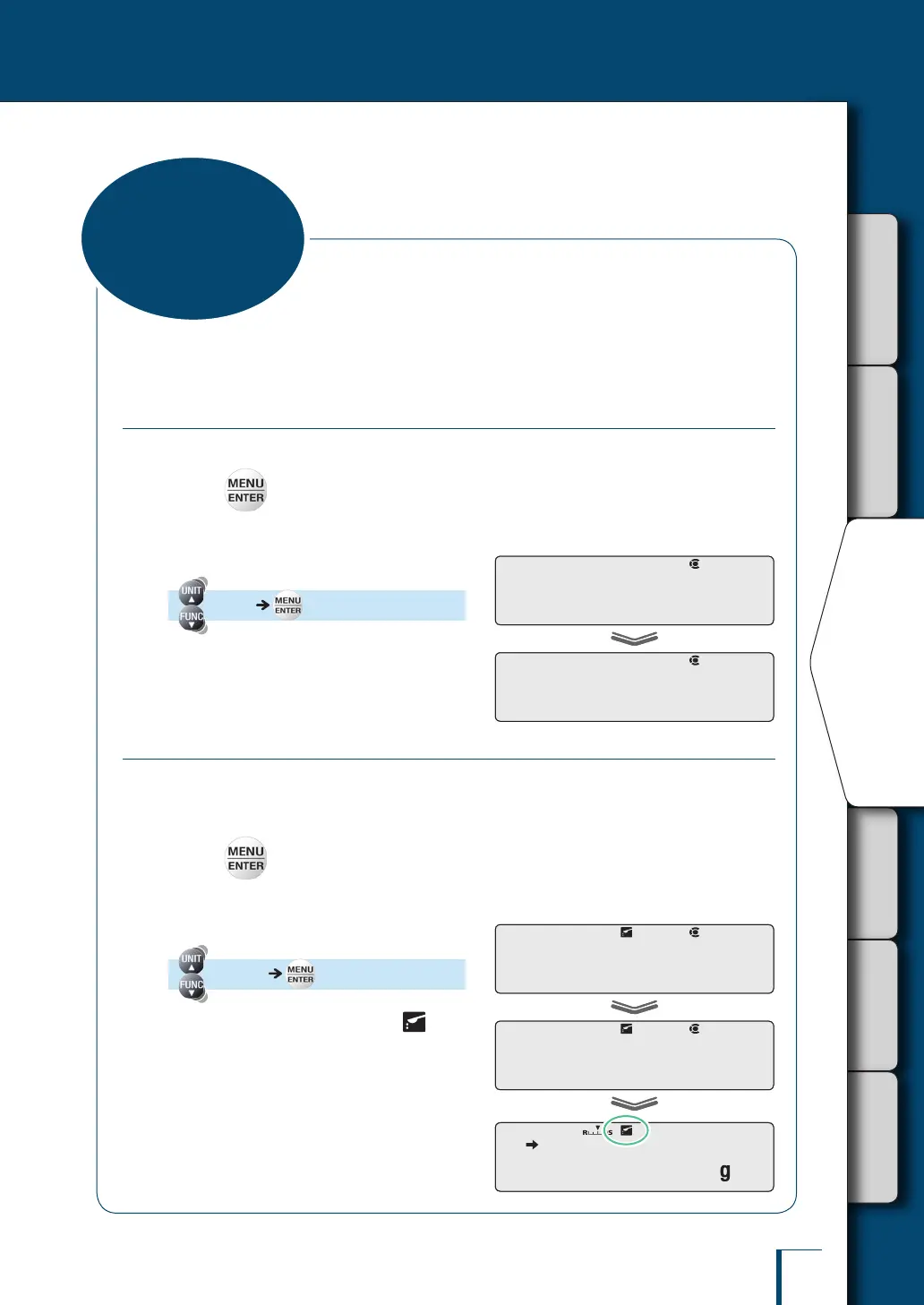
Selecting the General Weighing Mode
This is the fundamental mode in which response and stability are given equal emphasis.
1
Press in the weighing mode.
This opens the main menu.
2
Select the general weighing mode.
[STAND] [SET]
The balance has been set in the general
weighing mode.
Selecting the Pouring Mode
This is the weighing mode suited to pouring out a sample (substance being weighed such as a
powder or liquid) until a target weight is reached.
The update of the display is fast and the nal value can be stabilized for reading.
1
Press in the weighing mode.
This opens the main menu.
2
Select the pouring mode.
[POURING] [SET]
The pouring mode is established and
(the pouring symbol) lights up.
! !S!T!A!N!D
! !S!E!T! !
! !S!T!A!N!D
! !S!E!T! !
P!O!U!R!I!N!G
! !S!E!T! !
! ! 0!.!0!0!0
P!O!U!R!I!N!G
! !S!E!T! !
! ! 0!.!0!0!0
Selecting the
Weighing Mode



 To Next Page