BEFORE
WEIGHING
MAINTENANCE
TROUBLESHOOTING
FOR YOUR
INFORMATION
USING THE
BALANCE
USING MORE CONVENIENTLY
111
Continued on next page
What Is the WindowsDirect Communication Function?
In any Windows application (e.g. Excel or the weight input window of an analytical device),
the numerical value displayed at the balance can be transferred to the cursor position just as if
it had been entered from the keyboard. The main body of the balance has a keyboard function,
so communication software is not required. As long as the status allows key entry, data can be
directly sent to the target device.
*
What to do if…
After installing communications software in the PC and attempting communications, it
is not possible to use the WindowsDirect communication function even though the OS is
Windows.
Refer to communications setting as described in "User-Specied Settings" (^ page
126).
To control the balance from a PC, you must use command codes for programming (^
page 120), not the WindowsDirect function.
A dedicated tool is required in order to run the WindowsDirect communication function
with Windows Vista.
For details, contact your Shimadzu representative.
Setting the Function
Making the settings at the balance
When this setting is made, all of the communications settings are changed to those appropriate
for WindowsDirect communication. See "Communication Settings" (^ page 125).
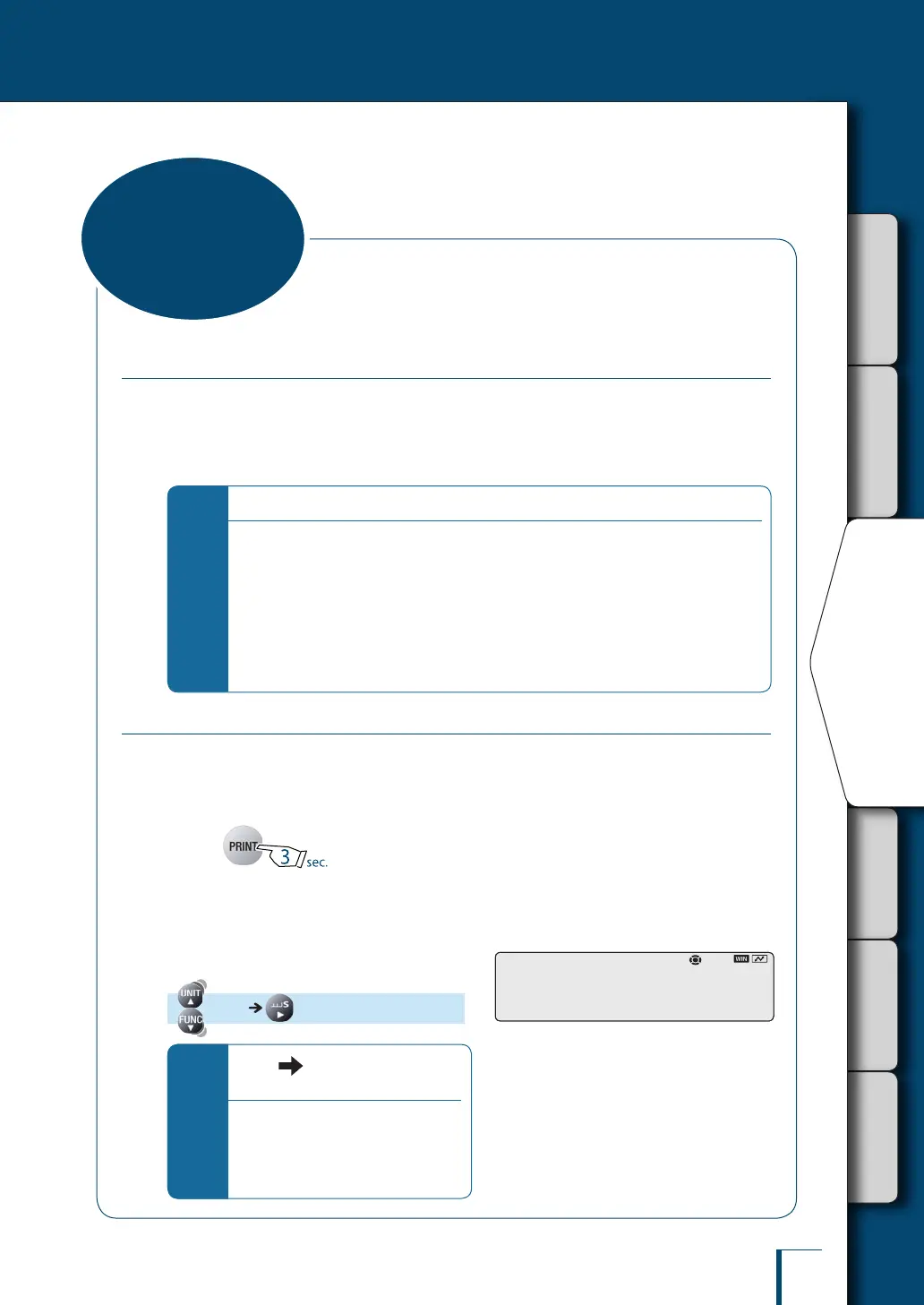
1
Press for about
3 seconds in the weighing mode.
This opens the output menu.
2
Select WindowsDirect
communication.
[WINI]
(Select the output data format.)
*
When (the stability mark) is lit
up…
The output data format has already been
set. If you proceed to the next step in
this status the setting will be cancelled
and the balance will return to the status
immediately before setting.
When "WIN|" has been selected:
! ! !W!I!N!|
• When "WIN|" has been selected:
! ! !W!I!N!|
•
WindowsDirect
Communication
Function



 To Next Page