110
Convenient Functions Relating to Output
10
CONNECTION AND COMMUNICATION WITH PERIPHERAL DEVICES
6
Return to the weighing mode.
When OFF is set for "MANU" in step 4,
continuous output starts.
Step 8 is not necessary in this case.
7
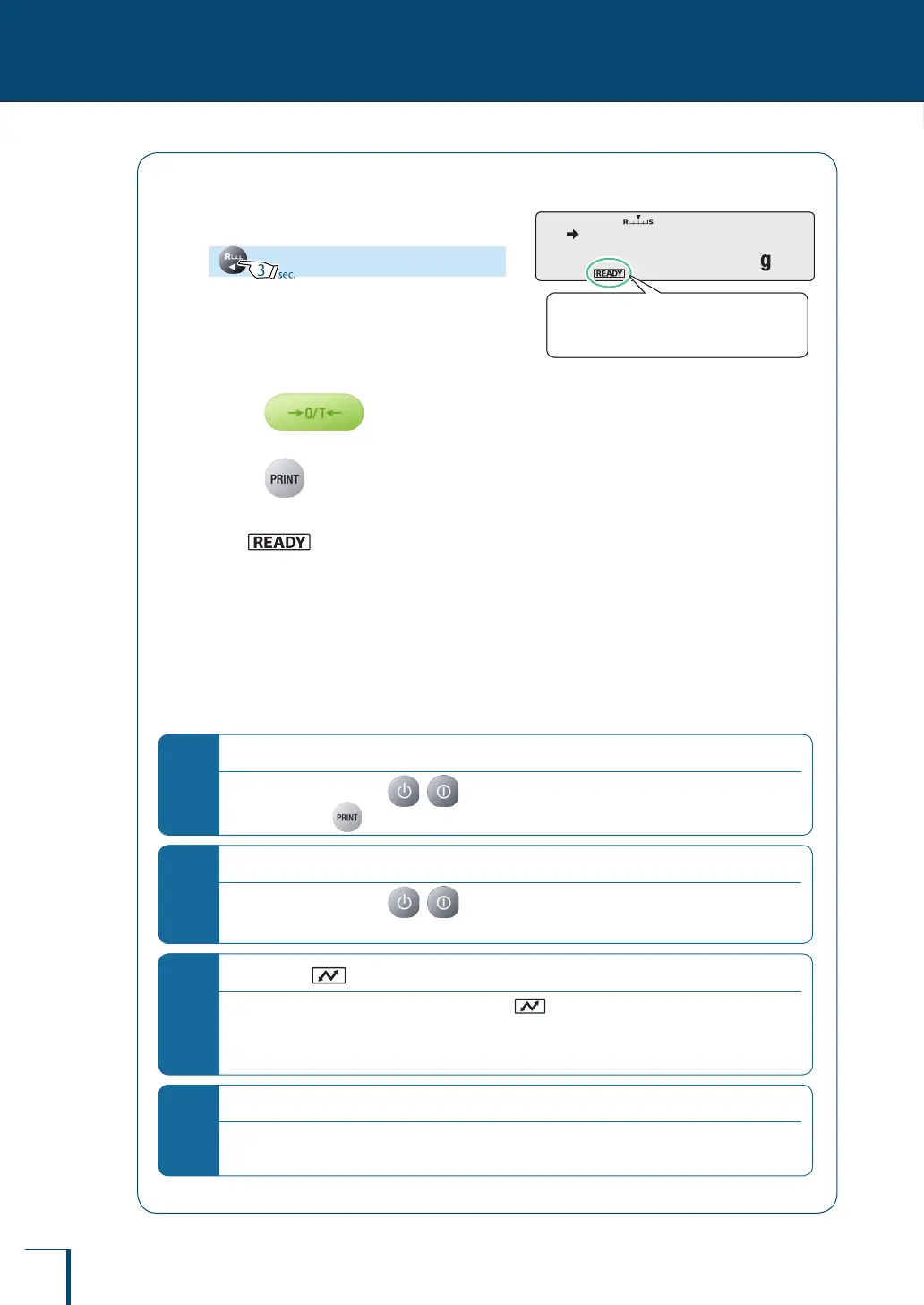
Place the container on the pan and
press
The balance will be tared.
8
Press (when ON is set for
"MANU" in step 4).
After (the ready symbol) has gone
off, displayed weight readings are continuously
output.
9
Place the sample in the container.
Displayed weight readings will be automatically
output in the same timing as the display refresh
cycle (approximately 100 msec intervals).
*
Pausing and restarting the continuous output function
To pause the function, press ( with the TXB series).
To restart it, press
*
When OFF is set for "MANU" in step 4…
"MANU" is set to ON when ( with the TXB series) is pressed and the continuous output
function is temporarily stopped.
*
Operation of (the communication symbol)
During continuous output, it may appear as though (the communication symbol) is continuously
lit.
Note also that if the transmission speed for data output is slow the display will be unstable and the
response time of the balance will also be slow.
*
When connected to a printer…
For reasons linked to the performance of the printer, the data output interval will increase to longer
than 100 msec.
! ! !0.0!0!0
When ON is set for "MANU" in step 4,
the ready symbol lights up.
! ! !0.0!0!0
When ON is set for "MANU" in step 4,
the ready symbol lights up.



 To Next Page