BEFORE
WEIGHING
USING THE
BALANCE
USING MORE CONVENIENTLY MAINTENANCE
TROUBLESHOOTING
FOR YOUR
INFORMATION
153
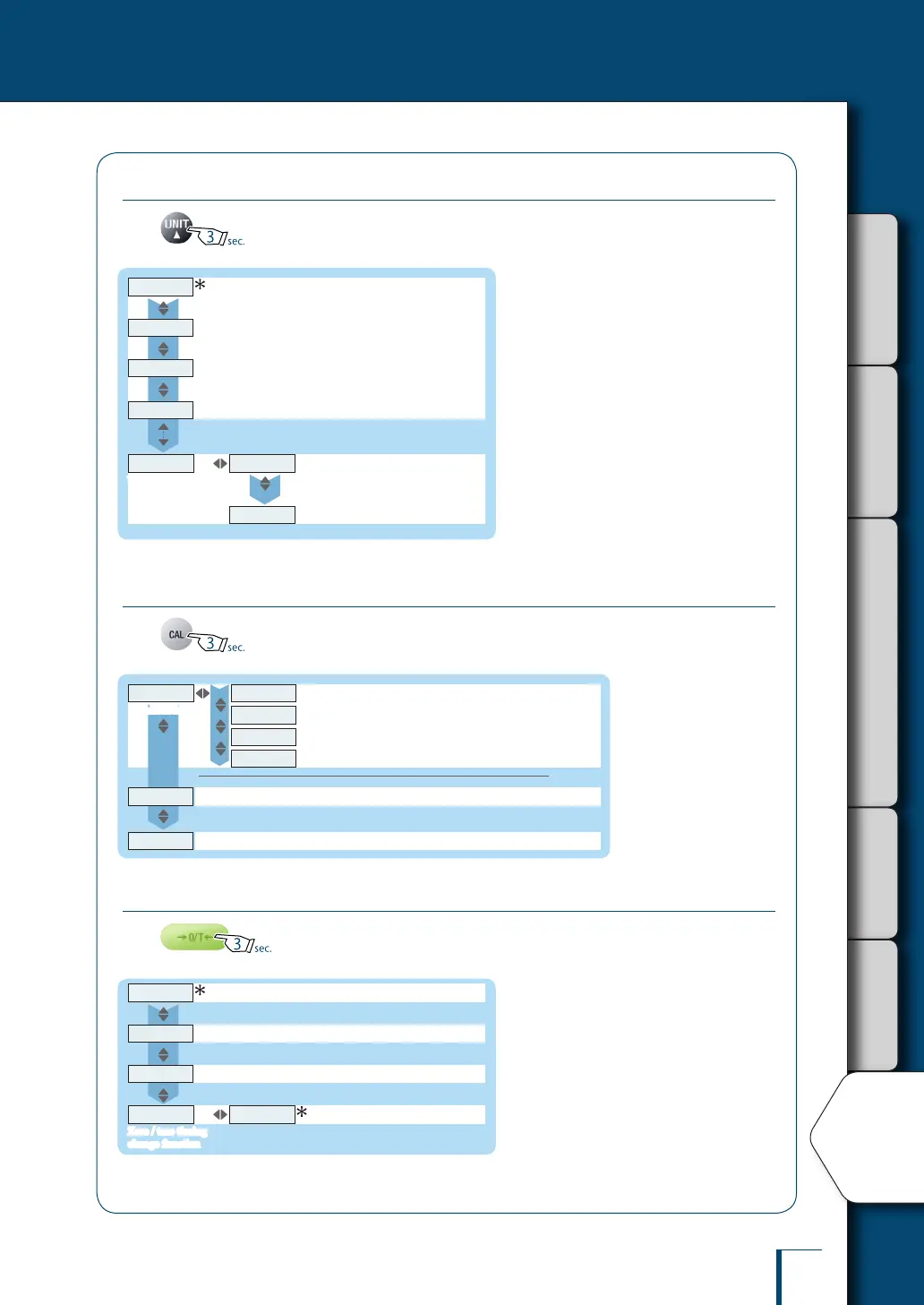
Unit Setting Menu
Press for about 3 seconds in the weighing mode.
^ P. 83
UNIT-
g
UNIT-
mg
#1
UNIT-U
User-specied units
MIN.D
Minimum indication
CONV.K
Conversion factors
UNIT-
kg
#2
^ P. 84
^ P. 85
Other units cannot be selected in some
countries due to legal restrictions.
#1: mg cannot be selected on models whose
minimum indication is 10 mg or greater.
#2 kg cannot be selected on the TWC***L and
TXC***L.
UNIT-
ct
Calibration Menu
Press for about 3 seconds in the weighing mode.
^ P. 142
^ P. 64
CAL.EXE
Calibration
GLP.OUT
GLP output function
E.TEST
E.CAL
^ P. 62
^ P. 57
Calibration of the internal weight (TW series only)
I.CAL
^ P. 56
I.TEST
^ P. 60
Calibration check using the internal weight (TW series only)
P.CAL
Span calibration using the internal weight (TW series only)
Span calibration using an external weight
Calibration check using an external weight
Zero / Tare Menu
Press for about 3 seconds in the weighing mode.
^ P. 71
^ P. 74
^ P. 72
^ P. 75
SOON
Z.TRC
Zero tracking function
A.TARE
Auto tare function
TARE.F
Zero / tare timing
change function
A.ZERO
Auto zero function



 To Next Page