68
Leaving a Record of Calibration
4
CALIBRATION
Setting Output of a Calibration Record
Output of the calibration record can be set by turning the GLP output function (^ page 142) ON and
OFF.
1
Press for about 3 seconds.
This opens the calibration menu.
2
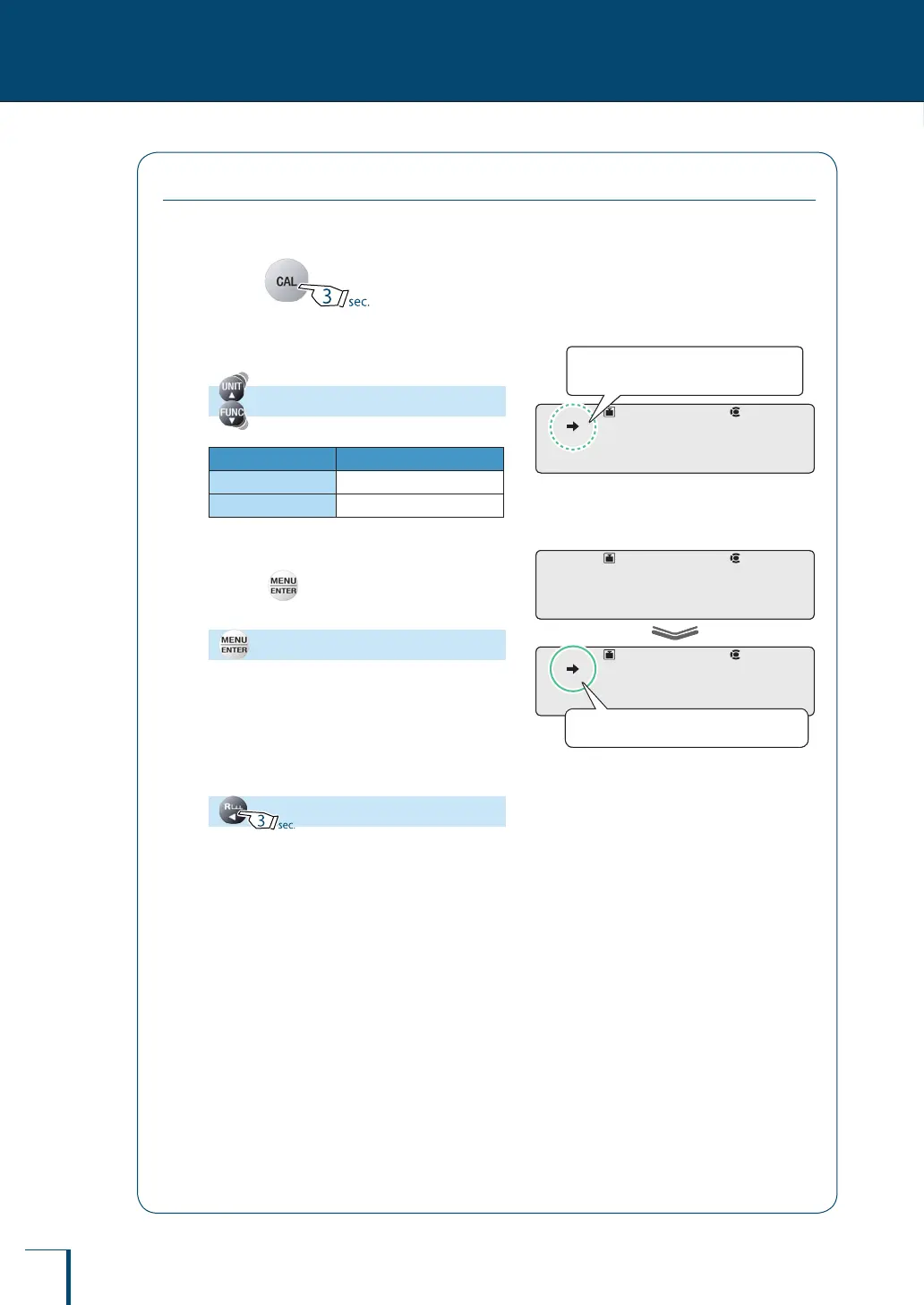
Select the GLP output function.
[GLP.OUT]
Stability Mark GLP Output Function
Lit
ON
Unlit
OFF
3
Change the setting.
Pressing alternately sets the ON and OFF
settings.
[SET]
4
Return to the weighing mode.
!G!L!P.O!U!T
Check the presence or absence of the
stability mark.
!G!L!P.O!U!T
Check the presence or absence of the
stability mark.
! !S!E!T! !
!G!L!P.O!U!T
When ON is set the stability mark is lit.
! !S!E!T! !
!G!L!P.O!U!T
When ON is set the stability mark is lit.



 To Next Page