BEFORE
WEIGHING
MAINTENANCE
TROUBLESHOOTING
FOR YOUR
INFORMATION
USING THE
BALANCE
USING MORE CONVENIENTLY
129
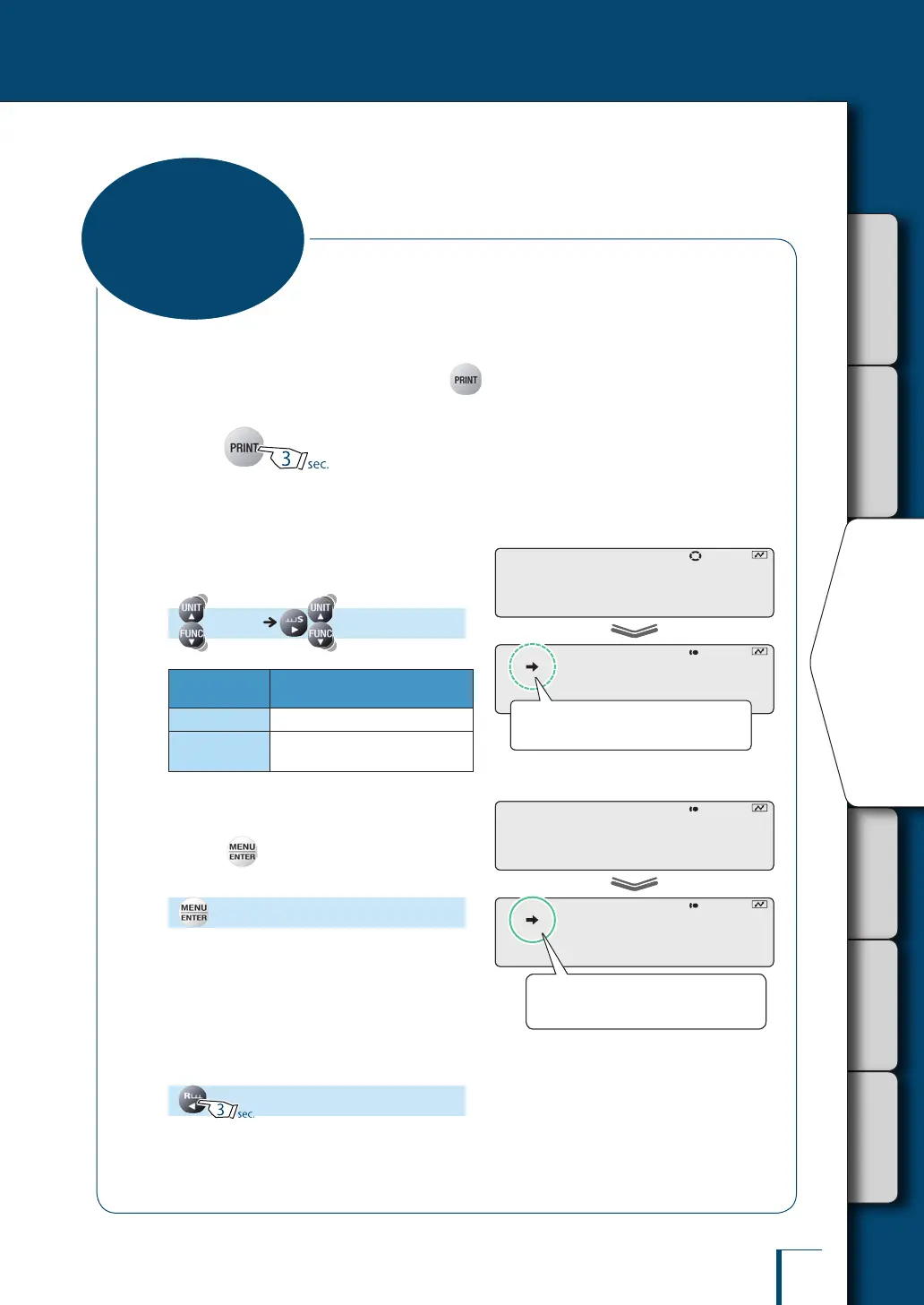
Data can be set to output without waiting for detection of stability (immediate output), or to output only
after detecting stability (output after stability), when is pressed.
1
Press for about
3 seconds in the weighing mode.
This opens the output menu.
2
Select the output timing change
function.
[APL.PRN] [PRINT.F]
Stability
Mark
Output Timing Change
Function
Lit
When "immediate output" is set
Unlit
When "output after stability" is
set
3
Change the setting.
Pressing alternately selects "immediate
output" and "output after stability".
[SET]
4
Return to the weighing mode.
!P!R!I!N!T.F
! ! !S!O!O!N
Check the presence or absence of the
stability mark.
!P!R!I!N!T.F
! ! !S!O!O!N
Check the presence or absence of the
stability mark.
! !S!E!T!
! ! !S!O!O!N
When "immediate output" is set, the
stability mark is lit.
! !S!E!T!
! ! !S!O!O!N
When "immediate output" is set, the
stability mark is lit.
Output Timing
Change Function



 To Next Page