128
Communication Settings
10
CONNECTION AND COMMUNICATION WITH PERIPHERAL DEVICES
*
What to do if…
The default setting is "hardware handshake".
When connecting to a printer, select "hardware handshake".
When connecting to a PC, select "no handshake".
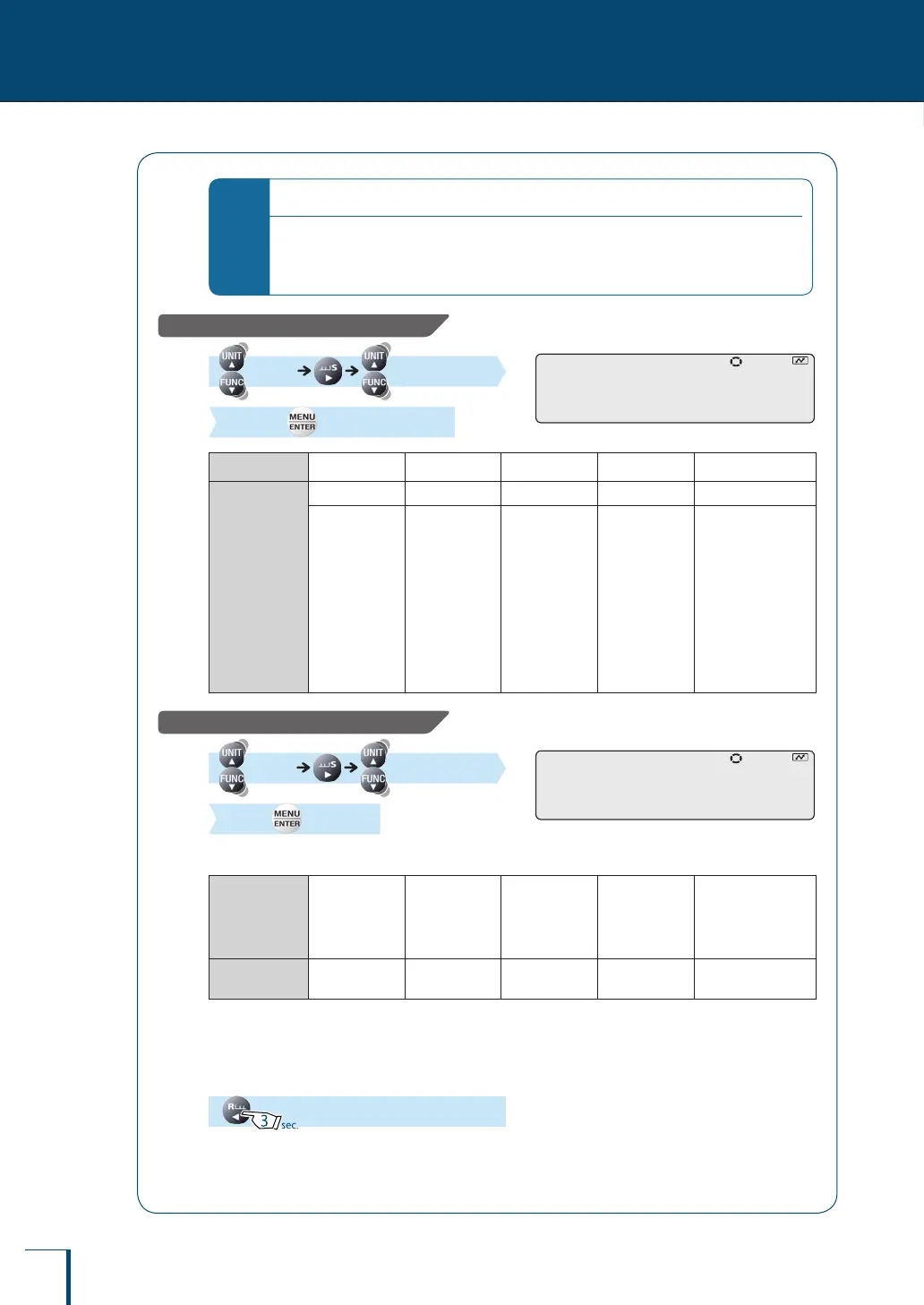
Setting the data format
[D.FORM] (Select the
data format.) [SET]
Indication
DF.1 DF.2 DF.3 DF.4 DF.FRE
Data format
Data format 1 Data format 2 Data format 3 Data format 4 Free format
This is
Shimadzu's
standard
format.
Normally,
make this
setting.
This is an
expansion of
the data format
1 function.
This is the
same format as
used by Mettler
balances.S
This is the
same format
as used by
Sartorius
balances.
This is a format that
allows the leading
bytes and number
of send data to be
set freely.
The leading bytes
can be set in the
range 1 to 17 and
the number of send
data can be set in
the range 8 to 23.
Setting a delimiter
[DELIM] (Select a
delimiter) [SET]
Delimiter: A symbol used to partition individual data items and individual commands
Indication
CR LF CR+LF COMMA
WIN|
WIN|.U
WIN-
WIN-.U
Delimiter
CR LF CR+LF Comma WindowsDirect
communication *
* Batch set all of the communication settings for the WindowsDirect communication function by following the
procedure in "Setting the Function" (^ page 111).
4
Return to the weighing mode.
! !D.F!O!R!M ! !D.F!O!R!M
! !D!E!L!I!M ! !D!E!L!I!M



 To Next Page