84
7
SETTING UNITS
Conversion Factors
Numerical values (multipliers) by which the weight reading (in grams) is multiplied can be set
without restriction.
1
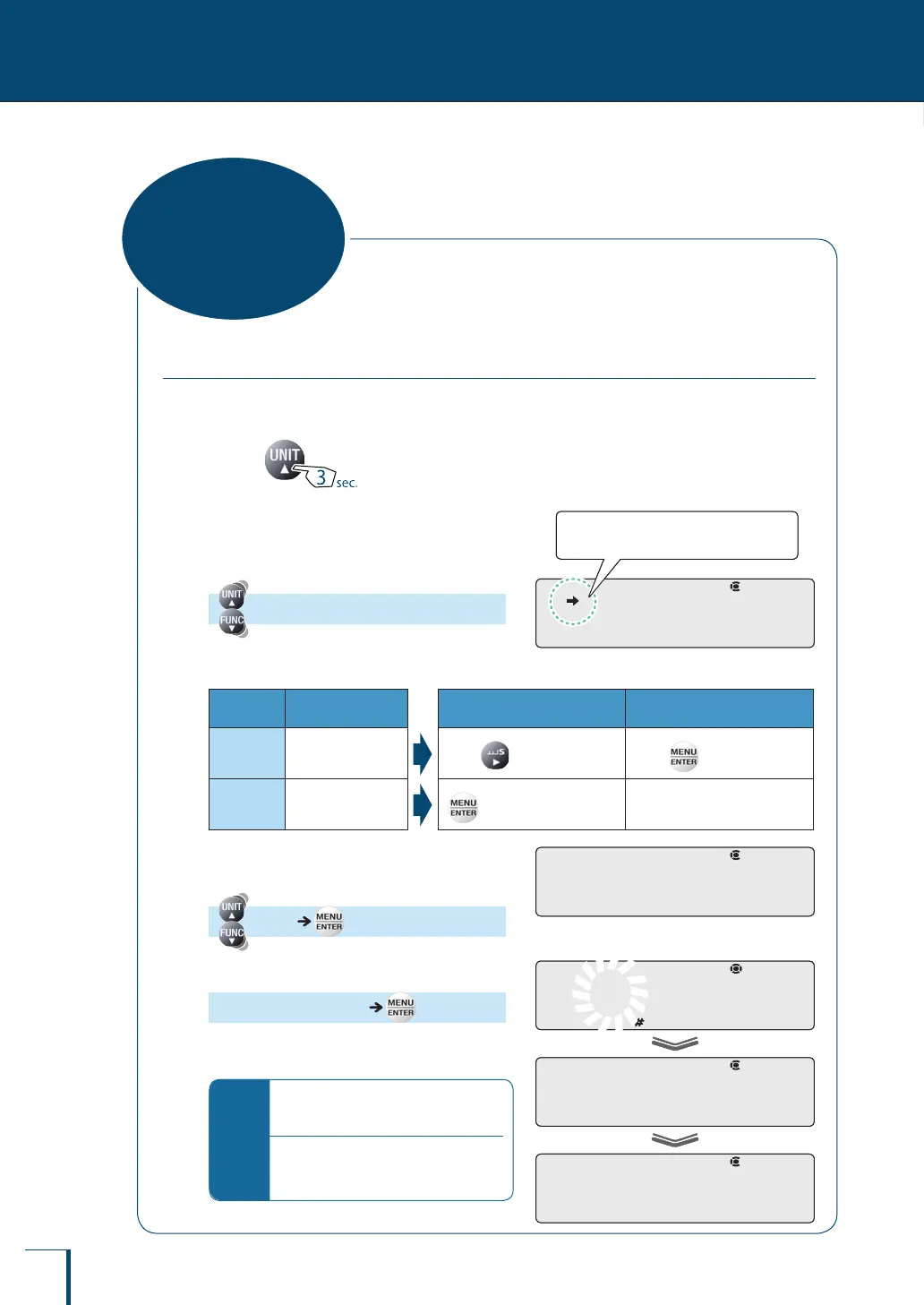
Press for about 3 seconds
in the weighing mode.
This opens the unit setting menu.
2
Select the user-specied units.
[UNIT-U]
What is the current situation? What do you want to do?
Stability
Mark
User-Specied
Units
To Set / Update To Cancel
Lit
Set
Press and go to step 3.
Press and go to step 5.
Unlit
Cancelled
and go to step 3.
Go to step 5.
3
Select setting of the conversion
factor.
[CONV.K]
4
Enter the conversion factor.
(Enter the conversion factor.) [SET]
^
"Entering Numerical Values", page 49
*
Changing the position of the
decimal point
When entering a conversion factor, the
position of the decimal point can be
changed
(^ page 50)
.
!U!N!I!T!-!U!
Check the presence or absence of the
stability mark.
!U!N!I!T!-!U!
Check the presence or absence of the
stability mark.
! !C!O!N!V.K ! !C!O!N!V.K
1!.0!0!0!0!0
! !S!E!T! !
! !C!O!N!V.K
/
/
/
/
/
/
/
/
/
/
/
/
/
/
1!.0!0!0!0!0
! !S!E!T! !
! !C!O!N!V.K
/
/
/
/
/
/
/
/
/
/
/
/
/
/
Setting
User-Specied
Units



 To Next Page