BEFORE
WEIGHING
MAINTENANCE
TROUBLESHOOTING
FOR YOUR
INFORMATION
USING THE
BALANCE
USING MORE CONVENIENTLY
51
Continued on next page
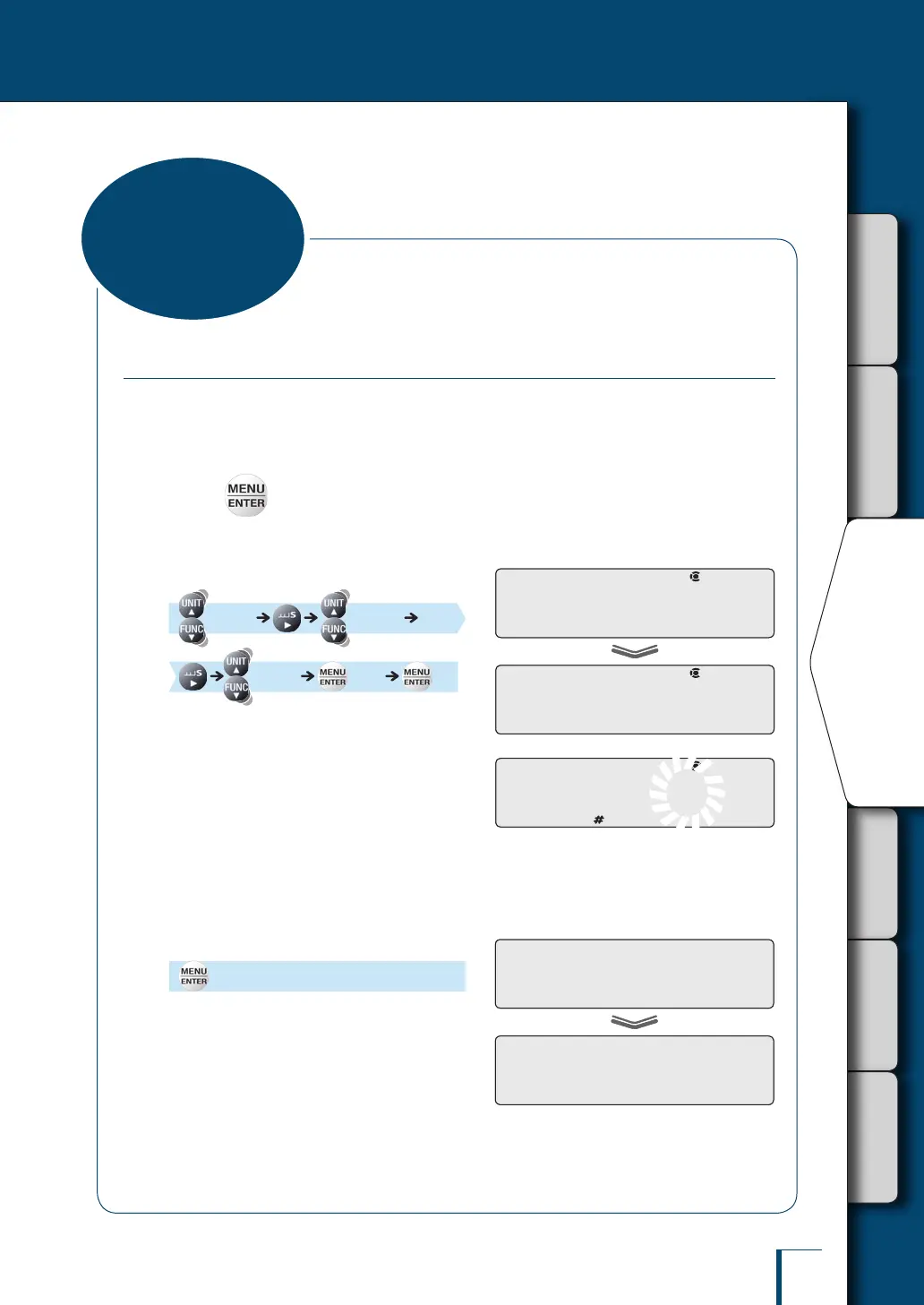
Returning to the Default Settings (Menu Reset)
If you want to return the menu settings to the default settings, reset the menu.
The default settings are indicated by asterisks in the menu map (^ page 150) and on the menu
map sheet.
1
Press in the weighing mode.
This opens the main menu.
2
Select menu reset.
[TOOLS] [SYSTEM]
[RESET] [OK?]
3
Enter the password.
The password is set to "9999" before shipment.
If the default setting is not changed, enter
"9999".
^
"Entering Numerical Values", page 49
^
"Changing the Password", page 141
4
Conrm.
[WAIT] [SET]
The default menu settings are reinstated and
the balance automatically returns to weighing
mode.
! !R!E!S!E!T
! !O!K!?!
! !R!E!S!E!T
! !O!K!?!
P!-! !0!0!0!0
/
/
/
/
/
/
/
/
/
/
/
/
/
/
P!-! !0!0!0!0
/
/
/
/
/
/
/
/
/
/
/
/
/
/
! !W!A!I!T
! !S!E!T!
! !W!A!I!T
! !S!E!T!
Convenient
Functions for Menu
Setting



 To Next Page